Trusted by 14,000+ creators worldwide

AI Cast & Squad Reveal Generator

Create viral cast reveals and team lineup videos instantly. Perfect for showcasing #dwts stars, #laliga squads, or #blackpink members for the #newseason.

  • Start from text in seconds
  • AI voiceover
  • Auto-selects visuals
  • Captions and sound-ready
509 people used this tool in the last 24h
Start for free.(no credit card required)

or explore our 42+ other tools to create the exact video you want

Explore our tools

AI Magic

Turn simple ideas into
incredible videos

YOUR IDEA
Your Prompt

Script automatically generated by Revid

Miraculously survived 3 days lost in the wilderness thanks to a female wolf who guided me back to civilization. She appeared the first night when I was freezing and terrified, curling up next to me for warmth. Each morning she'd wait for me to wake up, leading me to water sources and safer paths. I followed her instinctively, somehow knowing she was trying to help. On the third day, she led me straight to a hiking trail where rescue teams found me. The rangers said they'd never seen anything like it - wolf tracks alongside my footprints the entire way. Still gives me chills thinking how this wild creature chose to protect me.
Visual FormatAI Video
Characters
Voice 1
FINAL VIDEO

Create Viral Cast & Squad Reveals in 3 Simple Steps

1 Describe Your Squad or Cast

Enter a description of the team, band, or cast you want to reveal. List key members, roles, or the specific vibe you want (e.g., 'intimidating defense', 'glamorous ballroom dancers', 'K-pop idols'). You can also use [bracketed text] to specify visual details like team colors or outfits.

2 Select Visual Style & Audio

Choose between 'AI Video' for fully generated motion clips or 'Moving AI Images' for a stylized, animated photo effect. Select a dramatic 'Epic Trailer' soundtrack or upload your own hype music. You can also choose an AI voiceover to announce the names like a pro broadcaster.

3 Generate and Share the Hype

Click 'Generate Video' and let our AI director create a cinematic sequence with dynamic camera moves and dramatic lighting. Once ready, use the editor to add text overlays for names and roles, then download your viral-ready reveal for TikTok, Instagram, or YouTube.

Example Videos

See What You Can Create with AI Cast & Squad Reveal Generator

Explore different styles and possibilities with our AI Cast & Squad Reveal Generator

Sports Squad Lineups

Generate professional starting XI reveals for #laliga and #kickoff. Showcase player positions and team kits with broadcast-quality visuals.
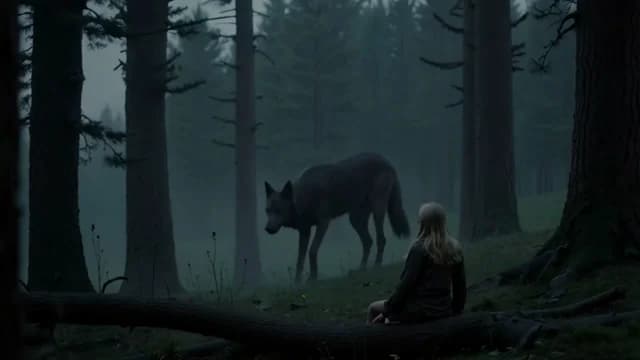
  • Broadcast-style player cards and intros
  • Dynamic stadium atmosphere visuals
  • Perfect for fantasy league content
  • Team color customization
Sports Squad Lineups

Reality TV Cast Reveals

Create glamorous introductions for #dwts and talent shows. Highlight costumes, dance styles, and celebrity partners with cinematic flair.
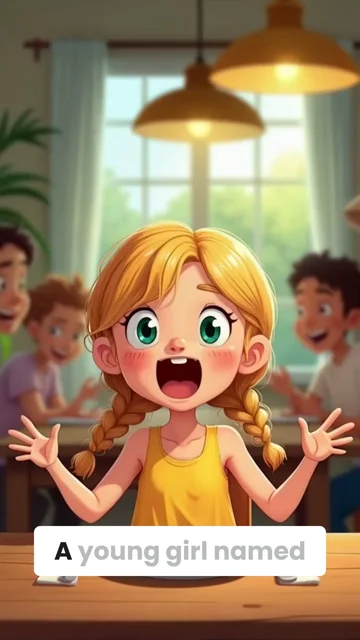
  • Glamorous spotlight effects
  • Costume and makeup detail focus
  • Dramatic stage lighting
  • Exciting contestant introductions
Reality TV Cast Reveals

Music Group Showcases

Introduce band members or idol groups like #blackpink. Create stylish, music-video quality character reveals for the #konsermusik season.
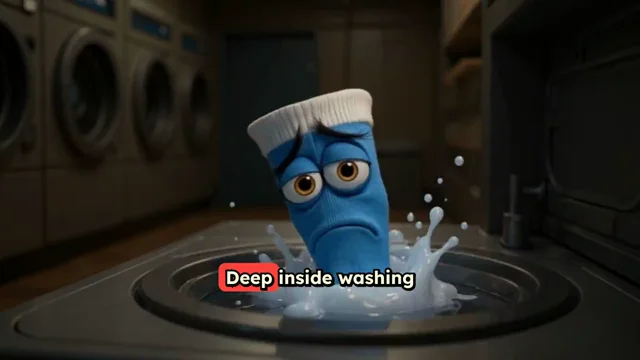
  • High-fashion visual style
  • Music video aesthetic
  • Individual member spotlights
  • Concert tour hype generation
Music Group Showcases
FAQs

Frequently Asked Questions

What is the AI Cast & Squad Reveal Generator?
The AI Cast & Squad Reveal Generator is a specialized tool designed to create high-energy, cinematic introduction videos for groups of people. Whether you are announcing a starting XI for a sports team, revealing the cast of a reality show like #dwts, or showcasing members of a music group like #blackpink, this tool uses AI to generate professional-looking lineups with dynamic camera movements and dramatic lighting.
How do I create a team lineup or cast reveal video?
It's incredibly simple! First, describe the group you want to introduce in the prompt box—mention the context (e.g., 'football team lineup', 'season premiere cast'). Next, choose your media type: 'AI Video' for full motion or 'Moving AI Images' for animated portraits. Select a hype track, and hit generate. Our AI acts as a broadcast director, creating individual shots that build up to a full squad reveal.
What kind of reveals can I make with this tool?
The possibilities are endless! You can create sports roster announcements (like #laliga or fantasy leagues), reality TV contestant reveals, K-pop or band member showcases, RPG character party introductions, or even corporate team presentations. If it involves introducing a group of people with style, this tool can do it.
What is the difference between 'AI Video' and 'Moving AI Images'?
We offer two distinct visual styles. 'AI Video' generates unique, fully animated video clips from scratch, perfect for fluid motion and action shots. 'Moving AI Images' creates high-quality static imagery with added motion effects (like parallax or subtle animation), which is ideal for a polished, high-fashion, or portrait-style character introduction.
Can I customize the visual style of the reveal?
Yes! You can guide the AI's visual output using your prompt. Use [square brackets] to dictate specific elements like [red jerseys], [neon stage lights], or [vintage film grain]. The AI is programmed to use dynamic camera moves like pans, zooms, and trucks to give your video a broadcast-quality feel.
Is this tool suitable for TikTok and Instagram Reels?
Absolutely. The AI Cast Reveal Generator is optimized for vertical video formats (9:16 aspect ratio), making it perfect for TikTok, Instagram Reels, and YouTube Shorts. The fast-paced, high-energy editing style is specifically designed to grab attention on social media feeds.
Can I add names and roles to the characters?
Yes, once the video is generated, you can use Revid AI's built-in video editor to add text overlays. This allows you to display player names, positions, cast roles, or band member names on screen as they appear in the video, ensuring your audience knows exactly who is being revealed.
How much does it cost to generate a squad reveal video?
The cost depends on your subscription plan and the settings used. Generally, creating a video consumes credits from your monthly allowance. 'AI Video' generation may cost differently than 'Moving AI Images' due to processing power. You will always see the estimated credit cost before you hit the generate button.
Can I use my own music or voiceover?
Definitely. While we provide a default 'Epic Trailer' audio to build hype, you can upload your own music track to match your team's anthem or show's theme. You can also record your own voiceover to announce the lineup yourself, or use one of our intense AI narrator voices.
How long does it take to generate the video?
Generation typically takes just a few minutes. The AI needs a moment to render the complex visual effects, lighting, and character animations. You'll receive a notification as soon as your cinematic squad reveal is ready to view, edit, and download.
View Complete Help Center

Find detailed answers to 100+ questions about features, tools, and workflows

or check our markdown version optimized for LLMs

Tools

Free AI Video Tools

Choose your tool, add your content, and create a video in seconds. Then customize it to your liking.

AI TikTok Video Generator

Turn text into trendy, viral TikTok videos in a snap

Try it out

Prompt to Video

Turn your prompts into engaging videos with AI assistance

Try it out

Add Caption to Video

Generate subtitles in 100+ languages with AI captions

Try it out

PDF to Brainrot

Convert PDFs into attention-grabbing, scrollable videos

Try it out

Text to Brainrot

Turn your text into trendy, scrollable content with dynamic visuals

Try it out

AI Talking Avatar

Create lifelike talking avatars from text in seconds

Try it out

Video Podcast Generator

Transform your podcasts into visually engaging video content

Try it out

AI Movie Maker

Create studio-quality videos from text, no filming required

Try it out

Audio to Video

Make engaging videos from your podcasts, interviews, or any audio content

Try it out

Animated Lyrics Video Generator

Turn any song into an animated lyric video with synced text and visuals.

Try it out

AI Music Video Generator

Transform your music into cinematic music videos.

Try it out

AI Lyrics Video Generator

Transform your lyrics into a complete music video with AI

Try it out
See all tools
How it works

Four simple steps to create and share your video

1
Step 1

Find your next viral idea

Lacking inspiration? Our AI spots trends and helps you adapt them for your own videos, hassle-free.
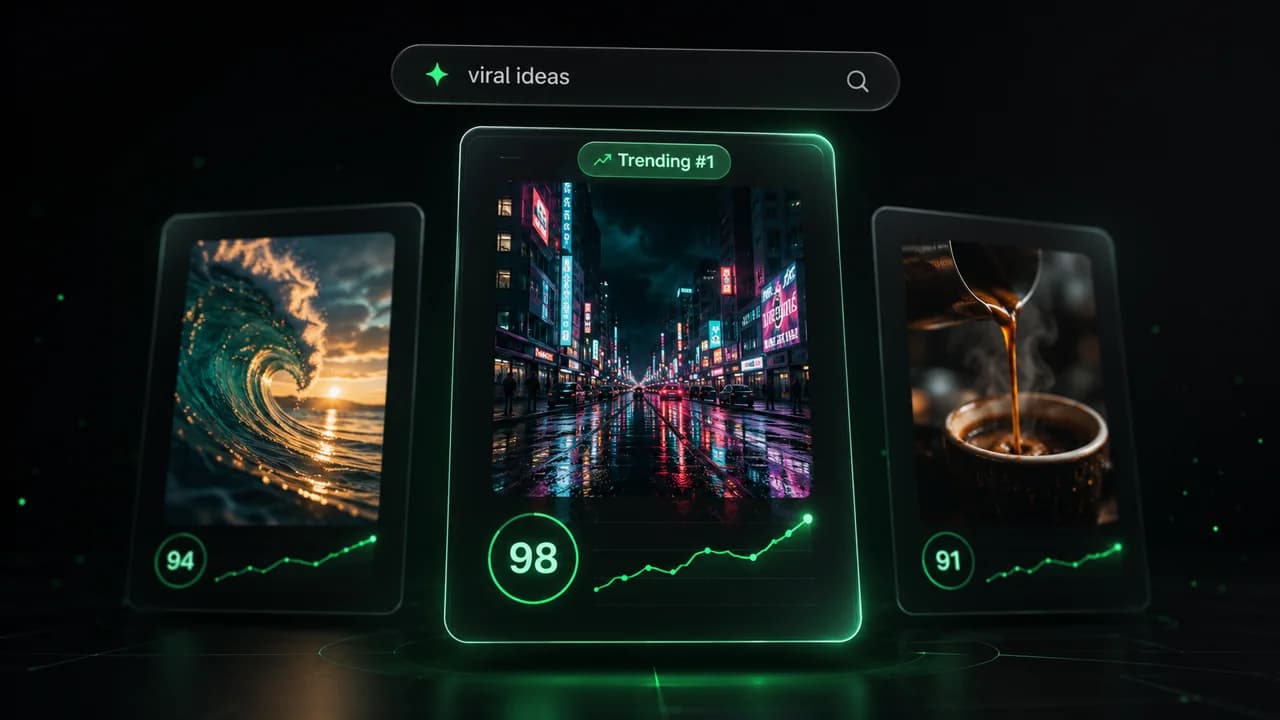
  • Identify the best performing formats
  • Get inspired by top creators
  • Turn your ideas into captivating videos
Find your next viral idea
2
Step 2

Storytelling designed to captivate

Revid.ai analyzes viral videos and uses those same codes to write your scripts.
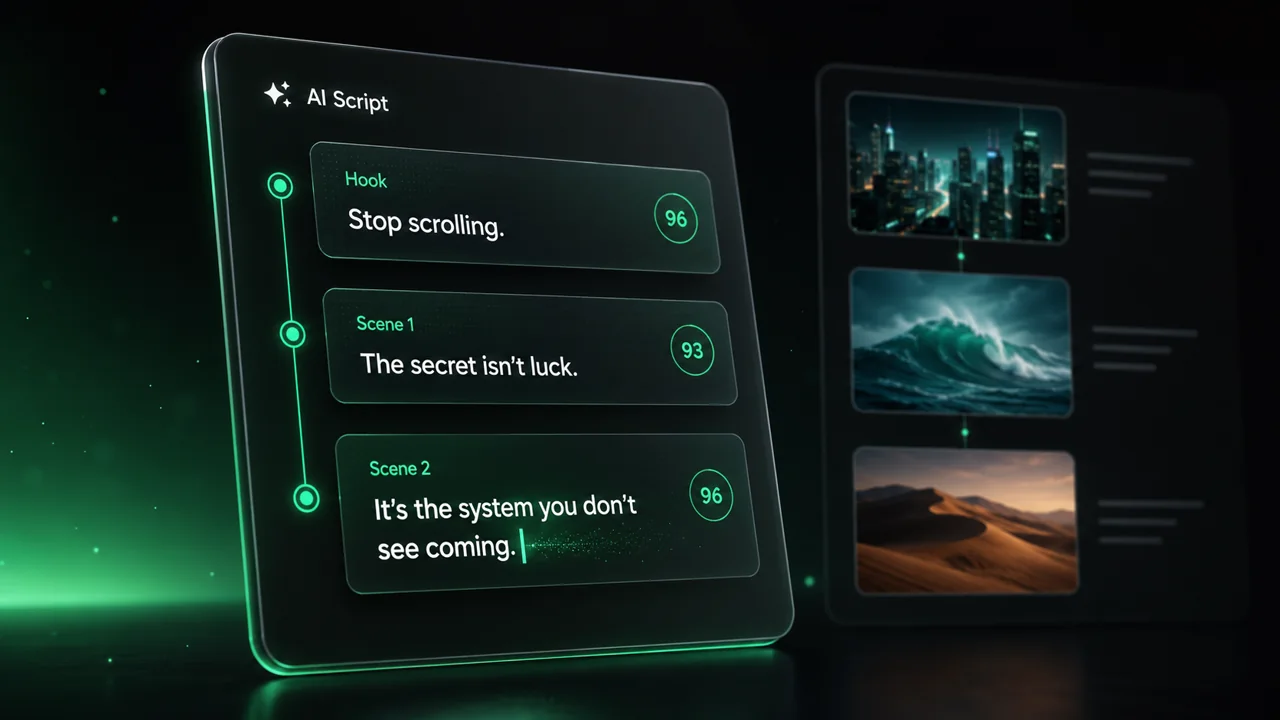
  • Write your script or just give the topic to our AI
  • The AI will suggest relevant content to inspire you
  • Paste a link, our AI analyzes it and turns it into a video
Storytelling designed to captivate
3
Step 3

Videos you will love

Create professional videos, share them with one click, and grow your audience.
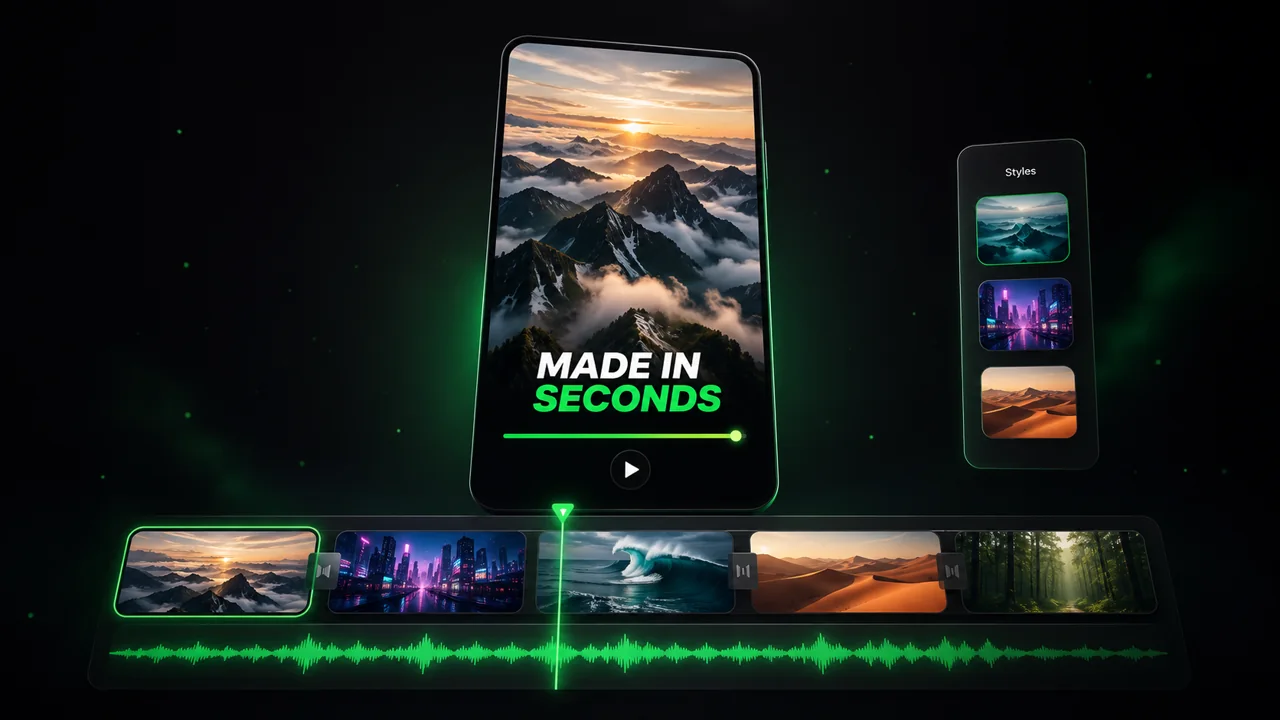
  • Watch your texts turn into professional videos
  • Automate video creation from your content
Videos you will love
4
Step 4

Publish on TikTok, YouTube, Instagram and more

Reach a wider audience by sharing your videos across all your networks.
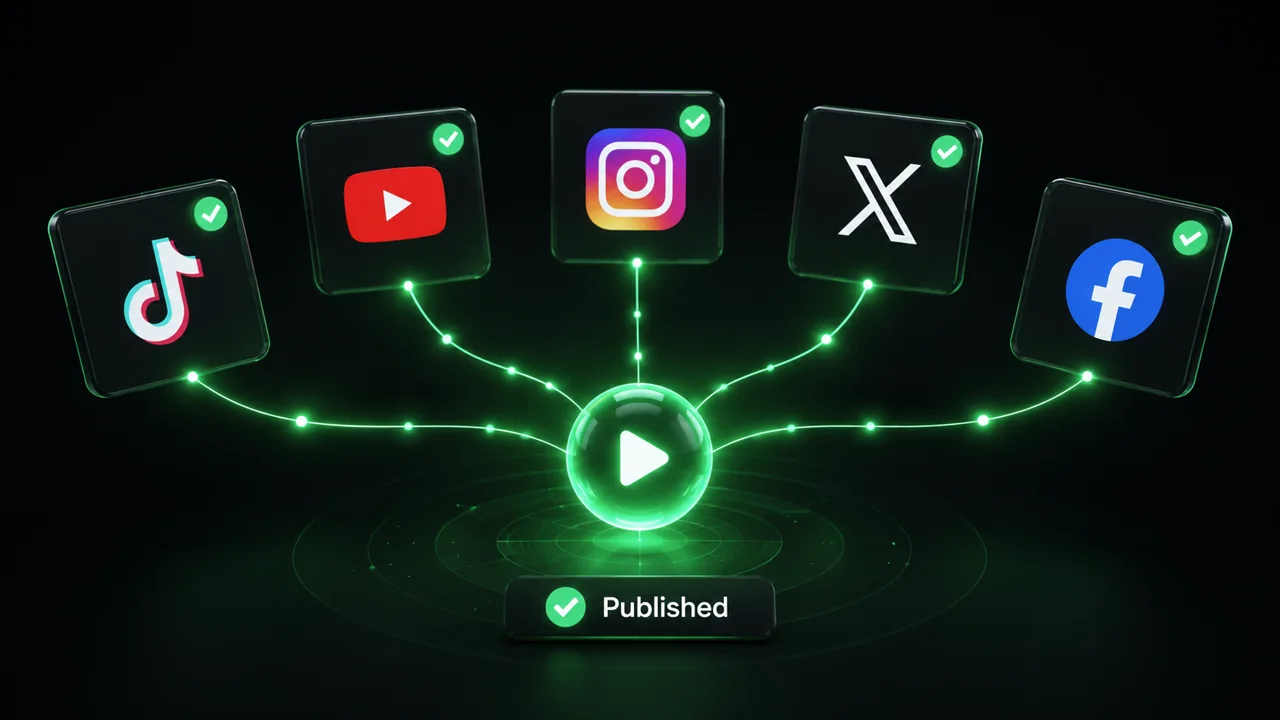
Publish on TikTok, YouTube, Instagram and more
revid.ai logo

The fastest way to create captivating videos.
