Trusted by 14,000+ creators worldwide

AI Free Fire Video Generator

Instantly create viral #freefire gaming montages. Describe your epic gameplay moments, and our AI generates dynamic video edits with fast cuts, effects, and trending sounds.

  • Start from text in seconds
  • AI voiceover
  • Auto-selects visuals
  • Captions and sound-ready
766 people used this tool in the last 24h
Start for free.(no credit card required)

Related tools you might like:

or explore our 42+ other tools to create the exact video you want

Explore our tools

Create Viral Free Fire Montages in 3 Epic Steps

1 Describe Your Epic Moment

Tell our AI about your best Free Fire play. Type in a description of your epic moment, like an 'insane 1v4 clutch with a final AWM headshot' or a 'fast-paced squad wipe montage'. The more detail you provide, the better your AI-generated video will be.

2 Select Your Pro-Edit Style

Choose your visual style—either dynamic AI video or slick moving AI images. Then, pick the perfect soundtrack for your montage from our library of high-energy, trending sounds, including phonk and trap, to match the intensity of your gameplay.

3 Generate & Dominate Socials

Hit 'Generate Video' and our AI will instantly create a professional-grade Free Fire montage. In minutes, you'll have a video with fast cuts, dramatic slow-motion, and stunning visual effects, perfectly optimized for TikTok, YouTube Shorts, and Instagram Reels.

FAQs

Frequently Asked Questions

What is the AI Free Fire Video Generator?
Our AI Free Fire Video Generator is a revolutionary tool that transforms your text descriptions into stunning, viral-ready gaming montages. You don't need any gameplay footage or video editing skills. Just describe an epic Free Fire moment, and our AI video editor creates a dynamic clip with pro effects, fast cuts, and trending music, ready for TikTok.
How do I create a Free Fire montage with this tool?
Making a Free Fire montage is easy. First, write a prompt describing the action you want to see, like 'A player gets a long-range sniper headshot in slow motion.' Second, choose your media type (AI video or moving images) and select a high-energy background track. Finally, click 'Generate Video,' and our AI will produce your epic Free Fire video in minutes.
Do I need to upload my own Free Fire gameplay footage?
No, you don't need any of your own footage! That's the magic of our AI Free Fire video maker. It's a prompt-to-video tool that generates all the visuals from scratch based purely on your text description. This allows you to create endless epic Free Fire moments without ever having to record your screen.
What kind of Free Fire moments can I create videos of?
You can create videos of any Free Fire scenario you can imagine. Our AI gaming video editor excels at generating action-packed scenes like 1v4 clutch situations, incredible headshot compilations, intense squad wipes, and dramatic sniper shots. If you can describe it, our AI can create it.
How can I make my video look like a professional gaming edit?
For the best results, be specific in your prompt. Mention weapons (e.g., AWM, MP40), actions (e.g., 'jump shot', 'crouching'), and desired effects (e.g., 'slow-motion', 'dramatic zoom'). Our AI is trained to replicate viral gaming edits, automatically adding fast cuts, screen shakes, and impact effects to make your montage look professional.
Can I choose the music for my Free Fire montage?
Absolutely! We have a curated library of high-energy, trending audio tracks perfect for Free Fire video edits, including popular genres like phonk and trap. A great soundtrack is key to a viral gaming clip, and our tool makes it easy to find the perfect one to match the action.
How much does it cost to use the Free Fire Video Maker?
The cost of generating a video is based on our credit system. The exact number of credits depends on your selected settings and video length. New users receive free credits to try out the Free Fire montage maker, and you can get more by subscribing to one of our plans. Check our pricing page for details.
How long does it take to create a video?
Our AI works fast to get your content ready. Most Free Fire montages are generated in just a few minutes. You'll receive an email notification as soon as your video is processed and ready to be viewed, edited, or downloaded.
Can I edit the AI-generated video?
Yes! Once your Free Fire clip is generated, you can use Revid AI's powerful built-in editor to make final adjustments. You can trim scenes, change the timing of captions, and fine-tune your video to perfection before sharing it with the world.
Are the videos from this generator ready to be shared on TikTok?
Yes, they are perfectly optimized for social media. All videos are created in a 9:16 vertical aspect ratio, which is the ideal format for TikTok, YouTube Shorts, and Instagram Reels. You can download your viral Free Fire clip and upload it directly to your favorite platforms.
View Complete Help Center

Find detailed answers to 100+ questions about features, tools, and workflows

or check our markdown version optimized for LLMs

Tools

Free AI Video Tools

Choose your tool, add your content, and create a video in seconds. Then customize it to your liking.

AI TikTok Video Generator

Turn text into trendy, viral TikTok videos in a snap

Try it out

Prompt to Video

Turn your prompts into engaging videos with AI assistance

Try it out

Add Caption to Video

Generate subtitles in 100+ languages with AI captions

Try it out

PDF to Brainrot

Convert PDFs into attention-grabbing, scrollable videos

Try it out

Text to Brainrot

Turn your text into trendy, scrollable content with dynamic visuals

Try it out

AI Talking Avatar

Create lifelike talking avatars from text in seconds

Try it out

Video Podcast Generator

Transform your podcasts into visually engaging video content

Try it out

AI Movie Maker

Create studio-quality videos from text, no filming required

Try it out

Audio to Video

Make engaging videos from your podcasts, interviews, or any audio content

Try it out

Animated Lyrics Video Generator

Turn any song into an animated lyric video with synced text and visuals.

Try it out

AI Music Video Generator

Transform your music into cinematic music videos.

Try it out

AI Lyrics Video Generator

Transform your lyrics into a complete music video with AI

Try it out
See all tools
How it works

Four simple steps to create and share your video

1
Step 1

Find your next viral idea

Lacking inspiration? Our AI spots trends and helps you adapt them for your own videos, hassle-free.
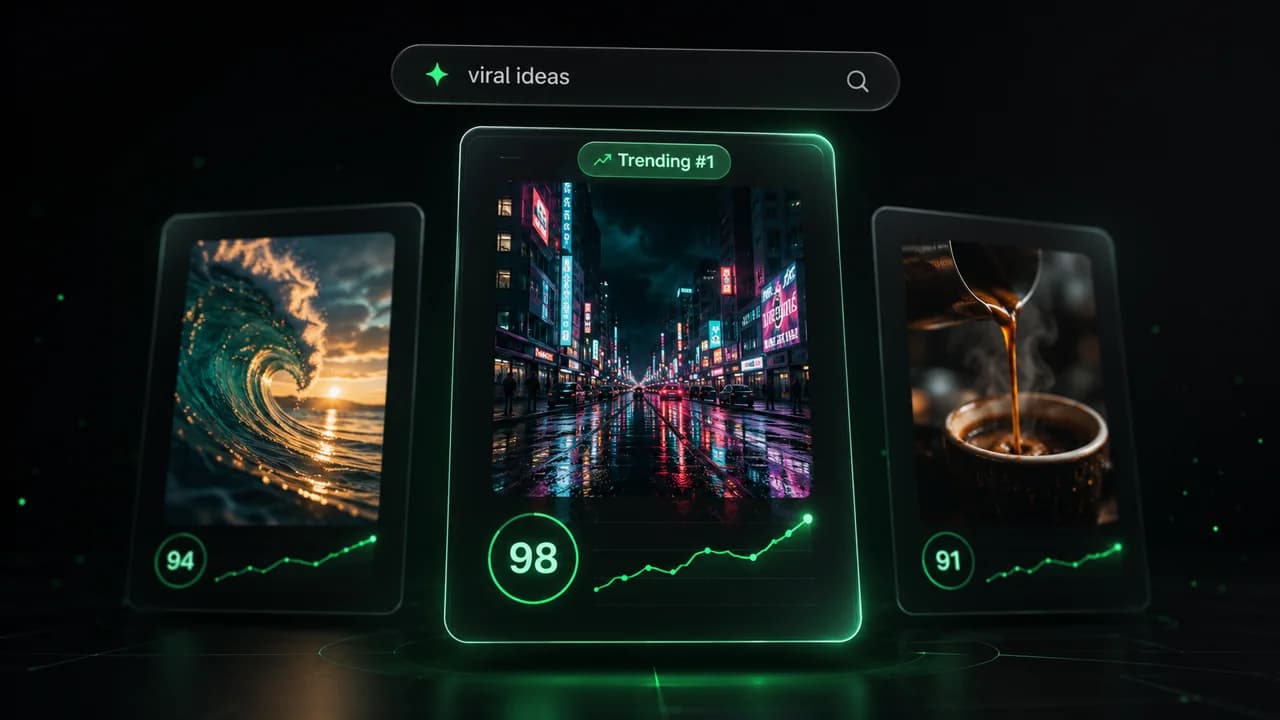
  • Identify the best performing formats
  • Get inspired by top creators
  • Turn your ideas into captivating videos
Find your next viral idea
2
Step 2

Storytelling designed to captivate

Revid.ai analyzes viral videos and uses those same codes to write your scripts.
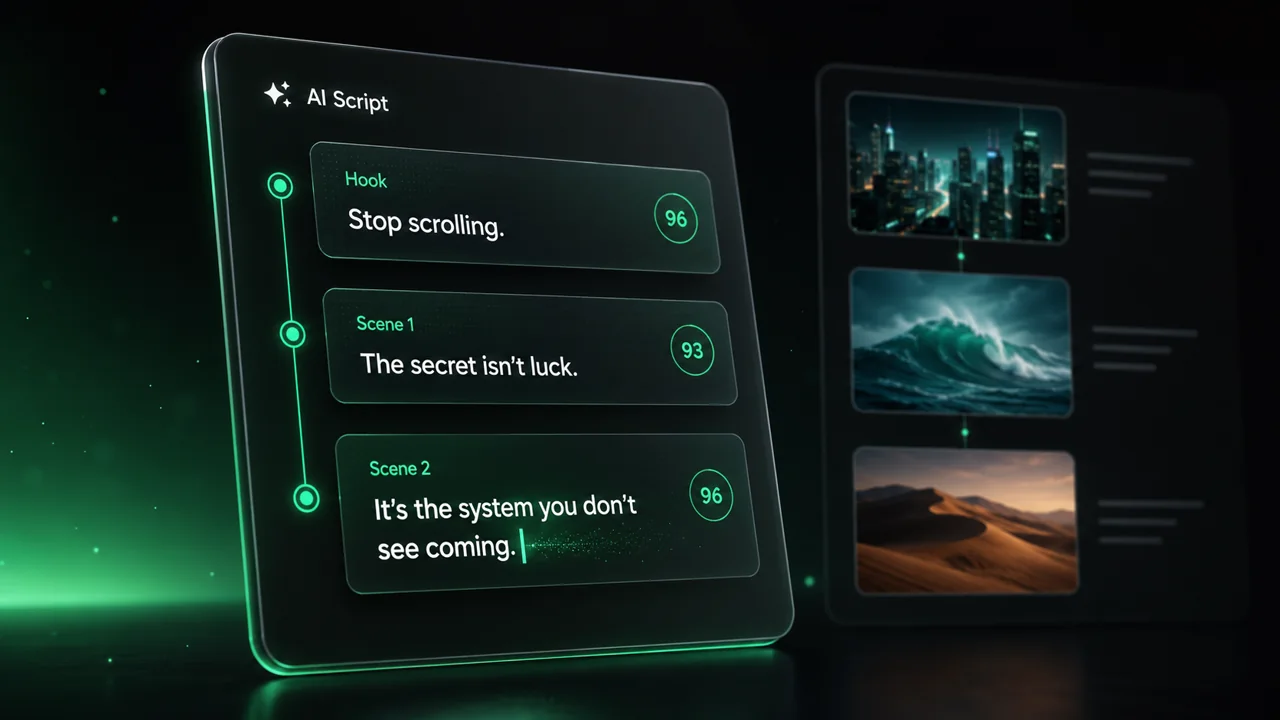
  • Write your script or just give the topic to our AI
  • The AI will suggest relevant content to inspire you
  • Paste a link, our AI analyzes it and turns it into a video
Storytelling designed to captivate
3
Step 3

Videos you will love

Create professional videos, share them with one click, and grow your audience.
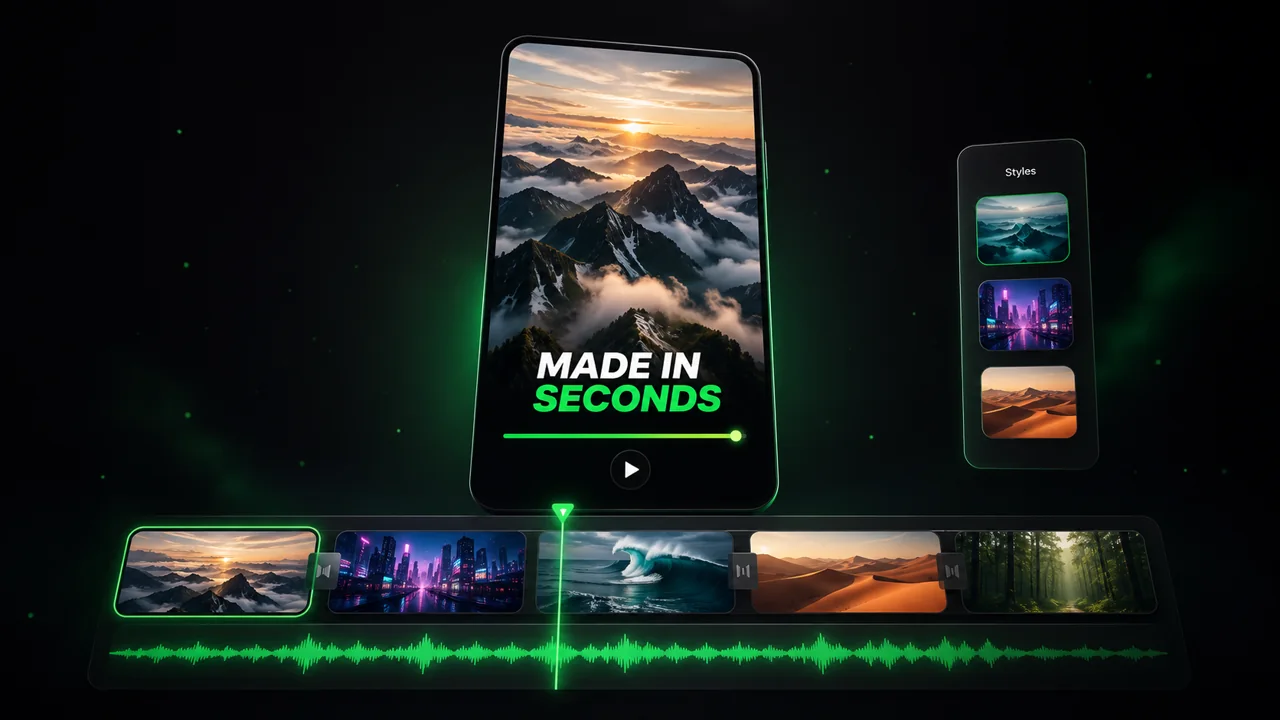
  • Watch your texts turn into professional videos
  • Automate video creation from your content
Videos you will love
4
Step 4

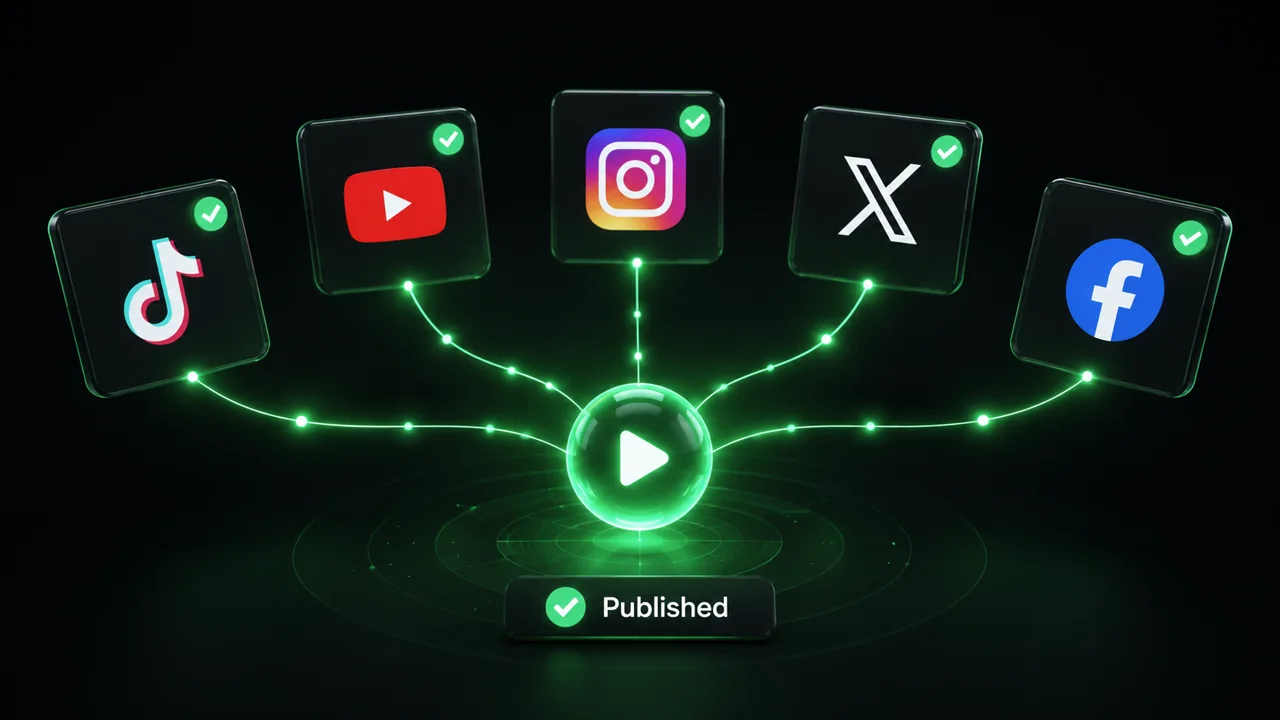
Publish on TikTok, YouTube, Instagram and more

Reach a wider audience by sharing your videos across all your networks.
Publish on TikTok, YouTube, Instagram and more
revid.ai logo

The fastest way to create captivating videos.
