Trusted by 14,000+ creators worldwide

AI Tech Leak Video Generator

Instantly create viral fake tech leak videos for #ios26 and #iphone17promax. Describe a rumored feature, and our AI generates a grainy, 'spy-shot' style video with a hushed, speculative voiceover, perfect for tech rumor channels.

  • Start from text in seconds
  • AI voiceover
  • Auto-selects visuals
  • Captions and sound-ready
2,059 people used this tool in the last 24h
Start for free.(no credit card required)

Related tools you might like:

or explore our 42+ other tools to create the exact video you want

Explore our tools

Create Viral Tech Leak Videos in 3 Simple Steps

1 Describe Your Secret Leak

Start by writing a prompt describing the tech rumor you want to visualize. Be specific! Mention the device (e.g., 'iPhone 17 Pro Max'), the feature ('holographic display'), and the environment ('blurry, on a lab bench'). This is how you direct our AI tech leak video generator.

2 Select the 'Spy-Shot' Style

Choose the perfect hushed, speculative AI voice to narrate your rumor. Our AI is trained to sound like an insider sharing a secret. Then, select your media type—AI-generated video or moving images—to get that authentic, grainy 'spy-shot' aesthetic.

3 Generate and Unleash the Rumor

Click 'Generate Video' and our AI will create your convincing tech leak video in minutes, complete with shaky-cam effects, low lighting, and digital noise. Once it's ready, edit it further or download it to go viral with your exclusive #ios26 or #appleleak content.

Example Videos

See What You Can Create with AI Tech Leak Video Generator

Explore different styles and possibilities with our AI Tech Leak Video Generator

Generate Viral iPhone 17 Pro Max 'Leak' Videos

Create convincing, grainy 'spy-shot' videos of the rumored #iphone17promax. Describe a feature like a no-port design or a periscope camera, and generate a video that looks like a real factory leak.

  • Realistic 'spy-shot' and 'leaked' aesthetic
  • Hushed, speculative voiceover style
  • Perfect for #iphone17promax and #appleleak trends
  • Grainy, low-light, and shaky-cam effects
Generate Viral iPhone 17 Pro Max 'Leak' Videos

Create Speculative iOS 26 Feature Reveals

Visualize the next generation of iOS. Generate 'secretly recorded' videos showcasing hypothetical #ios26 features, like interactive widgets or AI integrations, to fuel speculation and go viral.

  • Visualize unreleased software features
  • Authentic 'screen recording' leak style
  • Drive engagement with #ios26 rumors
  • Create content for tech commentary channels
Create Speculative iOS 26 Feature Reveals

Leak the Next Big Thing in Tech

Don't just talk about tech rumors—show them. Generate leak-style videos for any rumored gadget, from foldable tablets to AR glasses. Become the go-to source for the next big leak.

  • Applicable to any rumored gadget or tech
  • Builds credibility and a following for tech channels
  • Highly shareable and viral-ready format
  • Unique style that stands out from polished concepts
Leak the Next Big Thing in Tech
FAQs

Frequently Asked Questions

What is the AI Tech Leak Video Generator?
This tool is a specialized AI video maker designed to create realistic, fake tech leak and rumor videos. You simply describe a rumored product or feature, and our AI generates a short, grainy, 'spy-shot' style video with a speculative voiceover, perfect for creating viral content for your tech channel on TikTok, YouTube, or Instagram.
How can I make my video look like a real tech leak?
The key is in your prompt! To create a convincing spy shot video, describe the aesthetic. Use words like 'shaky camera,' 'blurry zoom,' 'grainy quality,' 'filmed secretly under a desk,' or 'on a factory floor.' The more detail you give the AI about the 'leaked' style, the more authentic your tech rumor video will look.
Is this tool only for iPhone and iOS rumors?
While it's perfect for creating iPhone 17 leak videos and iOS 26 rumor concepts, you can use it for any gadget imaginable! From foldable Google Pixel phones and Samsung AR glasses to unannounced gaming consoles, if you can dream up a rumor, our AI video generator can help you visualize it.
Why do the generated videos look low-quality and shaky?
That's the magic! The grainy, shaky, and low-light appearance is a deliberate feature, not a flaw. This 'spy-shot' aesthetic is what makes the videos look like authentic, secretly recorded leaks, which is crucial for making them believable and shareable. A polished, clean video wouldn't feel like a real leak.
What's the best way to write a prompt for this tool?
Be descriptive and set the scene. Instead of just 'a foldable iPhone,' try: 'A short, shaky-cam video of the new iPhone 17 Fold. It's seen quickly on a messy workbench, the screen is slightly smudged, and it's quickly hidden away.' This level of detail helps our AI director create a much more convincing fake tech leak video.
Can I use my own voice for the narration?
Yes! While the tool is optimized with a default hushed, speculative voice to fit the 'leaker' theme, you have the flexibility to record your own voiceover directly in the tool or upload a pre-recorded audio file. This allows you to add your own unique personality to your tech rumor videos.
What visual styles can I choose from?
Our AI Tech Leak Video Generator offers two main visual styles to achieve the perfect look: 'AI Video' and 'Moving AI Images'. 'AI Video' generates unique, short video clips for the most dynamic result, while 'Moving AI Images' creates still images with motion effects like panning and zooming. Both are designed to produce that signature grainy, spy-shot quality.
How are credits used for this tool?
Generating a video with the AI Tech Leak Video Generator uses credits from your Revid AI account. The exact credit cost depends on the video's length and the options you select, like using AI video generation. You can see the estimated cost before you generate. Our subscription plans offer various credit amounts, and free accounts receive starter credits.
Can I use these videos for my monetized YouTube channel?
Absolutely. The videos you create are perfect for tech rumor channels and can be used for commercial purposes, including monetized content on YouTube, TikTok, and other platforms. Just ensure you're following our terms of service. This tool is designed to help you create engaging content and grow your audience.
How long does it take for the AI to make the video?
Video generation is surprisingly fast. Most tech leak videos are ready in just a few minutes. The complexity of your prompt and the video length can affect the time slightly. We'll send you an email as soon as your video is ready to be viewed, edited, or downloaded.
Can I edit the video after the AI generates it?
No problem. Every video created on Revid AI is fully editable. After your spy-shot video is generated, you can use our built-in video editor to trim clips, adjust the timing, add text overlays (like a 'CONFIDENTIAL' watermark), or change the background music to perfect your creation before sharing it with the world.
Where should I share the videos I create?
These videos are optimized for short-form video platforms where tech rumors thrive. They are perfect for TikTok, YouTube Shorts, and Instagram Reels. The 9:16 vertical format is ideal for mobile viewing, helping you capture attention and generate buzz around hashtags like #iphone17promax and #ios26.
View Complete Help Center

Find detailed answers to 100+ questions about features, tools, and workflows

or check our markdown version optimized for LLMs

Tools

Free AI Video Tools

Choose your tool, add your content, and create a video in seconds. Then customize it to your liking.

AI TikTok Video Generator

Turn text into trendy, viral TikTok videos in a snap

Try it out

Prompt to Video

Turn your prompts into engaging videos with AI assistance

Try it out

Add Caption to Video

Generate subtitles in 100+ languages with AI captions

Try it out

PDF to Brainrot

Convert PDFs into attention-grabbing, scrollable videos

Try it out

Text to Brainrot

Turn your text into trendy, scrollable content with dynamic visuals

Try it out

AI Talking Avatar

Create lifelike talking avatars from text in seconds

Try it out

Video Podcast Generator

Transform your podcasts into visually engaging video content

Try it out

AI Movie Maker

Create studio-quality videos from text, no filming required

Try it out

Audio to Video

Make engaging videos from your podcasts, interviews, or any audio content

Try it out

Animated Lyrics Video Generator

Turn any song into an animated lyric video with synced text and visuals.

Try it out

AI Music Video Generator

Transform your music into cinematic music videos.

Try it out

AI Lyrics Video Generator

Transform your lyrics into a complete music video with AI

Try it out
See all tools
How it works

Four simple steps to create and share your video

1
Step 1

Find your next viral idea

Lacking inspiration? Our AI spots trends and helps you adapt them for your own videos, hassle-free.
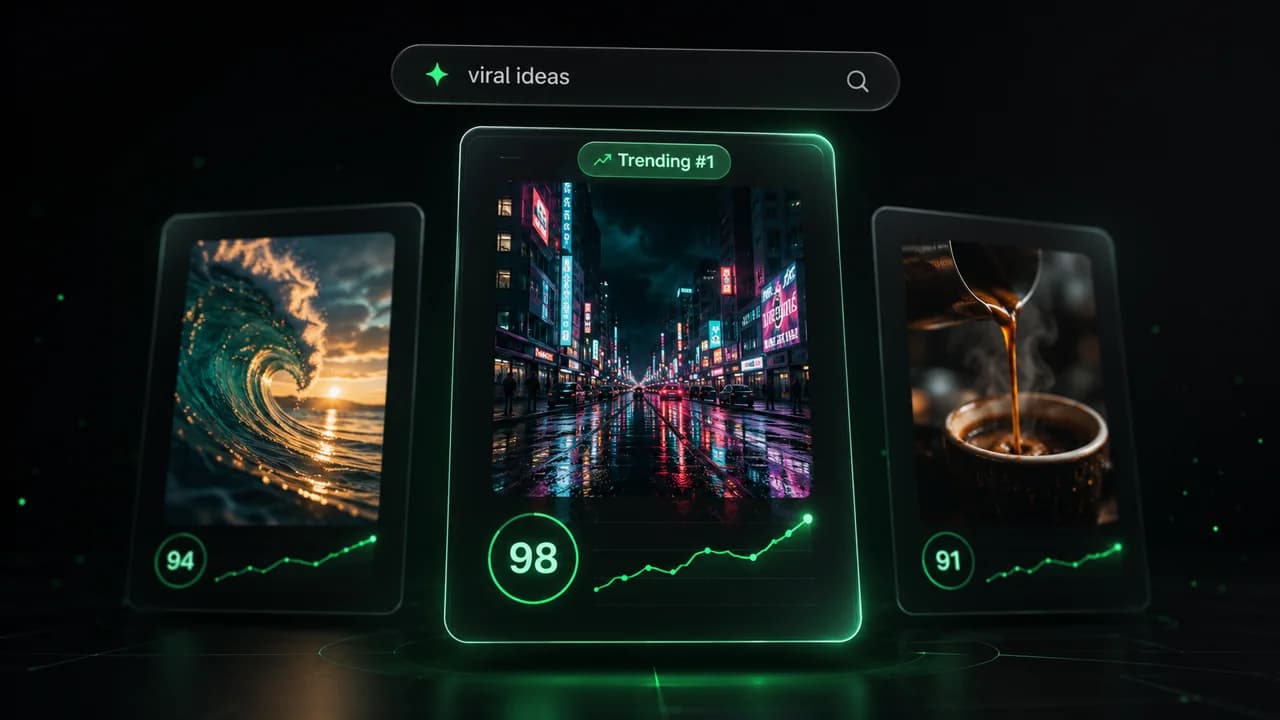
  • Identify the best performing formats
  • Get inspired by top creators
  • Turn your ideas into captivating videos
Find your next viral idea
2
Step 2

Storytelling designed to captivate

Revid.ai analyzes viral videos and uses those same codes to write your scripts.
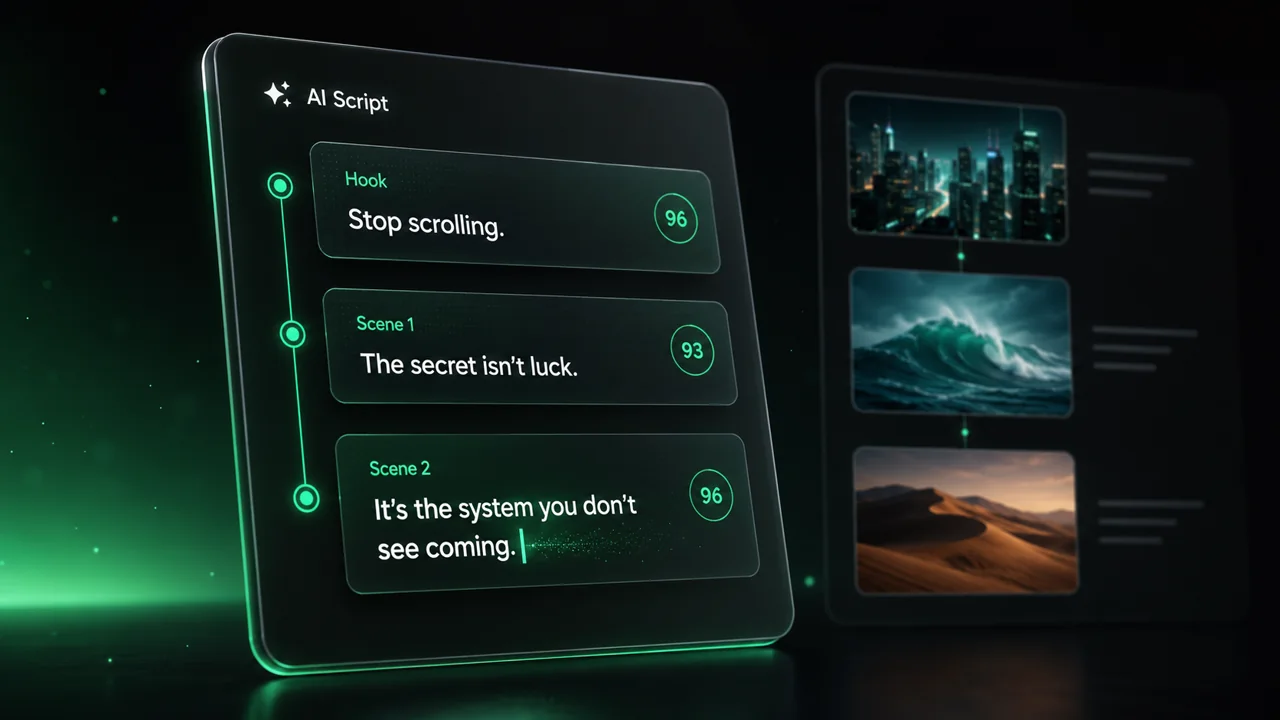
  • Write your script or just give the topic to our AI
  • The AI will suggest relevant content to inspire you
  • Paste a link, our AI analyzes it and turns it into a video
Storytelling designed to captivate
3
Step 3

Videos you will love

Create professional videos, share them with one click, and grow your audience.
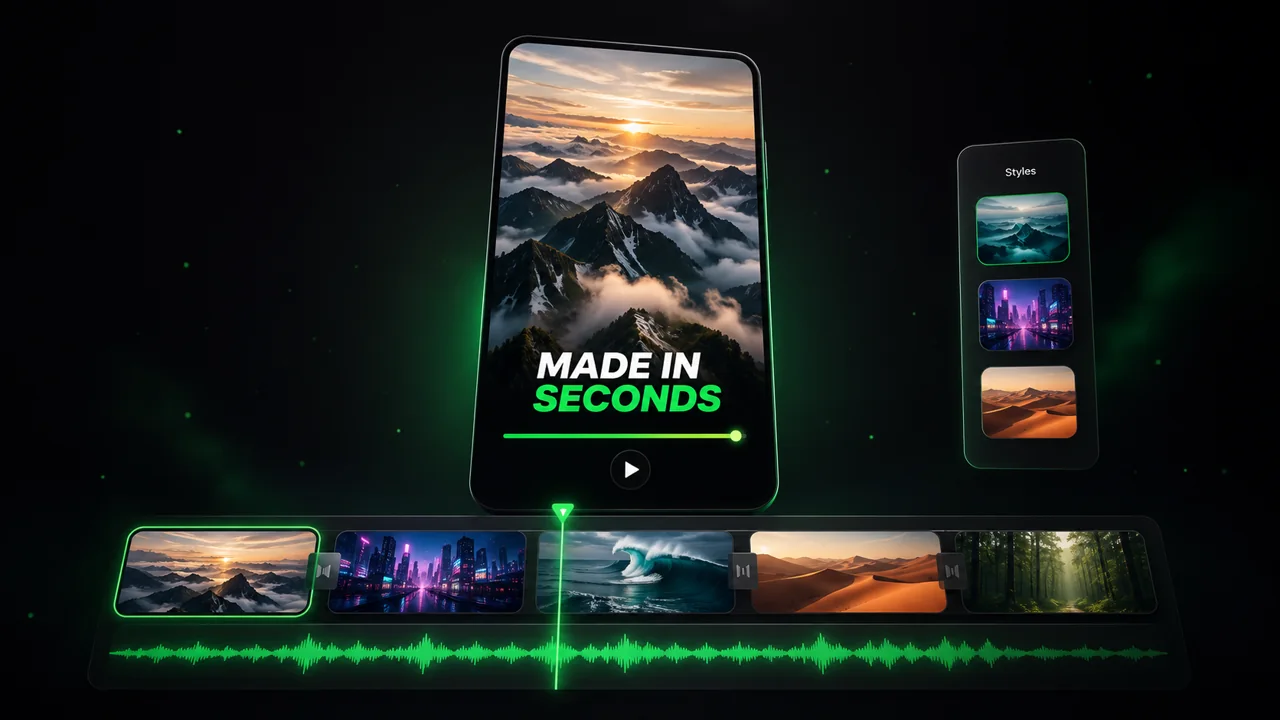
  • Watch your texts turn into professional videos
  • Automate video creation from your content
Videos you will love
4
Step 4

Publish on TikTok, YouTube, Instagram and more

Reach a wider audience by sharing your videos across all your networks.
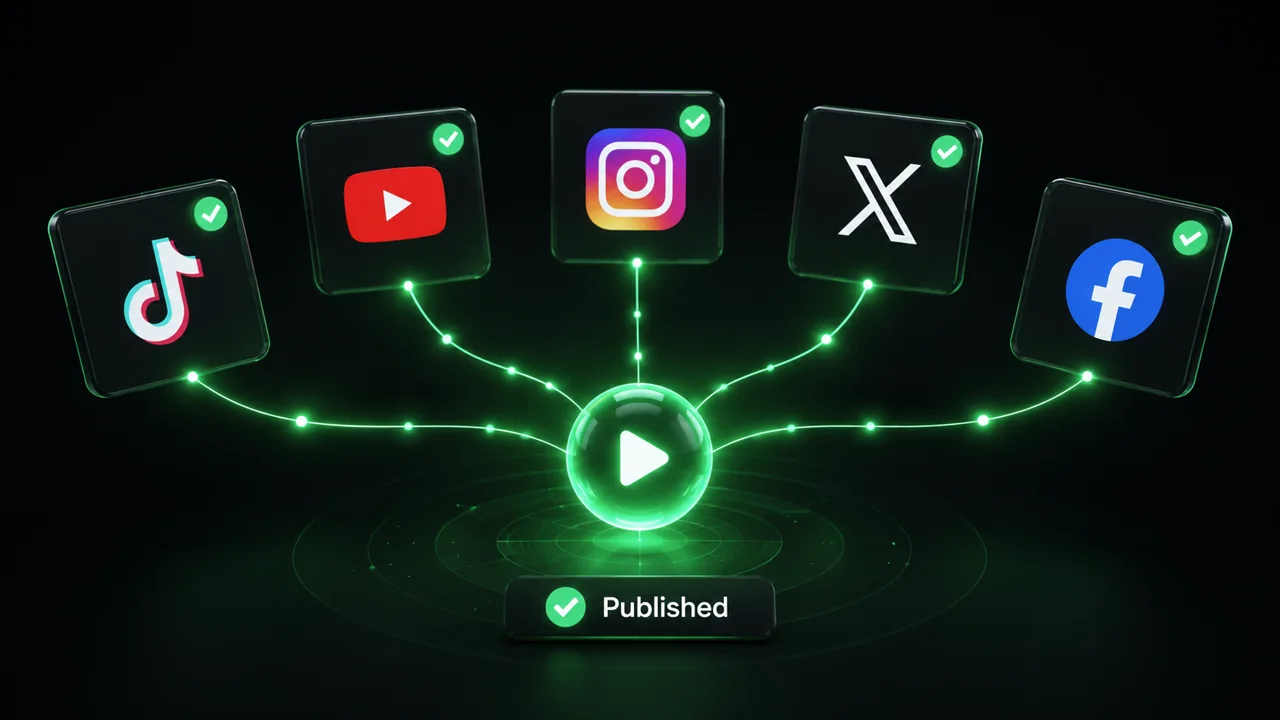
Publish on TikTok, YouTube, Instagram and more
revid.ai logo

The fastest way to create captivating videos.
