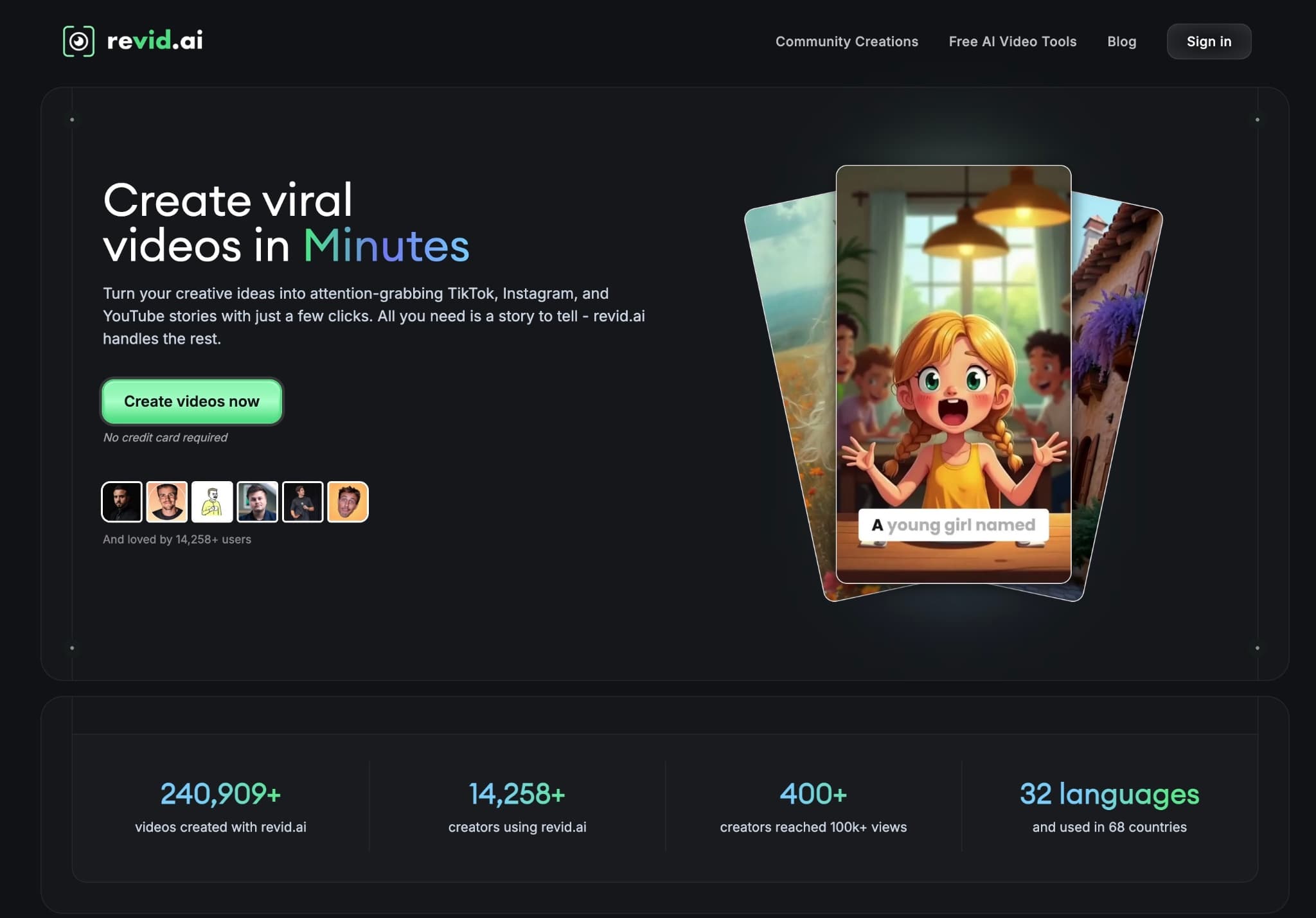
Trusted by 14,000+ creators worldwide

AI Black Friday Video Generator

Instantly create viral videos for your #blackfridaydeals. Describe your offer, and our AI will generate a high-energy ad with countdowns and bold text, perfect for the #bfcm and #redcupday shopping craze.

  • Start from text in seconds
  • AI voiceover
  • Auto-selects visuals
  • Captions and sound-ready
AI Magic

Turn simple ideas into
incredible videos

YOUR IDEA
Your Prompt

Script automatically generated by Revid
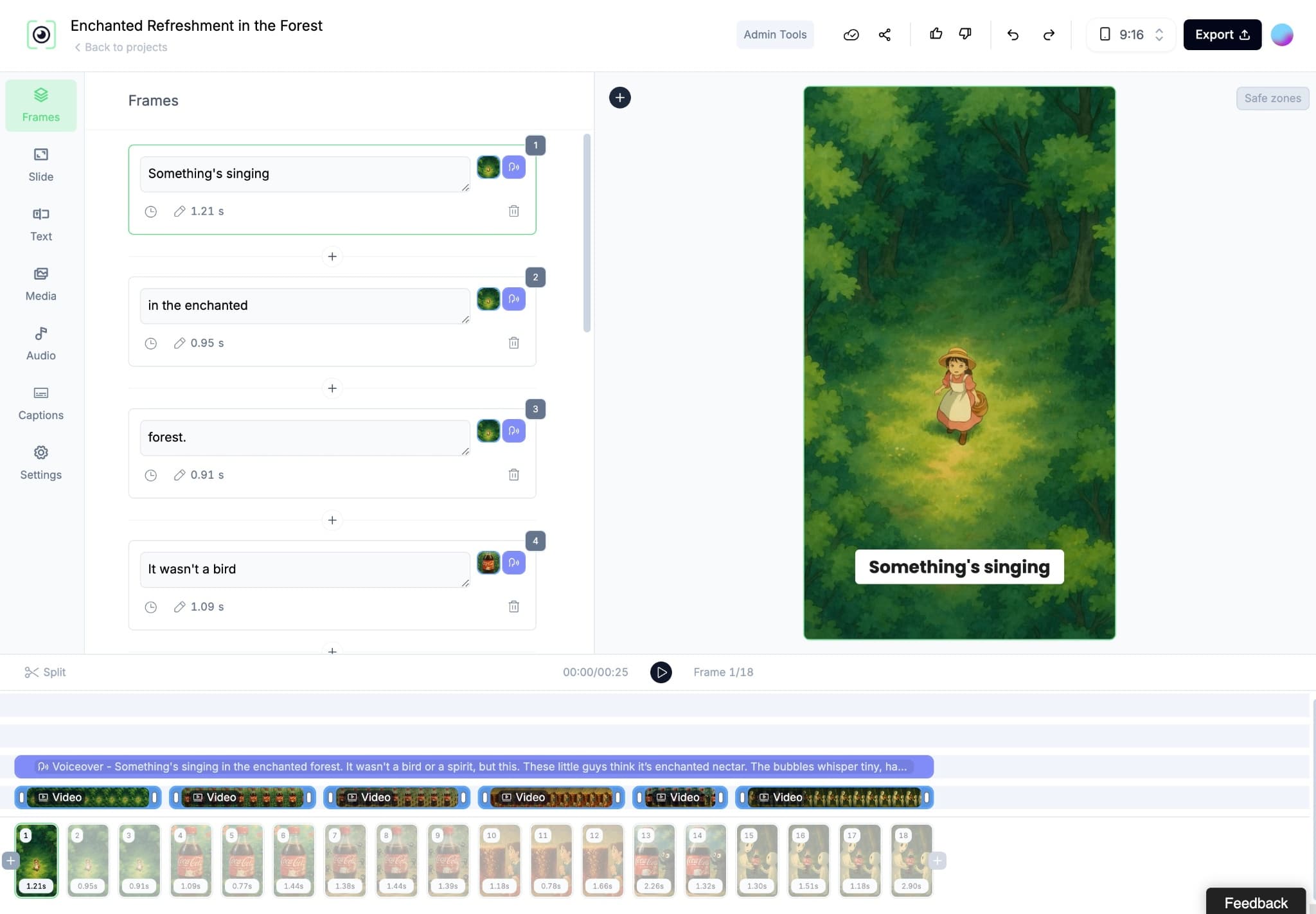
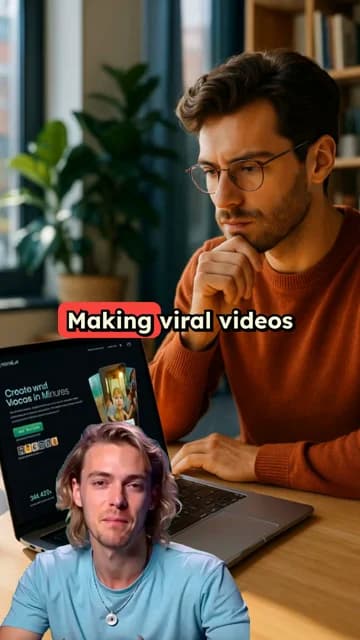
Showcase Revid, an app to create viral videos explain it's the easiest way to go viral Put app screenshots in MacBook Pro with someone holding it showing how it's great
Source Media
Source Media 1
Source Media 2
Source Media 3
Visual FormatAI Video
Visual StyleDefault
Avatar
Selected Avatar
FINAL VIDEO

Create Viral Black Friday Video Ads in 3 Simple Steps

1 Describe Your Black Friday Deal

Simply type out the details of your promotion in the prompt box. What's the discount? Which products are on sale? What's the vibe? Our AI uses your text to craft the perfect script for a high-energy Black Friday promo video.

2 Choose Your Ad Style & Voice

Select a voiceover that matches your brand's energy, or upload your own. Then, pick your visuals—choose from unique AI-generated video clips, dynamic moving AI images, or high-quality stock footage. Finalize with an epic background track to build hype for your BFCM sale.

3 Generate & Go Viral

Click 'Generate Video' and our AI will assemble your Black Friday ad in minutes, complete with bold text, countdowns, and fast-paced transitions. Download your video and post it directly to TikTok, Instagram Reels, or YouTube Shorts to drive sales.

Example Videos

See What You Can Create with AI Black Friday Video Generator

Explore different styles and possibilities with our AI Black Friday Video Generator

Flash Sale Announcements That Convert

Create scroll-stopping flash sale videos for Black Friday. Our AI generates high-energy visuals, urgent countdowns, and bold text overlays to drive immediate sales for your #bfcm event.
  • High-energy countdowns and hooks
  • Bold, unmissable deal callouts
  • Optimized for TikTok and Instagram Reels
  • Drive urgency and instant conversions
Flash Sale Announcements That Convert

Viral Product Deal Reveals

Spotlight your hero products with a dedicated #blackfridaydeal video. Describe the product and the discount, and our AI will create a cinematic reveal that makes your offer irresistible.
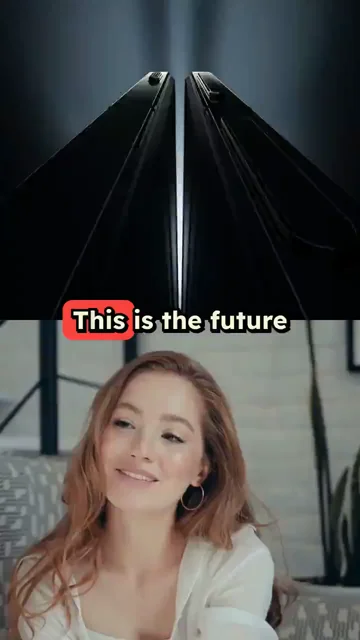
  • Cinematic product showcases
  • Focus on a single irresistible offer
  • Generate ads for #quarterzip, #newseason items
  • Perfect for highlighting specific deals
Viral Product Deal Reveals

Store-Wide Sale Hype Videos

Announce your entire store's #blackfriday sale with a bang. Generate a dynamic video that communicates your biggest event of the year and drives massive traffic to your site.
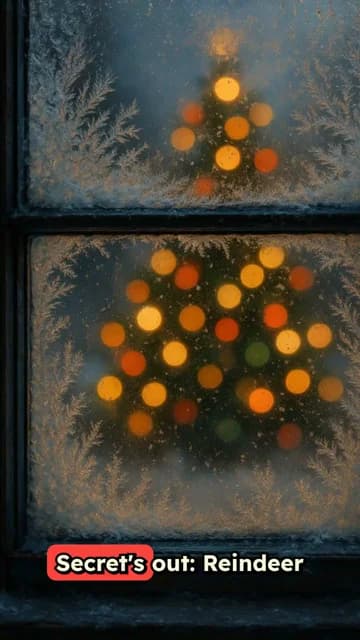
  • Announce site-wide sales events
  • Incorporate your brand logo and style
  • Clear and compelling Call-to-Action
  • Build maximum hype for your #superbranddaybfcm
Store-Wide Sale Hype Videos
FAQs

Frequently Asked Questions

What is the AI Black Friday Video Generator?
Our AI Black Friday Video Generator is your secret weapon for the BFCM shopping season. It's designed to instantly turn a simple description of your sale into a high-energy, scroll-stopping video ad. Perfect for e-commerce brands and marketers, this tool creates professional promo videos with countdowns and bold text, helping you drive traffic during the busiest sales event of the year.
How do I create a Black Friday promo video with this tool?
It's easy! Just describe your offer in the text box—for example, 'A 50% off everything Black Friday sale for our new quarter-zip sweaters.' Then, choose your visual style (AI video, stock footage, etc.) and an energetic audio track. Click 'Generate,' and our AI will create a compelling video ad ready for your Black Friday marketing campaign.
What kind of deals work best for these videos?
This tool is perfect for any high-urgency promotion. Think flash sales, BOGO (Buy One Get One) deals, store-wide discounts, doorbuster announcements, and special offers for Cyber Monday. The key is to create FOMO (Fear Of Missing Out), which our AI excels at by adding countdowns and energetic pacing.
How can I make my sale video more urgent and exciting?
Our AI is pre-programmed to create high-energy ads! For best results, mention words like 'countdown,' 'flash sale,' or 'limited time' in your prompt. The AI will automatically incorporate fast cuts, bold text overlays ('50% OFF'), and an upbeat soundtrack to create a sense of urgency that encourages viewers to act fast.
What platforms are these Black Friday videos optimized for?
Our videos are made for modern social media. They are perfectly formatted for short-form video platforms like TikTok, Instagram Reels, and YouTube Shorts. The vertical 9:16 aspect ratio and fast-paced editing are designed to capture attention in a crowded feed and stop the scroll.
Can I use my brand's logo or colors in the video ad?
Absolutely. After the AI generates the initial video, you can use our built-in editor to make final touches. This includes adding your logo as a watermark, adjusting text overlays to match your brand colors, and trimming scenes to perfection, ensuring your Black Friday ad is 100% on-brand.
What makes a good prompt for a Black Friday video ad?
A great prompt is clear and descriptive. Include three key things: the hook (e.g., 'Start with a countdown from 3'), the offer (e.g., 'Show our best-selling products with 50% OFF overlays'), and the call-to-action (e.g., 'End with a 'Shop Now - Link in Bio!' message'). The more specific you are, the better the AI can bring your vision to life.
How much does it cost to use the Black Friday Video Generator?
Video generation is based on credits. The exact credit cost is shown before you generate, but it's designed to be affordable for all marketing budgets. Our subscription plans offer a generous monthly credit allowance, and free users receive starter credits to try the tool. Check our pricing page for full details.
How long does it take to create a video?
In most cases, your high-energy sale video will be ready in just a few minutes. Our AI works quickly to analyze your prompt, generate visuals, sync audio, and render the final ad. You'll receive an email notification the moment your video is ready to download and share.
Can I use these videos for my e-commerce marketing campaigns?
Yes! These videos are created for commercial use. You can use them as paid ads on social media, in email marketing campaigns, or on your website's homepage to announce your BFCM deals. It's a powerful and cost-effective way to produce high-quality video content for your most important sales period.
View Complete Help Center

Find detailed answers to 100+ questions about features, tools, and workflows

or check our markdown version optimized for LLMs

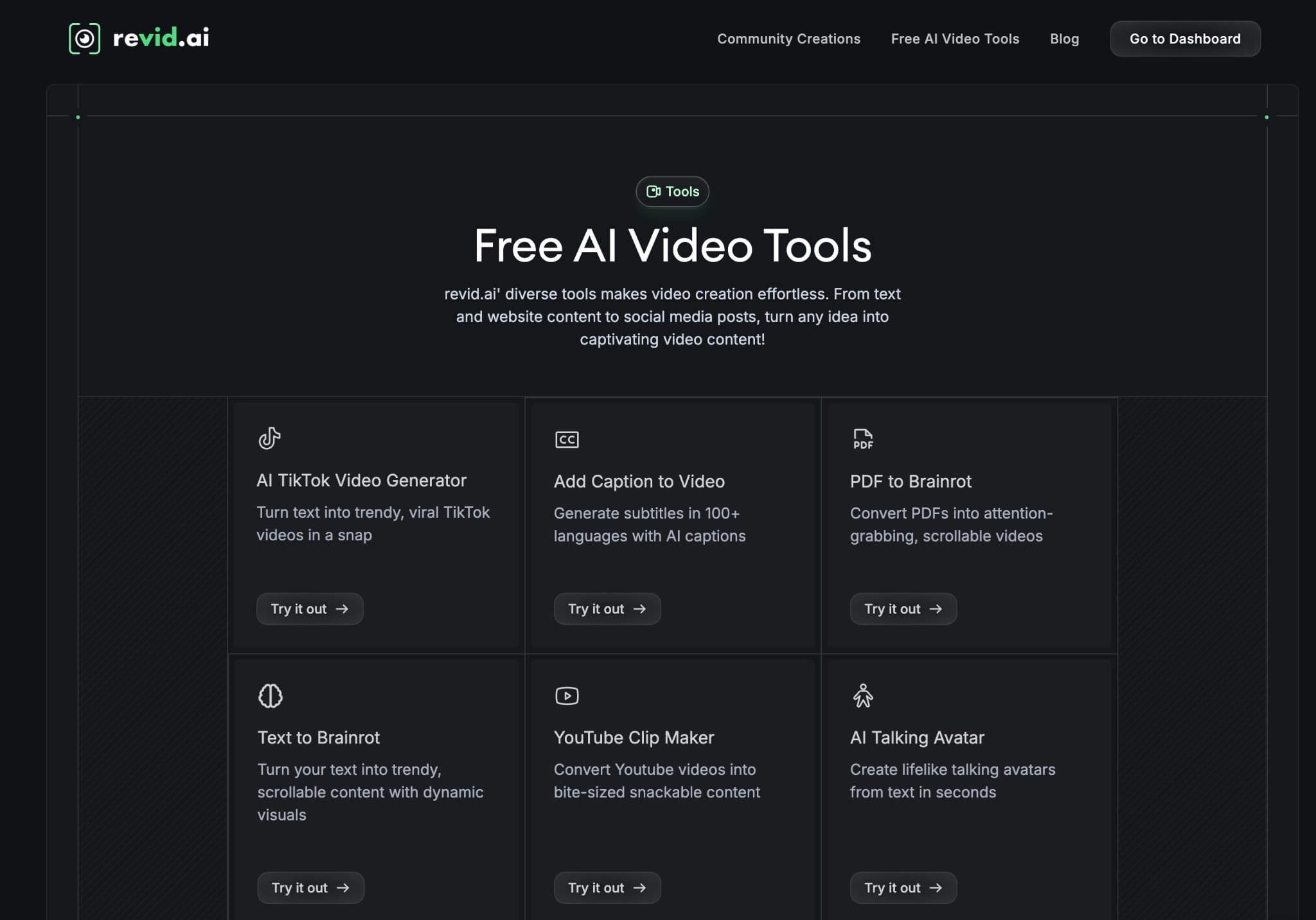
Tools

Free AI Video Tools

Choose your tool, add your content, and create a video in seconds. Then customize it to your liking.

AI TikTok Video Generator

Turn text into trendy, viral TikTok videos in a snap

Try it out

Prompt to Video

Turn your prompts into engaging videos with AI assistance

Try it out

Add Caption to Video

Generate subtitles in 100+ languages with AI captions

Try it out

PDF to Brainrot

Convert PDFs into attention-grabbing, scrollable videos

Try it out

Text to Brainrot

Turn your text into trendy, scrollable content with dynamic visuals

Try it out

AI Talking Avatar

Create lifelike talking avatars from text in seconds

Try it out

Video Podcast Generator

Transform your podcasts into visually engaging video content

Try it out

AI Movie Maker

Create studio-quality videos from text, no filming required

Try it out

Audio to Video

Make engaging videos from your podcasts, interviews, or any audio content

Try it out

Animated Lyrics Video Generator

Turn any song into an animated lyric video with synced text and visuals.

Try it out

AI Music Video Generator

Transform your music into cinematic music videos.

Try it out

AI Lyrics Video Generator

Transform your lyrics into a complete music video with AI

Try it out
See all tools
How it works

Four simple steps to create and share your video

1
Step 1

Find your next viral idea

Lacking inspiration? Our AI spots trends and helps you adapt them for your own videos, hassle-free.
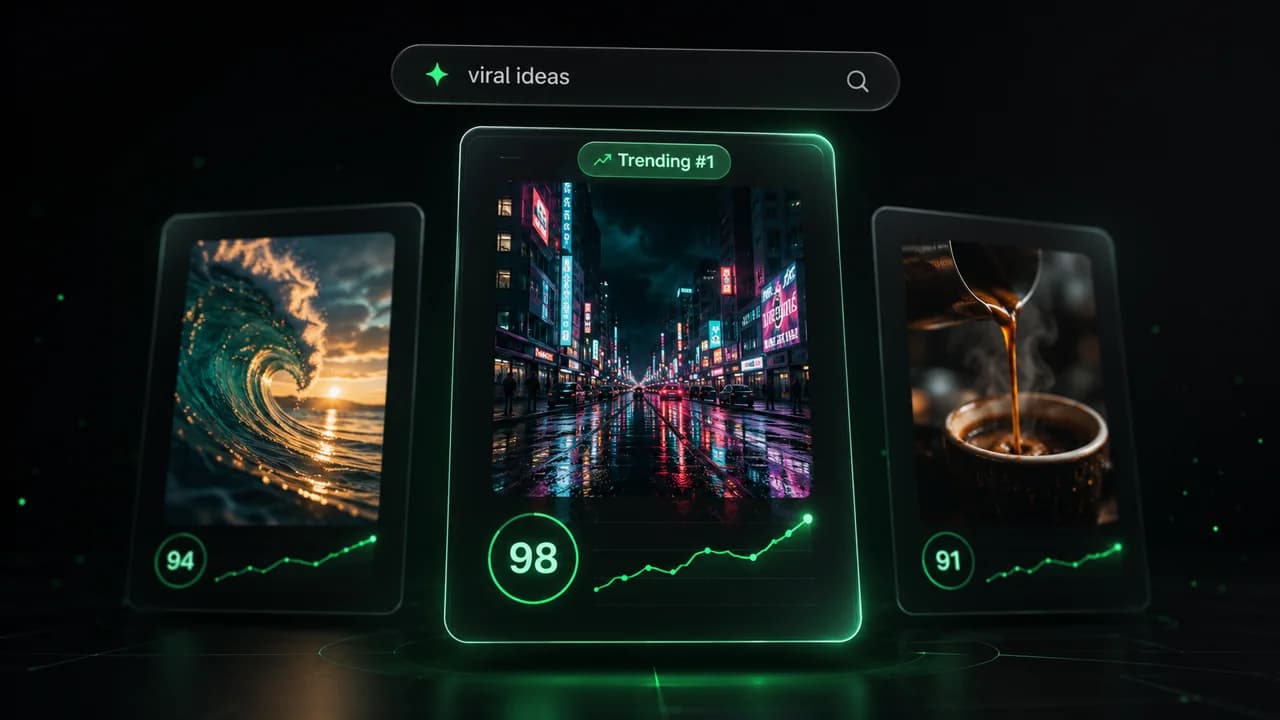
  • Identify the best performing formats
  • Get inspired by top creators
  • Turn your ideas into captivating videos
Find your next viral idea
2
Step 2

Storytelling designed to captivate

Revid.ai analyzes viral videos and uses those same codes to write your scripts.
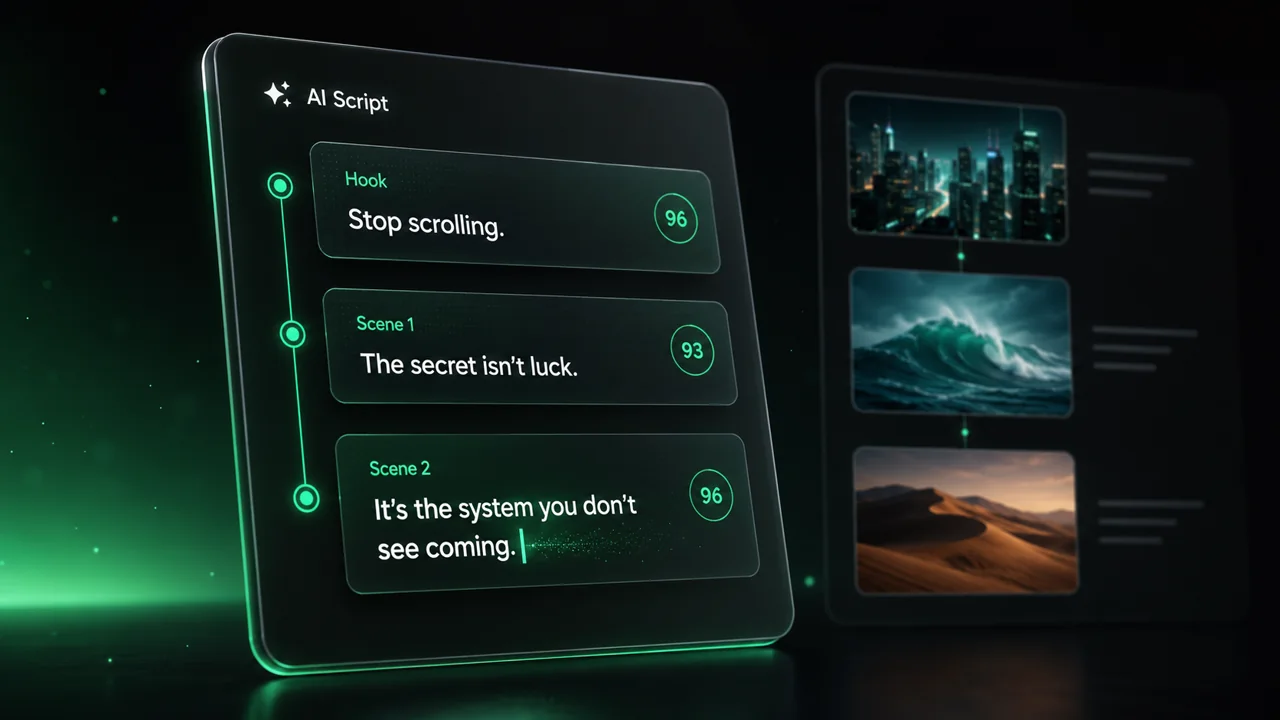
  • Write your script or just give the topic to our AI
  • The AI will suggest relevant content to inspire you
  • Paste a link, our AI analyzes it and turns it into a video
Storytelling designed to captivate
3
Step 3

Videos you will love

Create professional videos, share them with one click, and grow your audience.
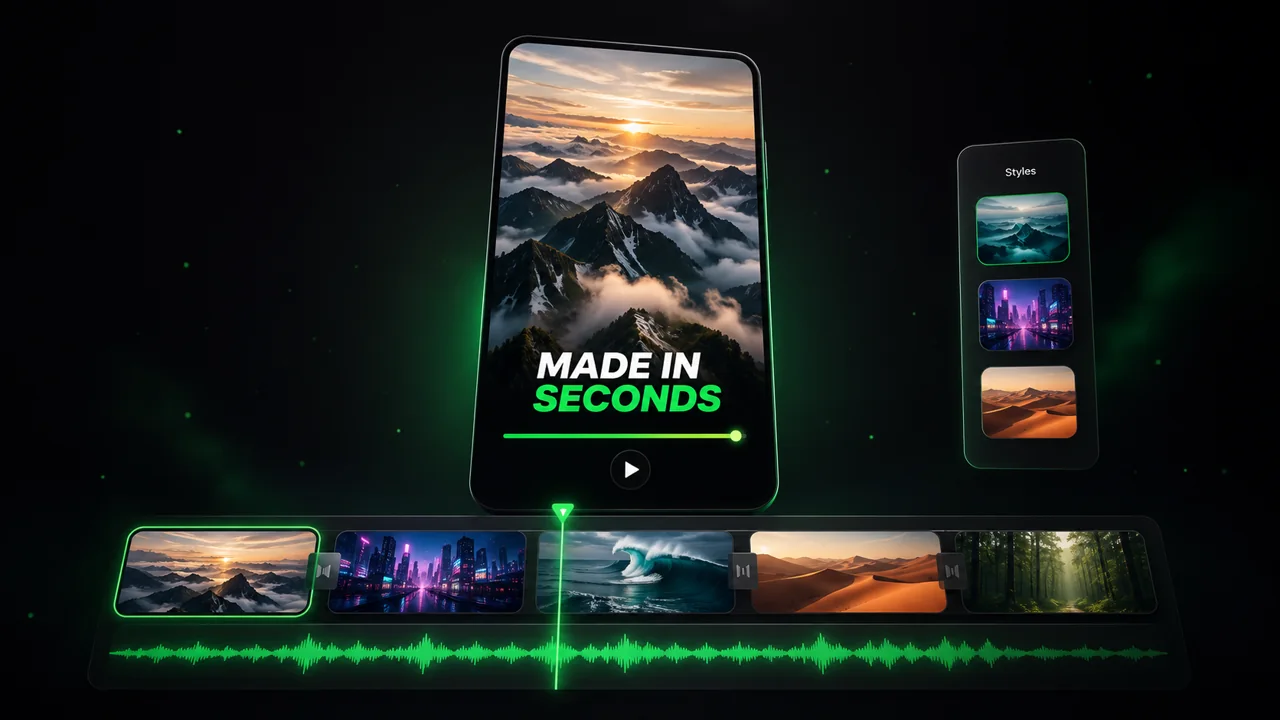
  • Watch your texts turn into professional videos
  • Automate video creation from your content
Videos you will love
4
Step 4

Publish on TikTok, YouTube, Instagram and more

Reach a wider audience by sharing your videos across all your networks.
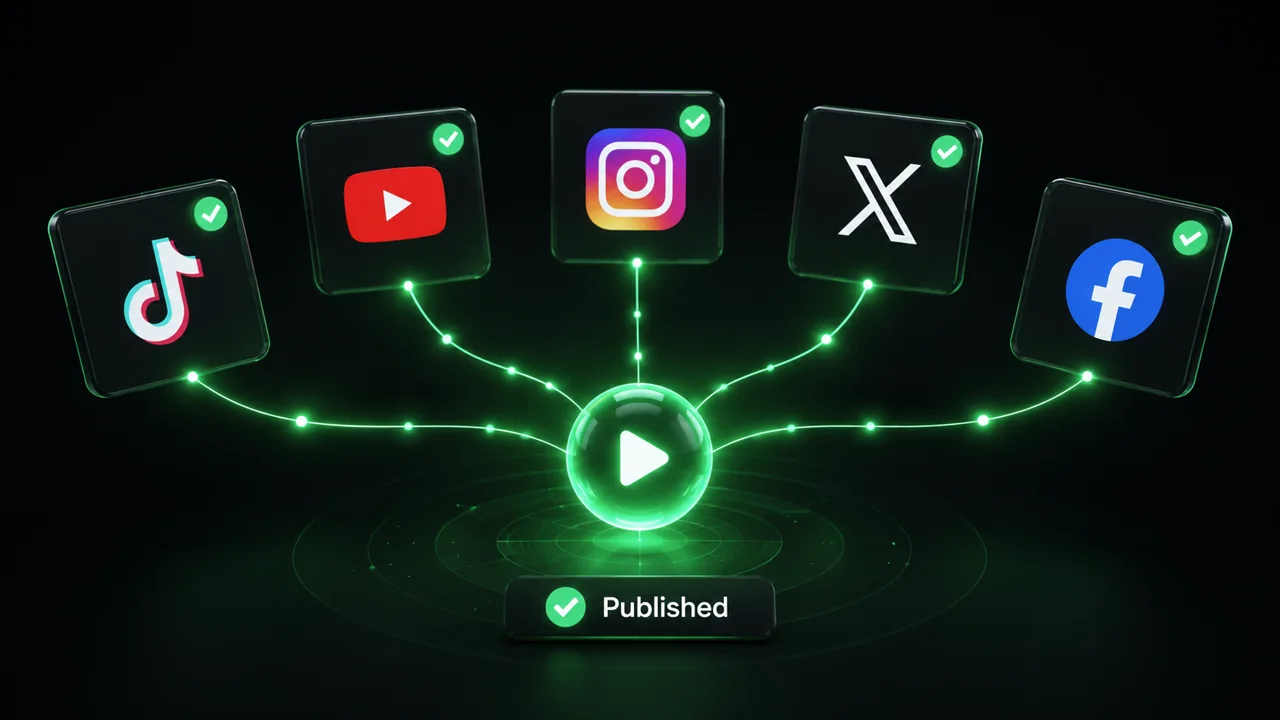
Publish on TikTok, YouTube, Instagram and more
revid.ai logo

The fastest way to create captivating videos.