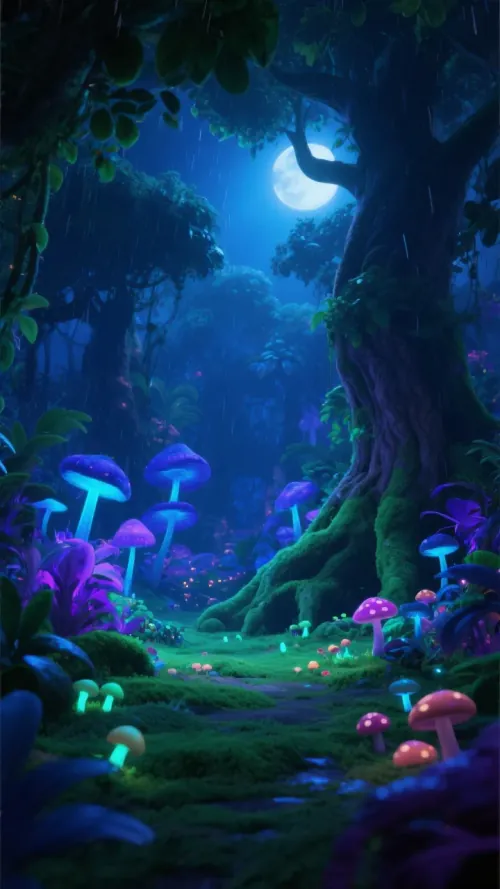
Trusted by 14,000+ creators worldwide

AI Cozy Winter Vibes & Snow Aesthetic Maker

Generate relaxing winter aesthetic videos, cozy cabin atmospheres, and snow day visualizers. Perfect for sharing #snowday vibes and #winterstorm comfort content.

  • Start from text in seconds
  • AI voiceover
  • Auto-selects visuals
  • Captions and sound-ready
3,060 people used this tool in the last 24h

Start for free.(no credit card required)

or explore our 42+ other tools to create the exact video you want

Explore our tools

Create Relaxing Cozy Winter Vibes Videos in 3 Steps

1 Describe Your Dream Winter Scene

Enter a text prompt describing your ideal cozy atmosphere. Whether it's a 'cabin in the woods during a snowstorm,' a 'reading nook with a steaming cup of cocoa,' or 'snow falling on a quiet street,' our AI interprets your words to set the scene.

2 Select Visuals and Lofi Audio

Choose between 'Moving AI Images' for a subtle animated look or 'AI Video' for unique motion clips. Pair your visuals with a track from our 'Lofi Study' or 'Winter Chill' library, or upload your own relaxing ambient sounds to perfect the aesthetic.

3 Generate Your Cozy Winter Aesthetic

Click generate to instantly create your video. The AI combines your prompt, style choices, and audio into a high-quality, Pinterest-worthy video perfect for sharing #snowday vibes on TikTok, Instagram Reels, or YouTube Shorts.

FAQs

Frequently Asked Questions

What is the Cozy Winter Vibes Maker?
The Cozy Winter Vibes Maker is a specialized AI tool designed to generate relaxing, atmospheric videos focused on winter aesthetics. It allows creators to instantly produce content featuring snowy landscapes, cozy cabin interiors, and comforting winter storm visuals. It is the perfect tool for creating 'comfort content,' lo-fi backgrounds, and #snowday posts for social media without needing footage or editing skills.
How do I create a snow aesthetic video with this tool?
Creating a snow aesthetic video is simple. First, type a prompt into the text box describing the scene (e.g., 'view from a window while it snows outside'). Next, select your visual preference—either moving AI images or full AI video generation. Finally, choose a relaxing lofi track or add a soft-spoken voiceover. Revid AI will process these inputs to create a stunning cozy winter vibes video in minutes.
What kind of prompts work best for winter atmosphere videos?
To get the best cozy winter vibes video, use descriptive prompts that focus on lighting, texture, and mood. For example: 'Warm fireplace glow in a dark room, heavy snowstorm outside the window, steam rising from a mug, 4k, cinematic, slow pace.' Mentioning elements like 'frosted glass,' 'knitted blankets,' or 'soft candle light' helps the AI generate highly specific winter aesthetic visuals.
Can I add Lofi music to my winter videos?
Absolutely! A huge part of the cozy winter aesthetic is the audio. Our tool comes pre-loaded with 'Lofi Study' and 'Chill' tags to help you find the perfect relaxing background music. You can also upload your own custom audio files if you have specific ambient sounds (like crackling fire or wind howling) or a specific song you want to use for your winter video.
What is the difference between Moving AI Images and AI Video?
We offer two visual styles for your winter content. 'Moving AI Images' generates a high-quality static image and applies subtle motion effects (like drifting snow or flickering light), which is great for a calm, loopable aesthetic. 'AI Video' generates completely unique video clips from scratch based on your prompt, offering more dynamic movement for your snow day visuals.
Is this tool suitable for TikTok and Instagram Reels trends?
Yes, the Cozy Winter Vibes Maker is specifically optimized for vertical short-form content. It is perfect for capitalizing on seasonal trends like #snowday, #winterstorm, #cozyvibes, and #coldweather. The AI ensures the pacing is slow and cinematic, matching the 'Pinterest aesthetic' that performs very well on TikTok and Instagram Reels during the winter season.
Can I add a voiceover to my cozy video?
Yes, you can add a voiceover to enhance the atmosphere. You can write a poetic or soothing script and choose from our library of AI voices (we recommend soft-spoken styles for this genre), or you can record your own voice directly in the tool. This is great for storytelling, ASMR-style content, or sharing thoughts on a snowy day.
How much does it cost to generate a winter vibes video?
The cost follows our standard credit system. Generating a video typically costs 1 credit. If you choose the advanced 'AI Video' option for your visuals, it requires a paid subscription. The number of credits available to you depends on your current plan, with free tiers offering a starter amount to try out the winter video generator.
Can I edit the video after it is generated?
Definitely. Once your cozy winter vibes video is generated, you enter the editor mode. Here, you can change the background music, adjust the volume of the voiceover, modify captions, or even swap out specific visual clips if they don't perfectly match your vision. You have full control to ensure your winter aesthetic is exactly how you imagined it.
How long does it take to generate a video?
Revid AI is built for speed. Most cozy winter videos are generated in just a few minutes. Complex prompts or longer scripts might take slightly longer, but you will generally have your finished snow aesthetic video ready to download and share very quickly.
View Complete Help Center

Find detailed answers to 100+ questions about features, tools, and workflows

or check our markdown version optimized for LLMs

Tools

Free AI Video Tools

Choose your tool, add your content, and create a video in seconds. Then customize it to your liking.

AI TikTok Video Generator

Turn text into trendy, viral TikTok videos in a snap

Try it out

Prompt to Video

Turn your prompts into engaging videos with AI assistance

Try it out

Add Caption to Video

Generate subtitles in 100+ languages with AI captions

Try it out

PDF to Brainrot

Convert PDFs into attention-grabbing, scrollable videos

Try it out

Text to Brainrot

Turn your text into trendy, scrollable content with dynamic visuals

Try it out

AI Talking Avatar

Create lifelike talking avatars from text in seconds

Try it out

Video Podcast Generator

Transform your podcasts into visually engaging video content

Try it out

AI Movie Maker

Create studio-quality videos from text, no filming required

Try it out

Audio to Video

Make engaging videos from your podcasts, interviews, or any audio content

Try it out

Animated Lyrics Video Generator

Turn any song into an animated lyric video with synced text and visuals.

Try it out

AI Music Video Generator

Transform your music into cinematic music videos.

Try it out

AI Lyrics Video Generator

Transform your lyrics into a complete music video with AI

Try it out
See all tools
How it works

Four simple steps to create and share your video

1
Step 1

Find your next viral idea

Lacking inspiration? Our AI spots trends and helps you adapt them for your own videos, hassle-free.
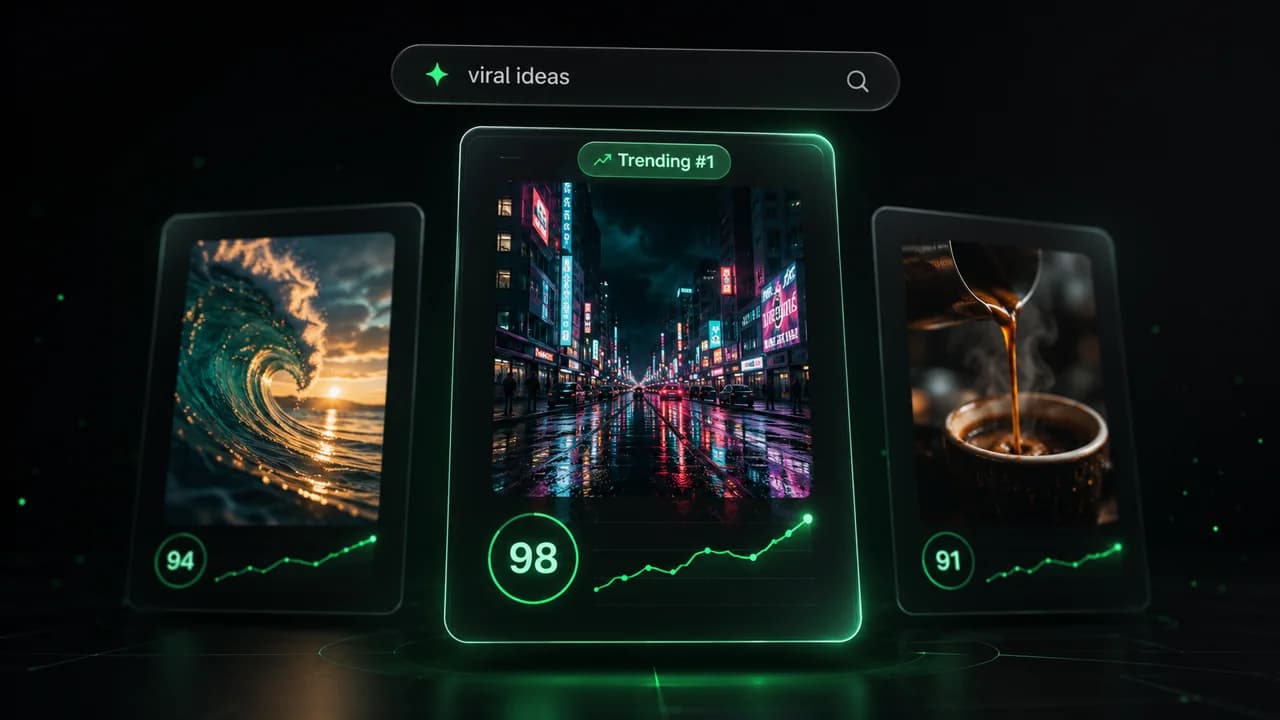
  • Identify the best performing formats
  • Get inspired by top creators
  • Turn your ideas into captivating videos
Find your next viral idea
2
Step 2

Storytelling designed to captivate

Revid.ai analyzes viral videos and uses those same codes to write your scripts.
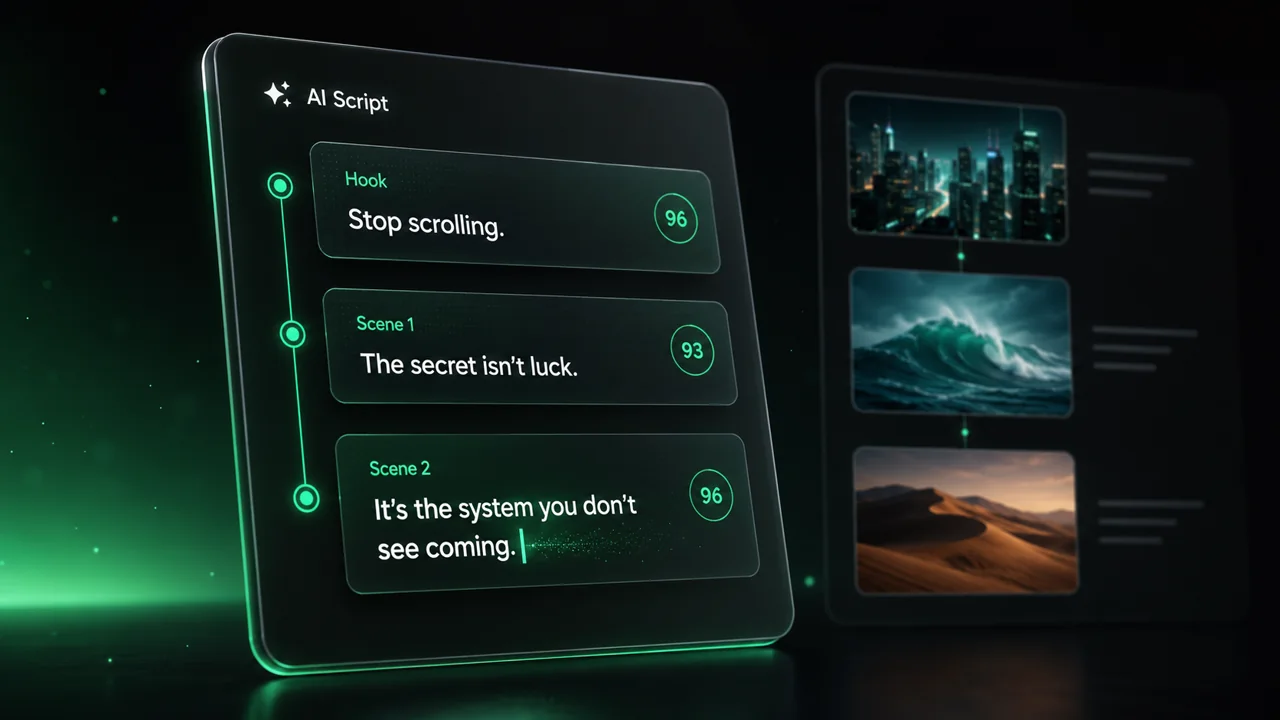
  • Write your script or just give the topic to our AI
  • The AI will suggest relevant content to inspire you
  • Paste a link, our AI analyzes it and turns it into a video
Storytelling designed to captivate
3
Step 3

Videos you will love

Create professional videos, share them with one click, and grow your audience.
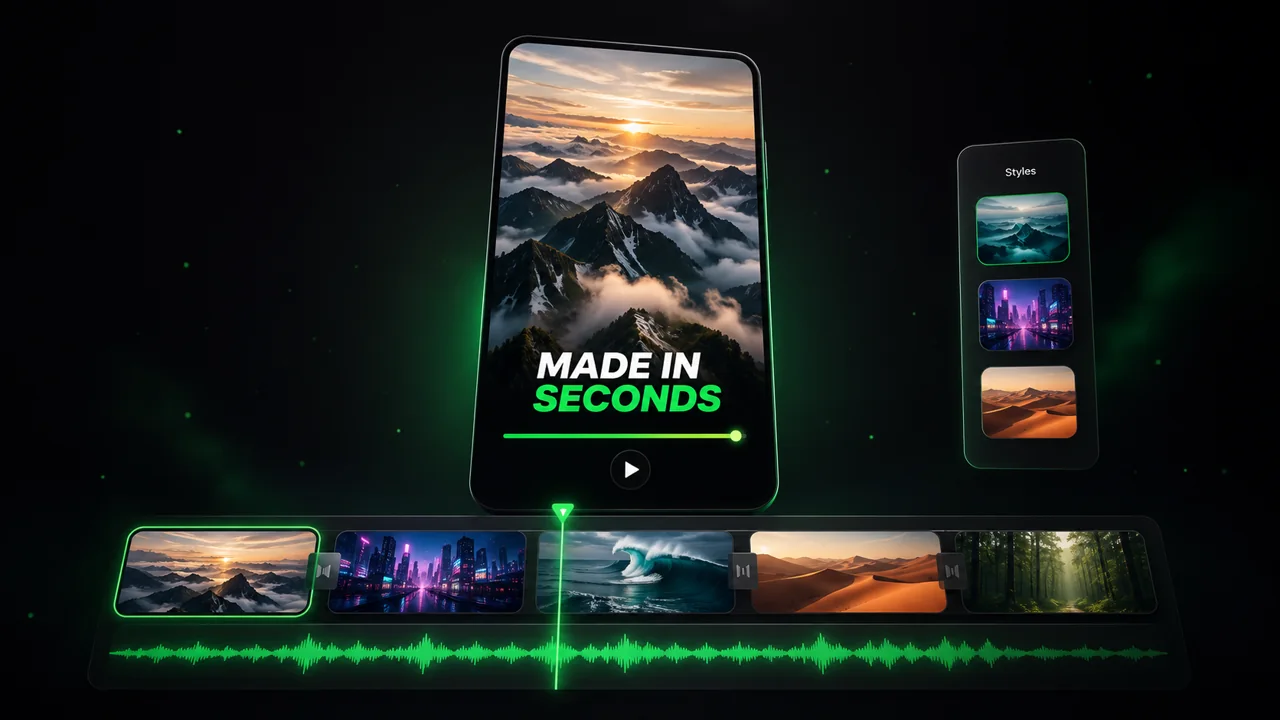
  • Watch your texts turn into professional videos
  • Automate video creation from your content
Videos you will love
4
Step 4

Publish on TikTok, YouTube, Instagram and more

Reach a wider audience by sharing your videos across all your networks.
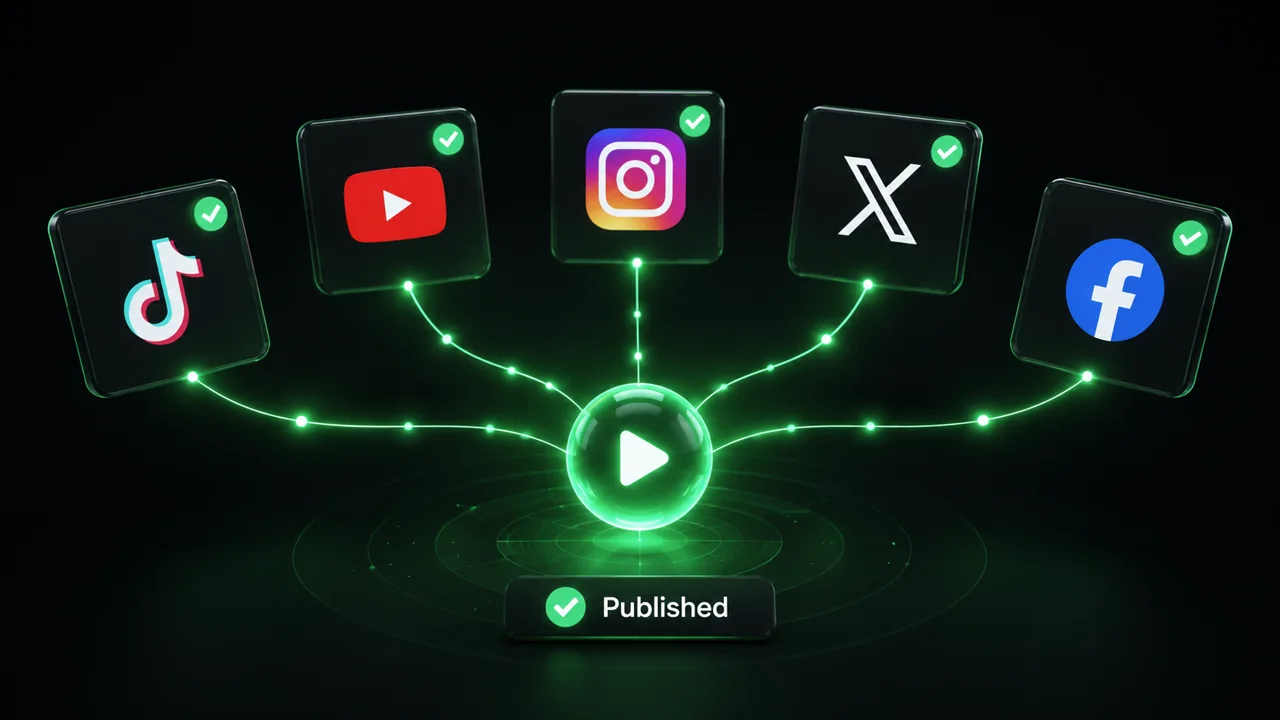
Publish on TikTok, YouTube, Instagram and more
revid.ai logo

The fastest way to create captivating videos.