Trusted by 14,000+ creators worldwide

Sora-Style AI Video Generator

Generate hyper-realistic, cinematic videos from a single text prompt. Create complex scenes with consistent characters and dynamic camera movement, just like the viral Sora demos. Perfect for creating short films and narrative-driven content.

  • Start from text in seconds
  • Auto-selects visuals
  • Captions and sound-ready
311 people used this tool in the last 24h
Start for free.(no credit card required)

Related tools you might like:

or explore our 42+ other tools to create the exact video you want

Explore our tools

AI Magic

Turn simple ideas into
incredible videos

YOUR IDEA
Your Prompt

Script automatically generated by Revid

A technical space crew lands on a lush, mysterious planet. As they explore, massive, intelligent apes emerge. The crew's leader raises a hand in peace. Suddenly, a deep horn sounds. The apes urge the crew to follow them to a hidden treetop. Here, they learn of an ancient human-ape alliance, now threatened by a rogue faction. The scene ends with the crew standing amidst the apes.
Visual FormatAI Video
Visual StyleEnvironment
FINAL VIDEO

Create Cinematic Sora-Style Videos from Text in 3 Steps

1 Write Your Cinematic Prompt

Begin by describing the scene you envision in the text box. Be detailed! Mention characters, actions, setting, mood, and even camera work like 'sweeping drone shot' or 'dolly zoom'. Your prompt is the script for our AI film maker.

2 Select Your Format and Music

Choose the perfect aspect ratio for your project—vertical (9:16) for social media, horizontal (16:9) for YouTube, or square (1:1). You can also select a cinematic background track from our library or upload your own to set the tone.

3 Generate and Refine Your Video

Click 'Generate Video' and let our AI transform your text prompt into a hyper-realistic video. In minutes, you'll have a stunning clip with consistent characters and dynamic camera movement. Use our built-in editor for any final tweaks before you download and share.

Example Videos

See What You Can Create with Sora-Style AI Video Generator

Explore different styles and possibilities with our Sora-Style AI Video Generator

Create Cinematic Sci-Fi Worlds

Generate breathtaking science fiction scenes, from sprawling futuristic cities to intimate character moments on distant planets. Our AI brings your sci-fi concepts to life with stunning realism.
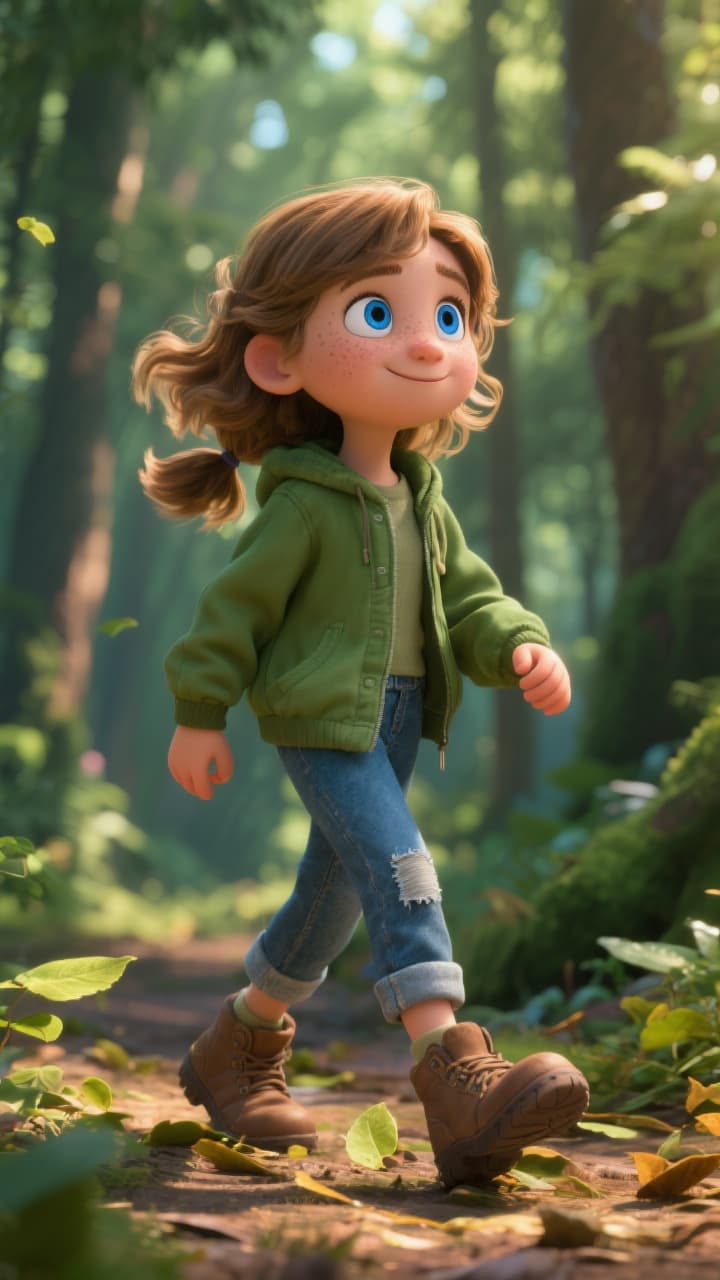
  • Hyper-realistic futuristic visuals
  • Consistent character and world design
  • Dynamic, movie-like camera movement
  • Perfect for short films and concept art
Create Cinematic Sci-Fi Worlds

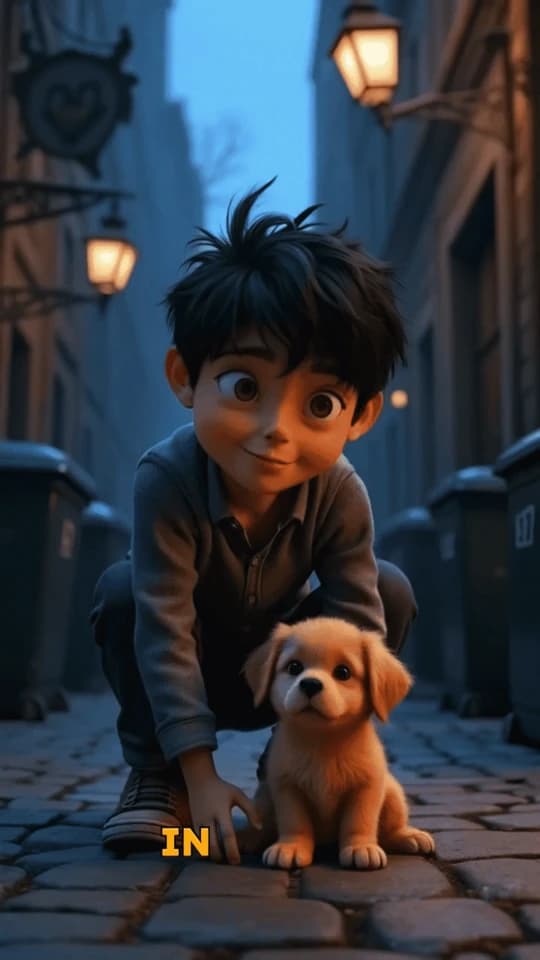
AI-Powered Nature Documentaries

Create stunning, documentary-style videos of wildlife and nature. Generate impossibly beautiful shots of animals in their natural habitats with a level of realism that rivals real-world footage.
  • Ultra-realistic animal and nature rendering
  • Documentary-style camera work
  • Vibrant colors and lifelike textures
  • Generate any animal in any environment
AI-Powered Nature Documentaries

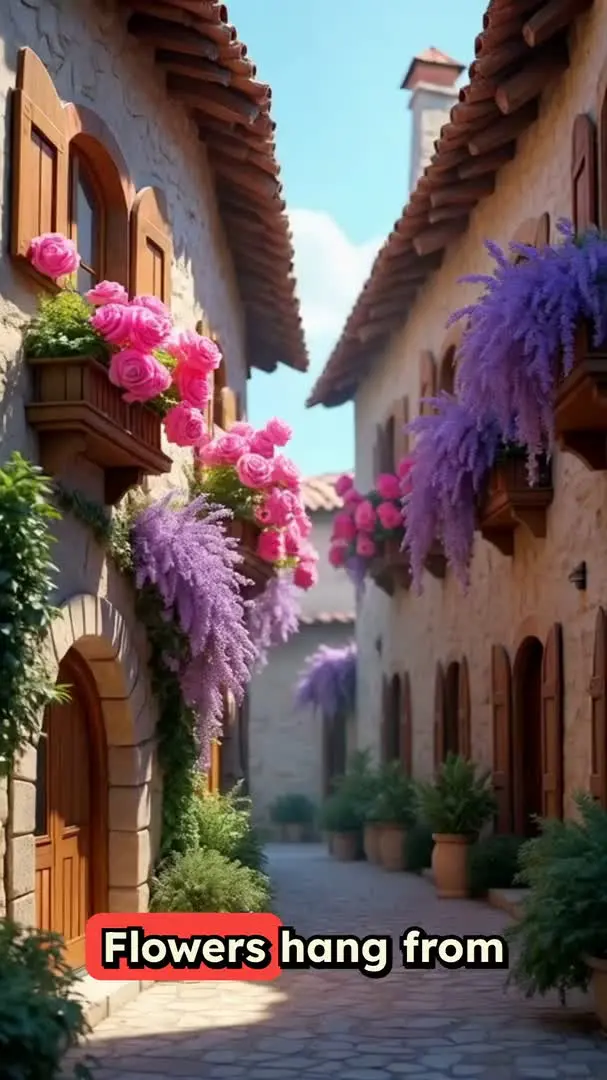
Bring Historical & Fantasy Epics to Life

Craft epic scenes from history or fantasy. Generate videos of medieval knights, ancient Roman legions, or mythical creatures in breathtaking, cinematic detail.
  • Create epic historical and fantasy scenes
  • Detailed character and costume generation
  • Dramatic lighting and environmental effects
  • Build entire worlds from a text prompt
Bring Historical & Fantasy Epics to Life
FAQs

Frequently Asked Questions

What is the Sora-Style AI Video Generator?
Our Sora-Style AI Video Generator is a cutting-edge tool that transforms a simple text prompt into a hyper-realistic, cinematic video. It's designed to create complex scenes with consistent characters, dynamic camera movement, and a coherent narrative, making it the perfect AI film maker for short films, trailers, and visually stunning social media content.
How is this different from other text-to-video AI tools?
Unlike basic generators, our Sora-style AI focuses on three key areas: narrative cohesion, character consistency, and cinematic camera work. The AI doesn't just create random clips; it builds a mini-story, ensures your characters look the same from scene to scene, and uses professional camera techniques to create a true 'film' feel.
How do I write a good prompt to get the best video?
For the best results, be descriptive. Don't just say 'a sad robot'; describe *why* it's sad: 'A small, rusted robot sits alone in a rainy, neon-lit alley, watching other robots walk by with their owners.' Specify camera movements like 'tracking shot' or 'close-up' and describe the lighting and mood to guide the AI storyteller.
Can the AI really create videos with consistent characters?
Yes! This is a core feature of our Sora-style AI. When you describe a character, for example, 'a woman with a red coat and short blonde hair,' the AI will maintain that character's appearance across different shots and scenes within the same video, creating a believable and continuous narrative.
What does 'Sora-style' mean? Is this an OpenAI Sora alternative?
The term 'Sora-style' refers to the quality and capability inspired by OpenAI's Sora model—generating highly realistic, imaginative videos from text with a deep understanding of the physical world. Our tool provides an accessible way to experience this next-generation AI video creation, making it a powerful alternative for creators wanting to produce cinematic content today.
What kind of videos can I create with this tool?
The possibilities are nearly limitless. You can create short films, proof-of-concept trailers for movies, breathtaking nature documentaries, sci-fi and fantasy epics, or unique narrative-driven content for TikTok, Reels, and YouTube Shorts. If you can describe it, our AI film maker can create it.
How much does it cost to generate a video?
Generating a video with our Sora-style AI is a premium feature that costs 5 credits per video. This covers the intensive computational power needed to create hyper-realistic visuals, maintain character consistency, and render dynamic camera movements. Your available credits depend on your subscription plan.
How long does the video generation take?
Due to the complexity and high-fidelity rendering, video generation typically takes a few minutes. The exact time can vary depending on the length and detail of your prompt. We'll send you an email notification as soon as your cinematic masterpiece is ready.
What video aspect ratios are supported?
You can create videos in three standard aspect ratios to fit any platform: 9:16 (vertical), perfect for TikTok and Instagram Reels; 16:9 (widescreen), ideal for YouTube and cinematic viewing; and 1:1 (square), great for social media feeds like Instagram and Facebook.
Can I edit my video after the AI has generated it?
Of course. Once your video is generated, you can take it into the Revid AI editor. There, you can trim the clip, add text overlays, adjust the audio, and make other refinements to ensure your final video is exactly as you envisioned it.
I have another question. How can I get help?
We're here to assist you! If you have any further questions about using the Sora-Style AI Video Generator or any other part of Revid AI, please don't hesitate to reach out to our support team at hello@revid.ai. We'll get back to you as quickly as possible.
View Complete Help Center

Find detailed answers to 100+ questions about features, tools, and workflows

or check our markdown version optimized for LLMs

Tools

Free AI Video Tools

Choose your tool, add your content, and create a video in seconds. Then customize it to your liking.

AI TikTok Video Generator

Turn text into trendy, viral TikTok videos in a snap

Try it out

Prompt to Video

Turn your prompts into engaging videos with AI assistance

Try it out

Add Caption to Video

Generate subtitles in 100+ languages with AI captions

Try it out

PDF to Brainrot

Convert PDFs into attention-grabbing, scrollable videos

Try it out

Text to Brainrot

Turn your text into trendy, scrollable content with dynamic visuals

Try it out

AI Talking Avatar

Create lifelike talking avatars from text in seconds

Try it out

Video Podcast Generator

Transform your podcasts into visually engaging video content

Try it out

AI Movie Maker

Create studio-quality videos from text, no filming required

Try it out

Audio to Video

Make engaging videos from your podcasts, interviews, or any audio content

Try it out

Animated Lyrics Video Generator

Turn any song into an animated lyric video with synced text and visuals.

Try it out

AI Music Video Generator

Transform your music into cinematic music videos.

Try it out

AI Lyrics Video Generator

Transform your lyrics into a complete music video with AI

Try it out
See all tools
How it works

Four simple steps to create and share your video

1
Step 1

Find your next viral idea

Lacking inspiration? Our AI spots trends and helps you adapt them for your own videos, hassle-free.
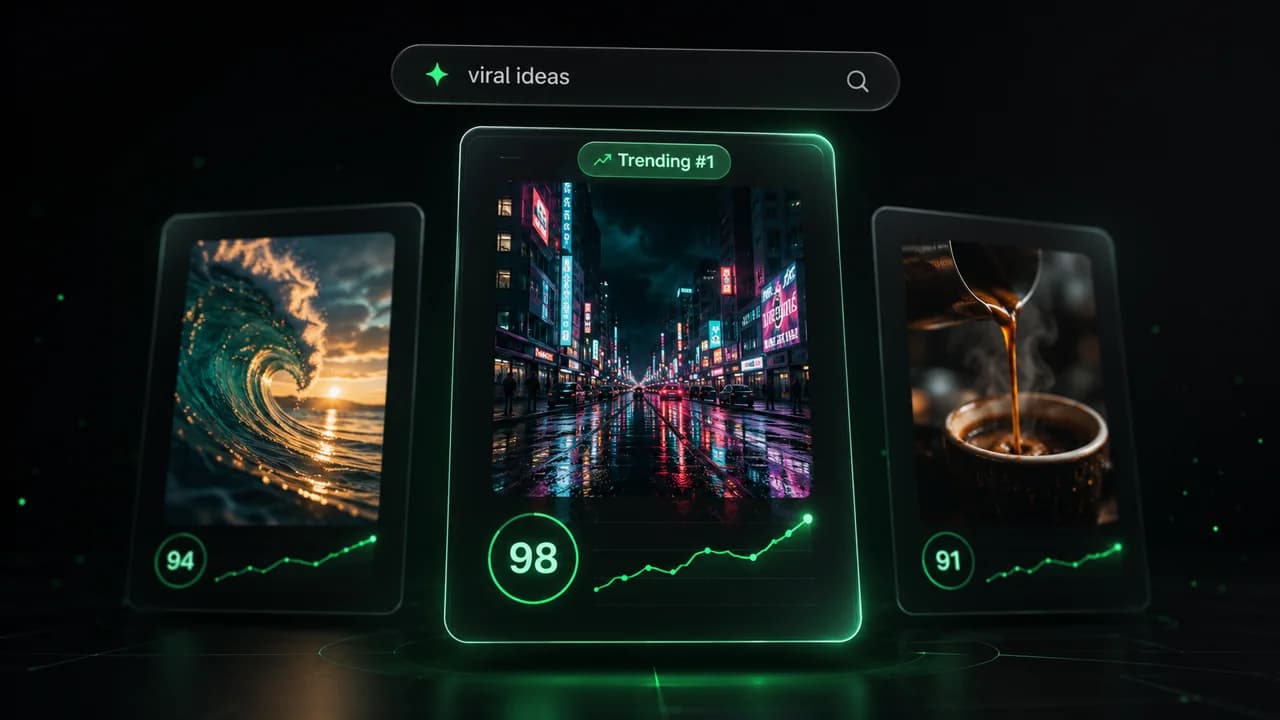
  • Identify the best performing formats
  • Get inspired by top creators
  • Turn your ideas into captivating videos
Find your next viral idea
2
Step 2

Storytelling designed to captivate

Revid.ai analyzes viral videos and uses those same codes to write your scripts.
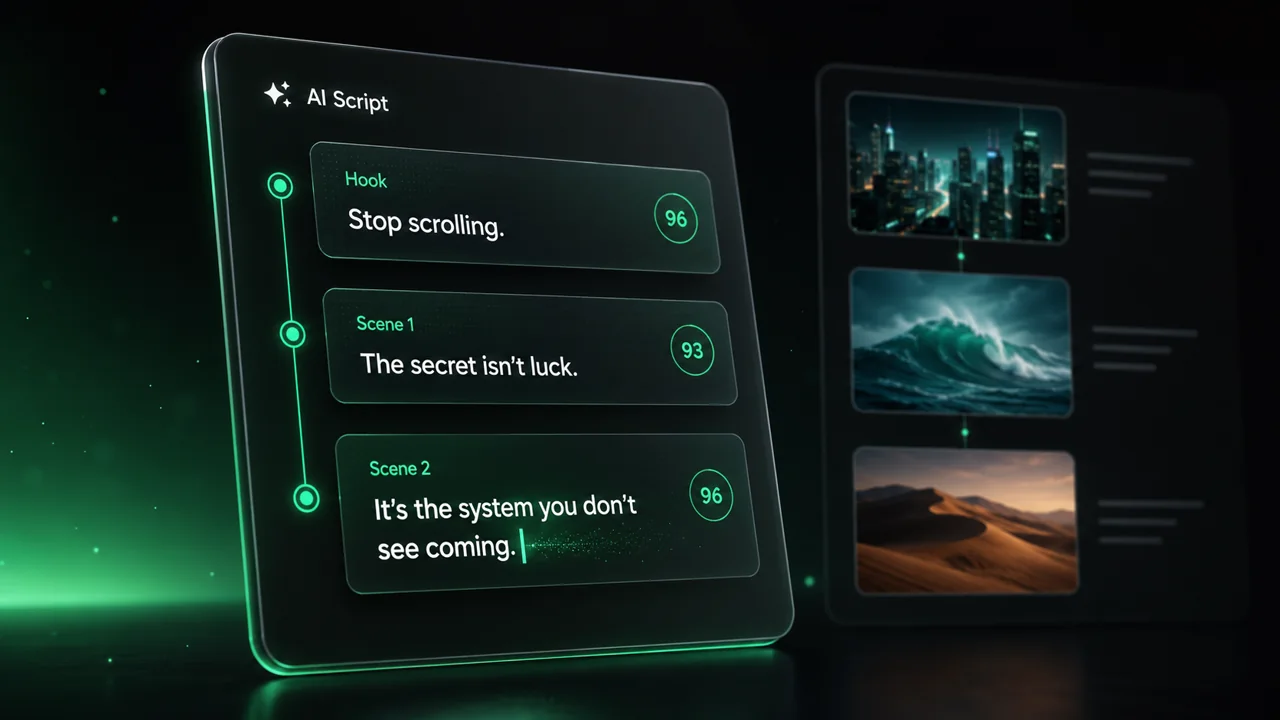
  • Write your script or just give the topic to our AI
  • The AI will suggest relevant content to inspire you
  • Paste a link, our AI analyzes it and turns it into a video
Storytelling designed to captivate
3
Step 3

Videos you will love

Create professional videos, share them with one click, and grow your audience.
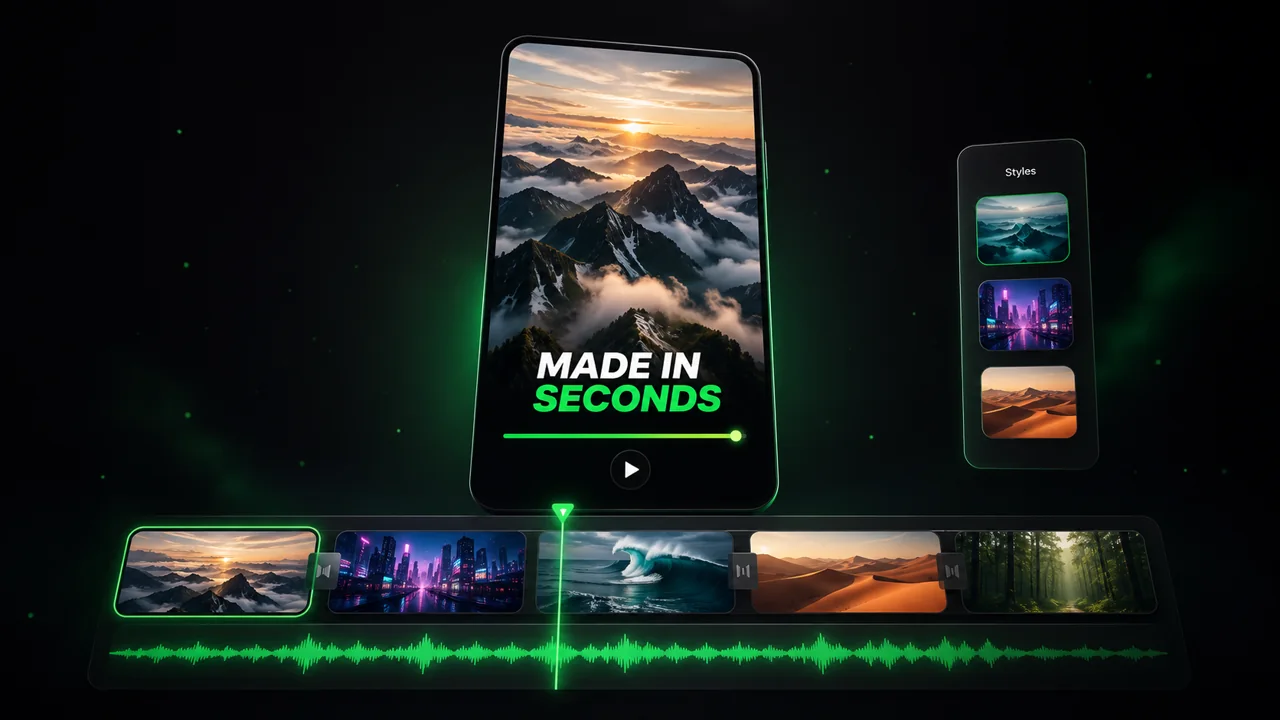
  • Watch your texts turn into professional videos
  • Automate video creation from your content
Videos you will love
4
Step 4

Publish on TikTok, YouTube, Instagram and more

Reach a wider audience by sharing your videos across all your networks.
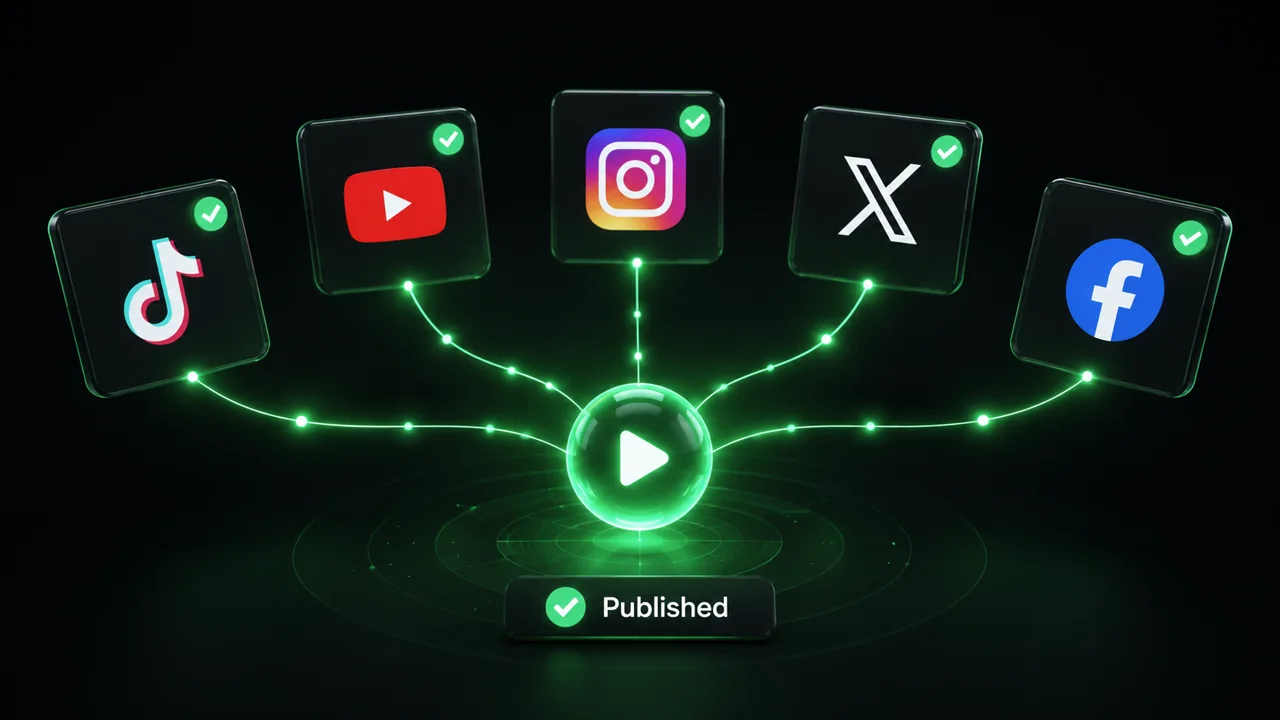
Publish on TikTok, YouTube, Instagram and more
revid.ai logo

The fastest way to create captivating videos.
