Trusted by 14,000+ creators worldwide

AI Animation Generator from Image

Our AI animation generator from image lets you transform static photos into dynamic animations in seconds. Upload an image, choose an animation style, and generate engaging animated visuals using AI, no design skills required.

  • Start from text in seconds
  • AI voiceover
  • Auto-selects visuals
  • Use your own media
AI Magic

Turn simple ideas into
incredible videos

YOUR IDEA
Your Prompt

Script automatically generated by Revid
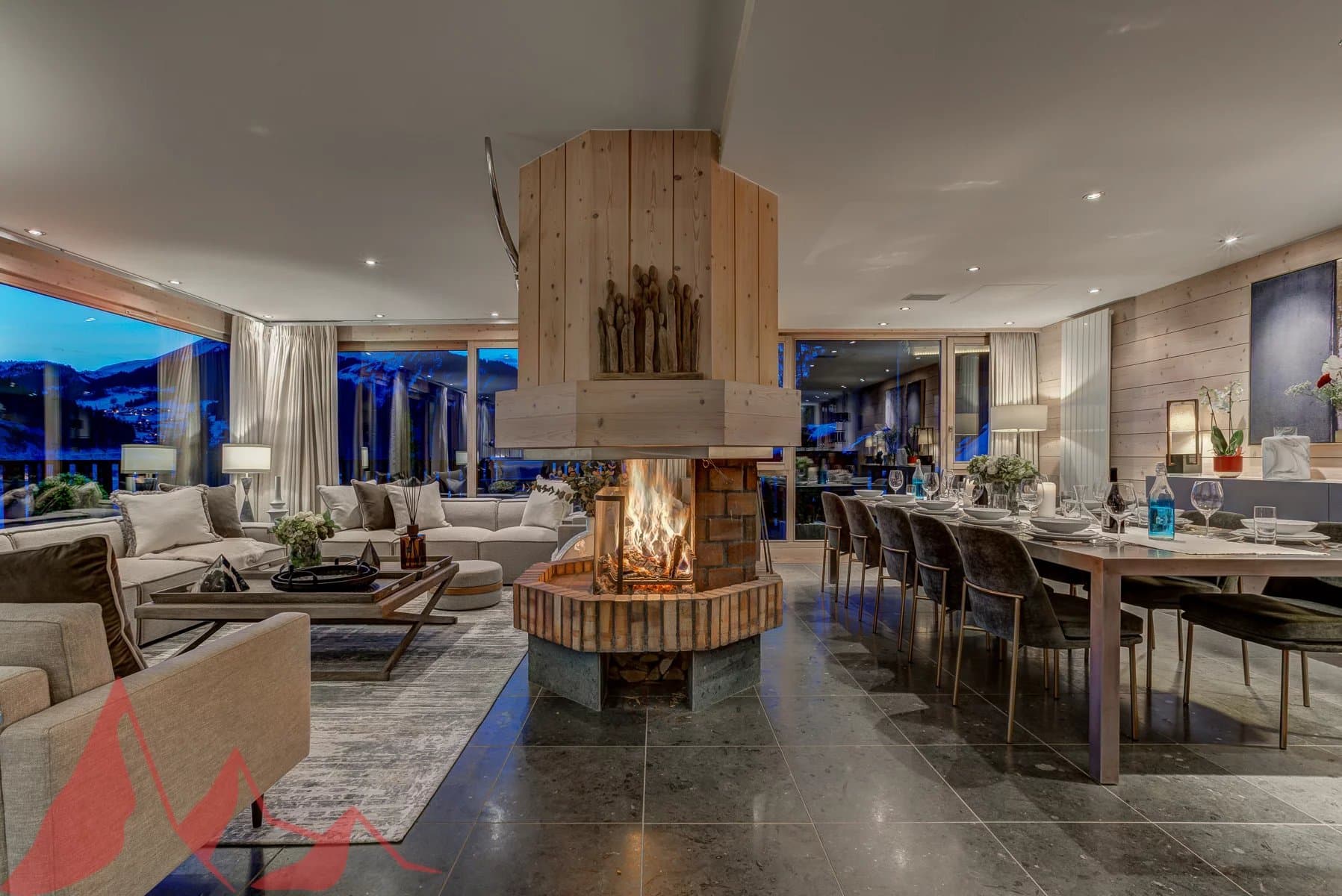
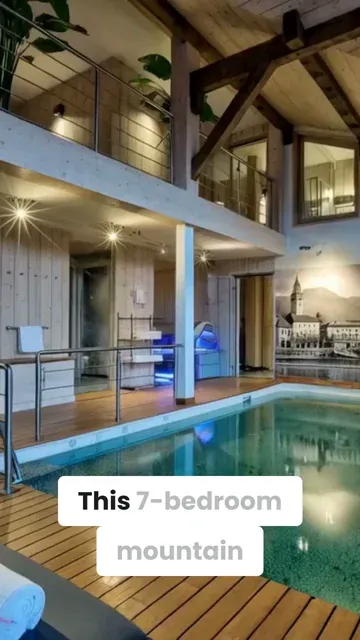
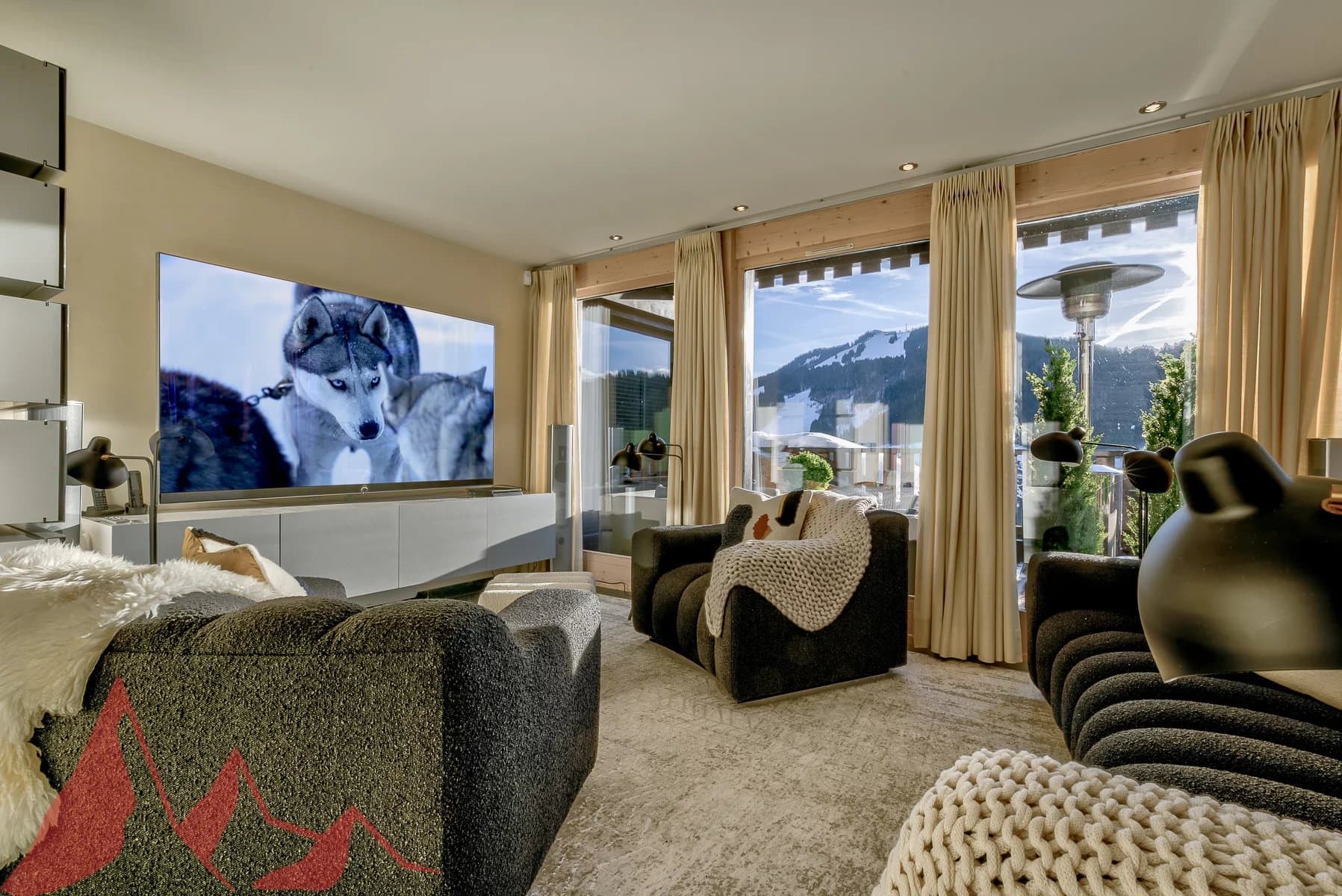
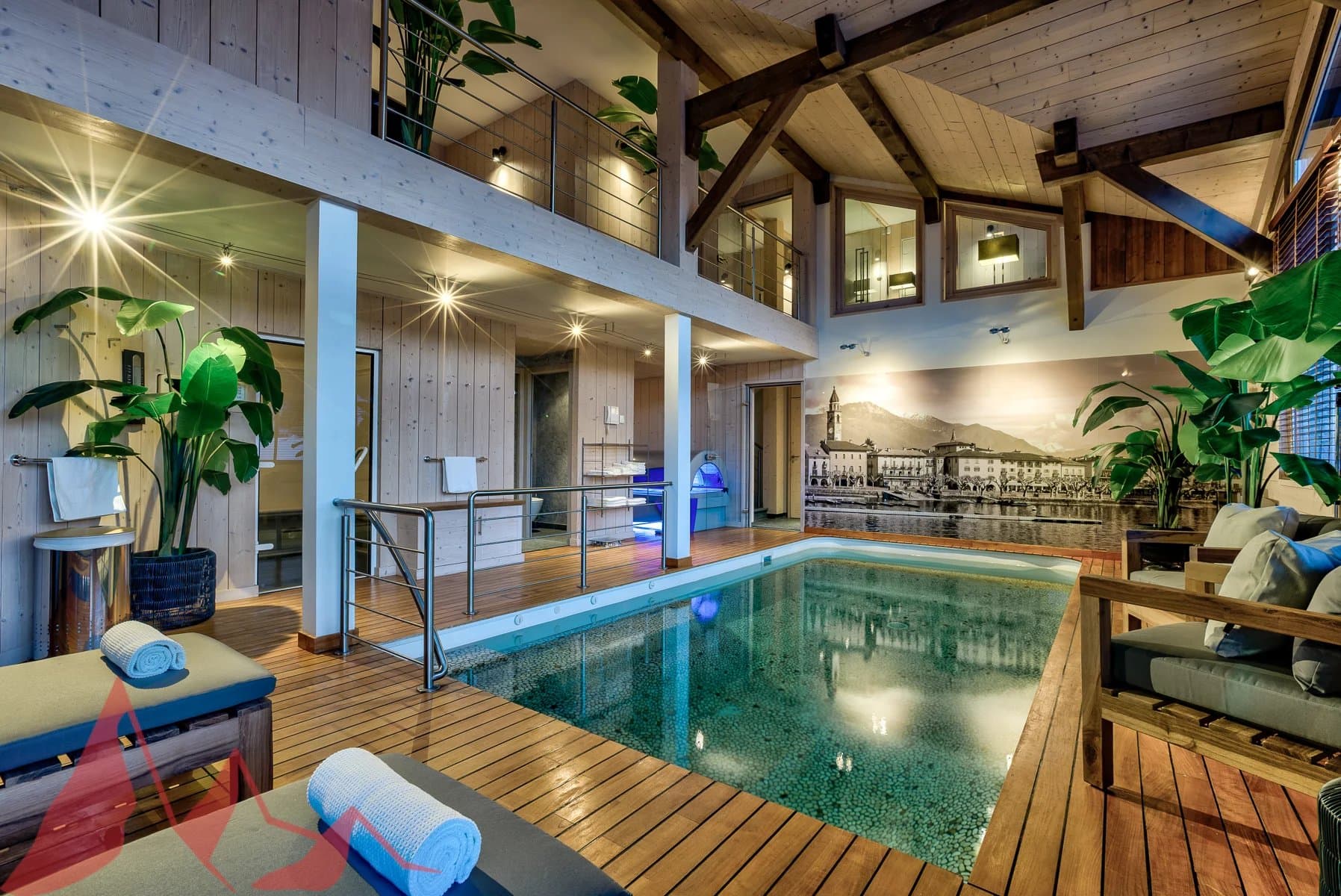
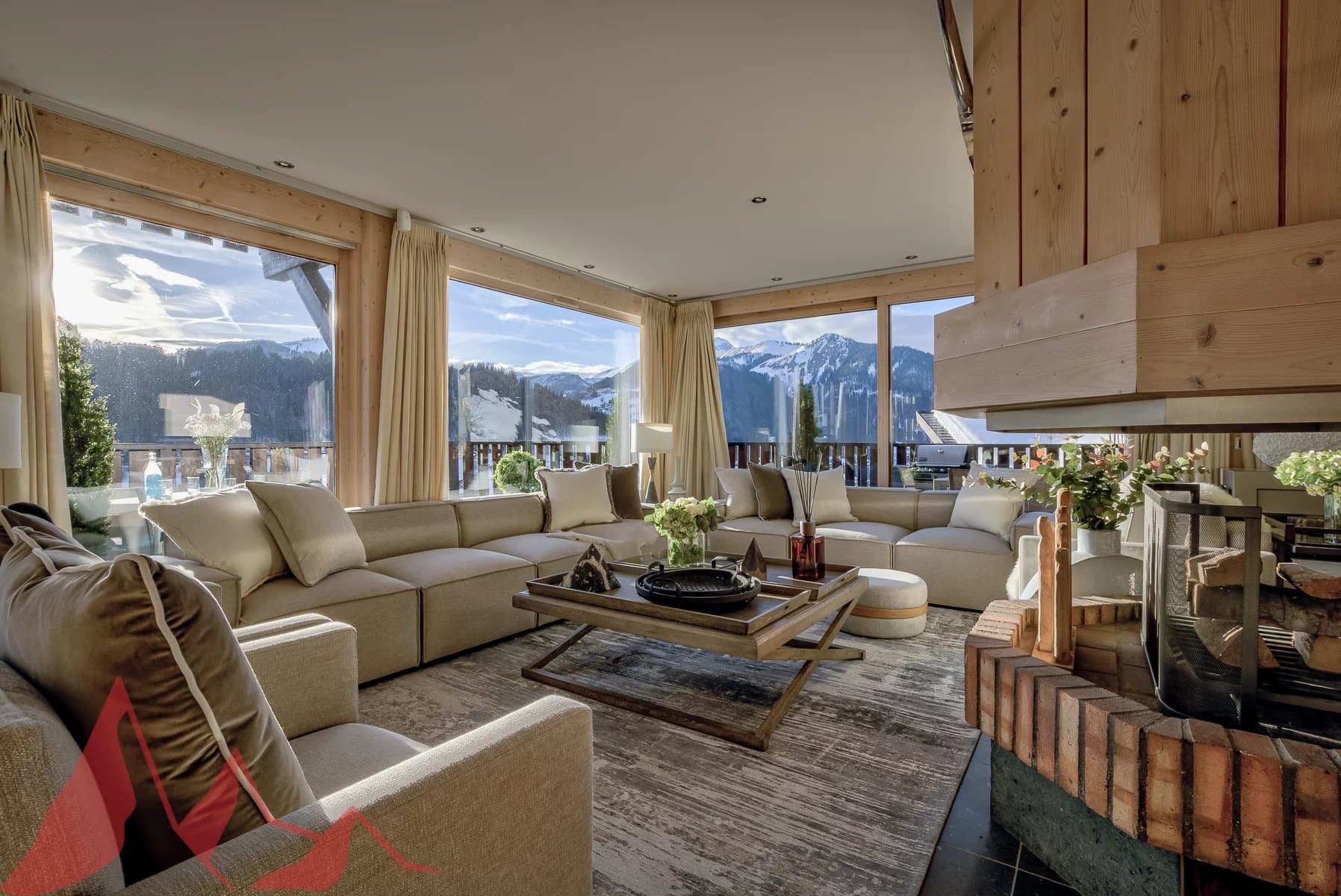
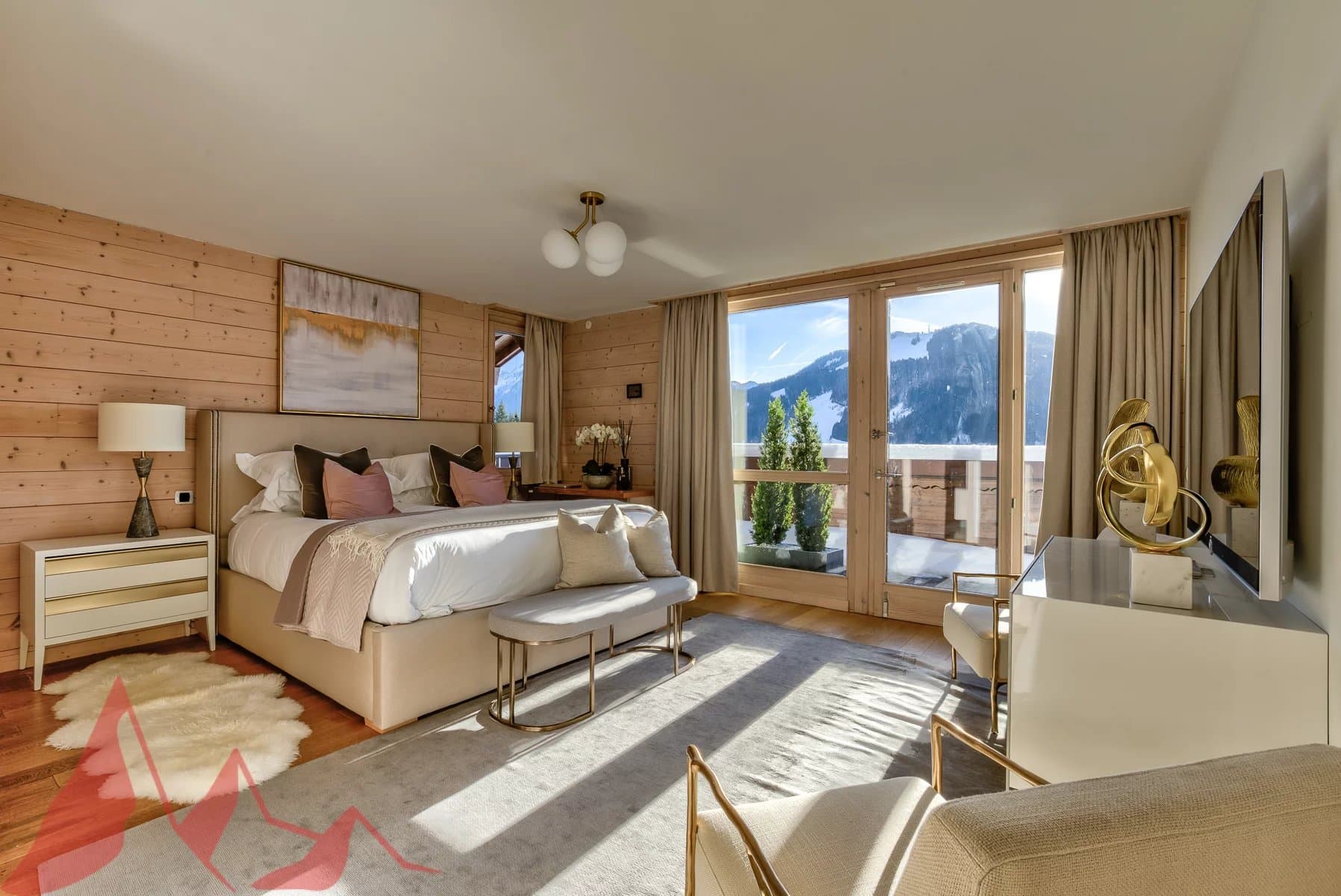
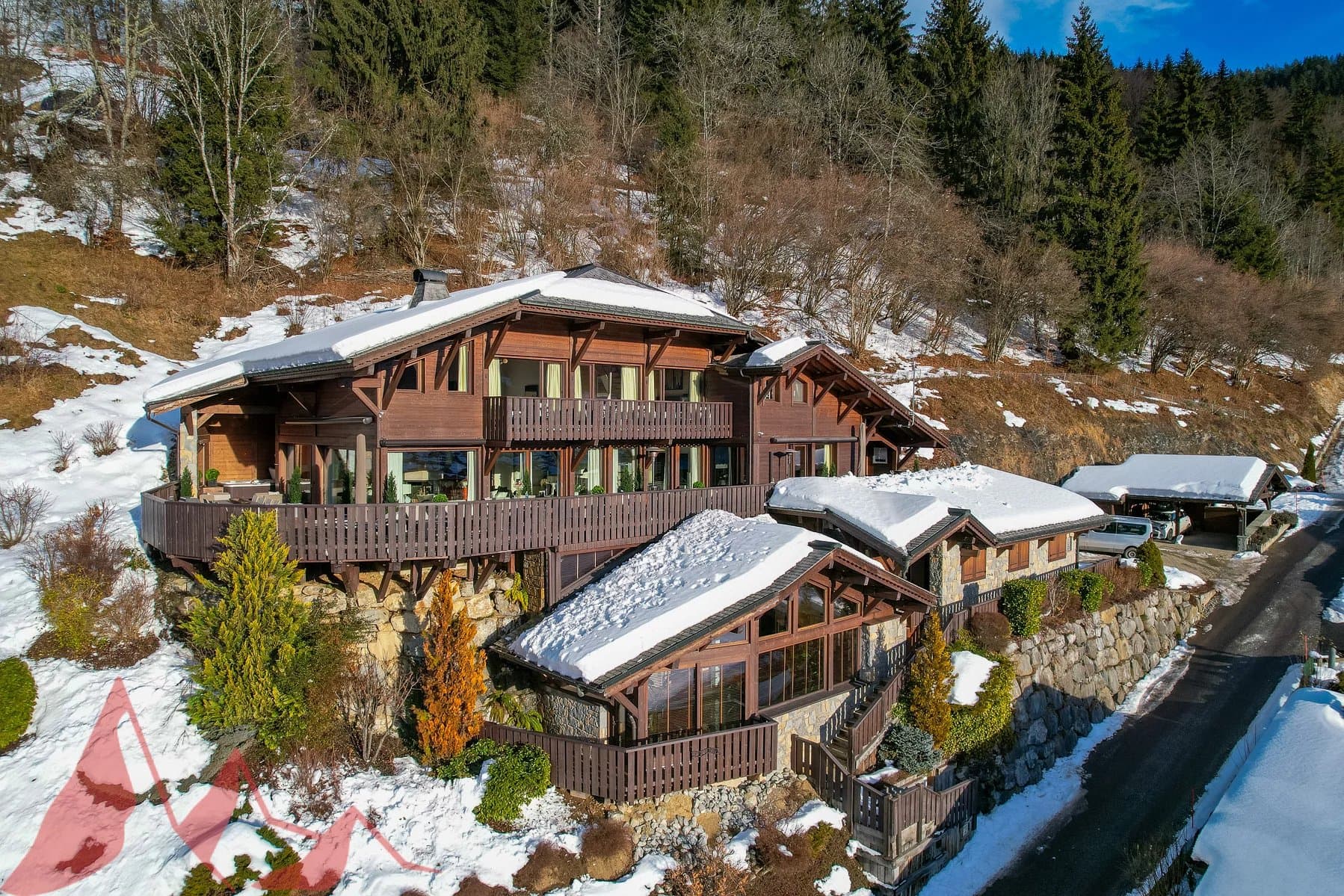
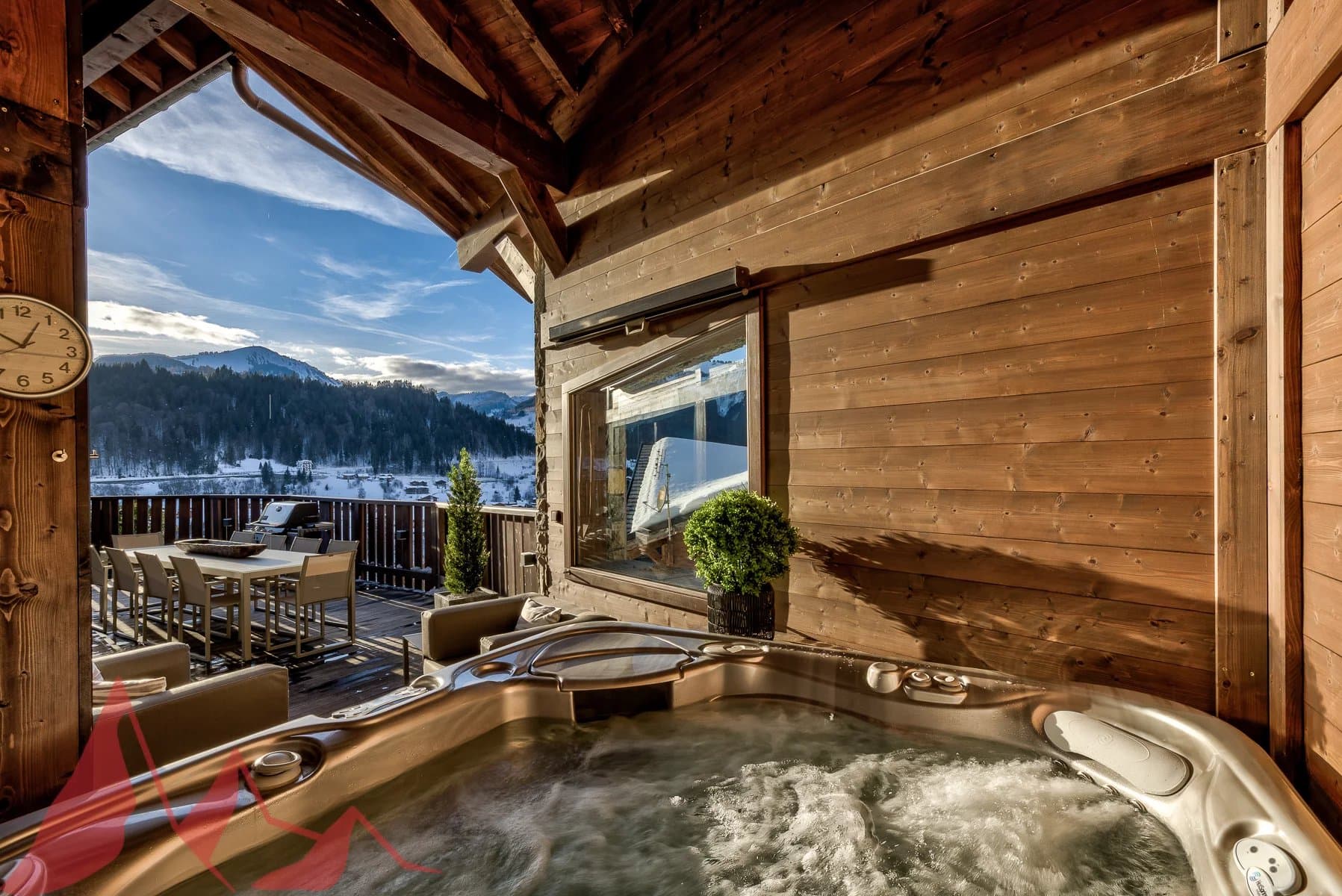
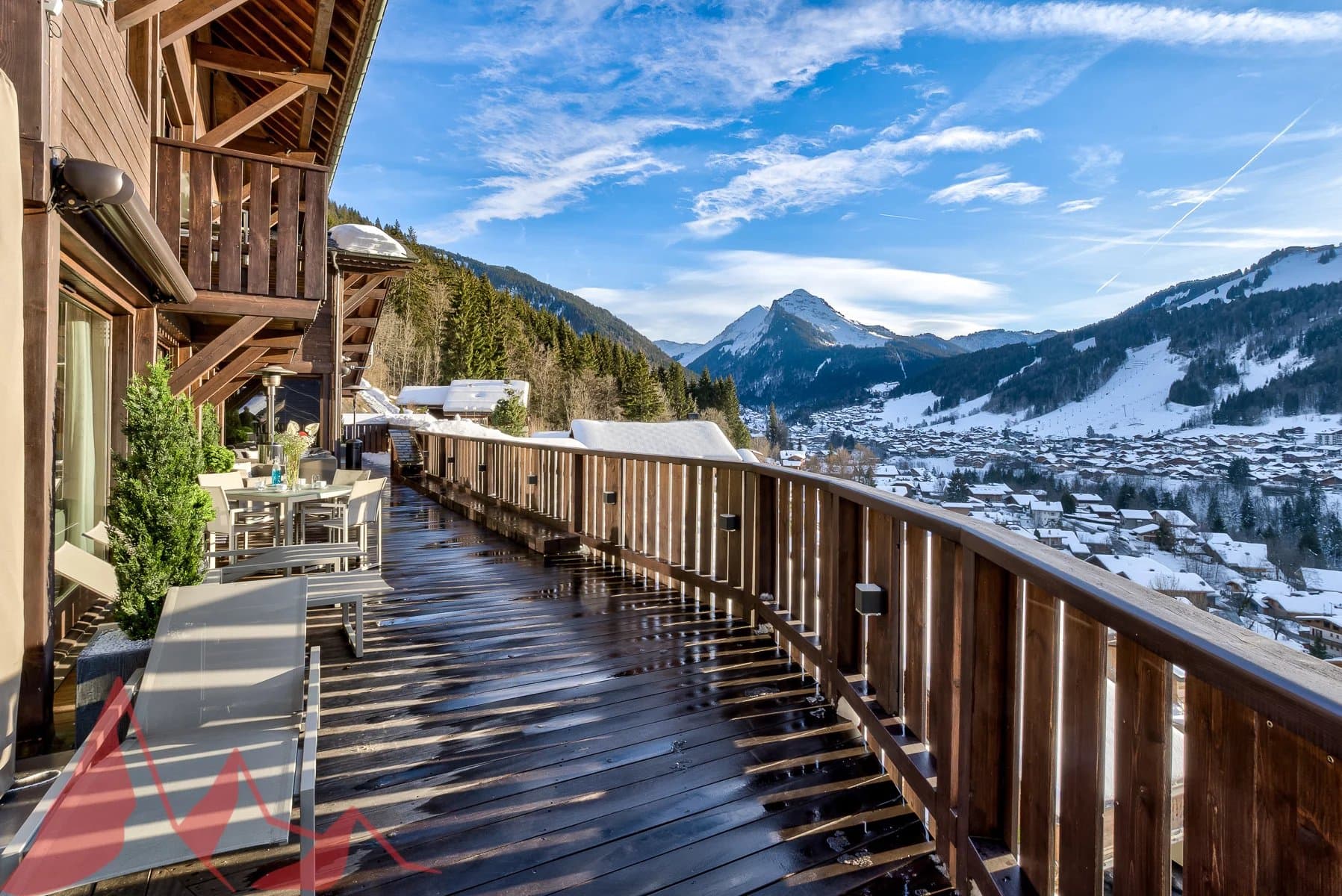
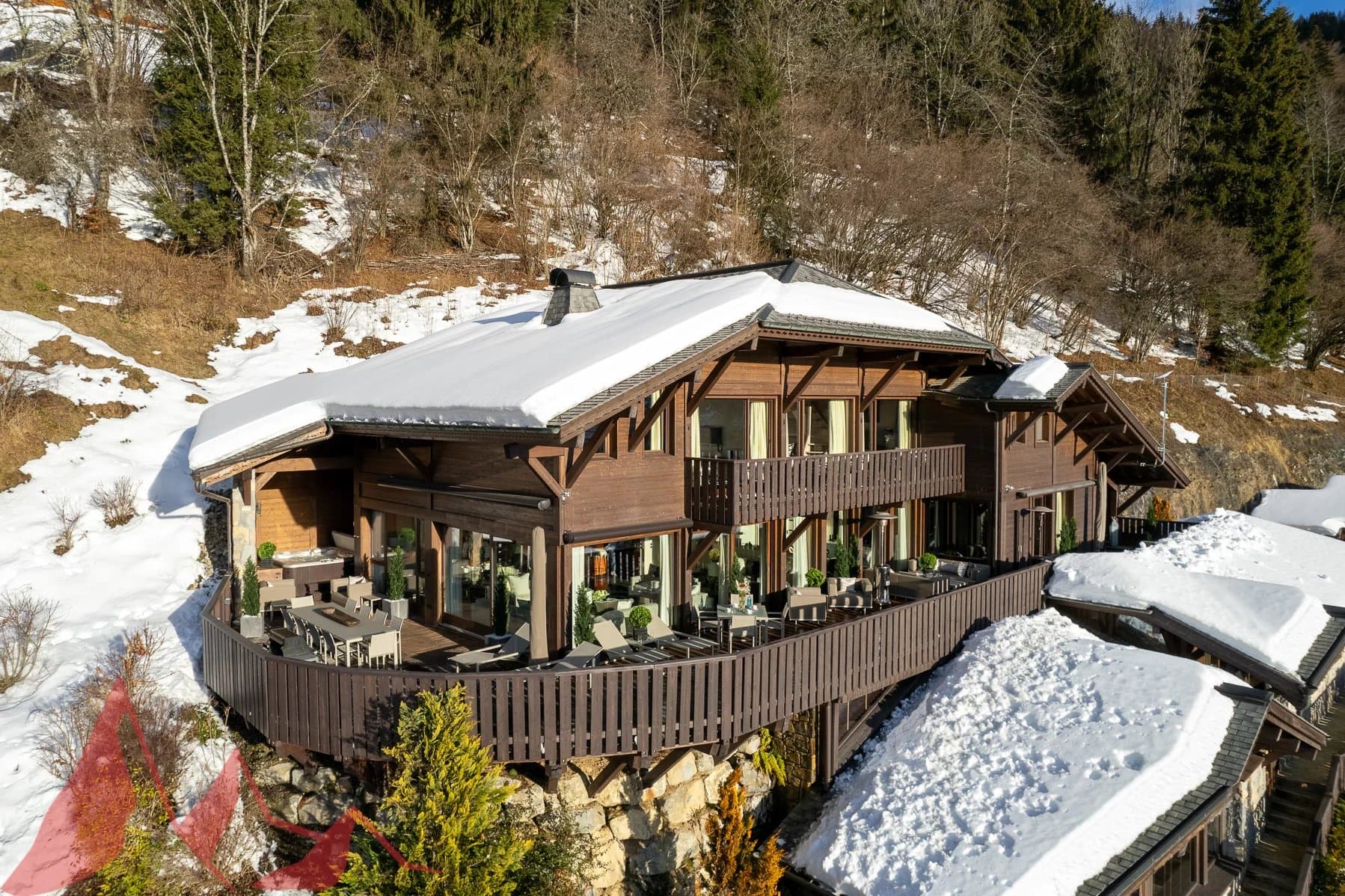
Discover this luxury chalet for sale in Morzine for only 4 500 000 €. use the info in the announcement: Luxurious 7-bedroom chalet in an elevated position with panoramic views across the Morzine Valley Chalet Les Copains is one of the finest chalets in the Morzine Valley, impeccably designed and ideally located in sought-after L’Élé , between Montriond and Morzine. Originally built in 2004, the property is in excellent condition and was recently modernised to a very high internal standard with all the features one could ask for in a luxurious ski chalet. Les Copains occupies an elevated position and has been designed to maximise sunshine throughout the day and early evening, with views to the east, south and west, across Morzine and towards the mountains in all directions. Internally, the chalet is extremely spacious with circa 528 sqm of space (including a double garage) over four floors. There are seven bedrooms in total, six doubles and one currently arranged as a bunk room for children. The large principal en-suite bedroom is discreetly situated on the same level as the living area and has direct access to an outdoor seating area. Three of the en-suite bedrooms on the second floor have direct access to a shared balcony with mountain views. A large and spacious open-plan living, dining and kitchen area with a stunning central fireplace occupies the first floor of the chalet and benefits from access to the extensive wrap-around south-facing terrace. The clever design of this space includes a partially-separated kitchen, which was fully renovated in May 2023, complete with Gaggenau equipment. There is a dedicated cosy TV snug in part of the living area. Les Copains has outstanding spa and wellness facilities on the ground floor, including a heated indoor swimming pool with relaxation deck, steam room, massage room and sauna. A well-equipped fitness studio can be found on the mezzanine level of the spa. There is also an outdoor jacuzzi which is discreetly tucked away on the terrace on the 1st floor of the chalet. The chalet has an abundance of storage space, including a dedicated ski and boot room and an integrated double garage. There is additional external parking and a carport for two vehicles. Chalet Les Copains presents a rare opportunity to acquire an exceptional mountain home with an abundance of space and luxurious features. Key features: – Imposing chalet with high quality interior specification – Originally built in 2004 (only 2 owners) – 528 sqm (approx.) of total internal space, plot of 2,463 sqm (approx.) – 7 bedrooms in total, 5 en-suite – Large open-plan living and dining area with superb central fireplace – Brand new Gaggenau kitchen (fitted May 2023) – Expansive wrap-around terrace, with dining and relaxation areas – External hot tub on terrace – Panoramic views of the Morzine Valley & mountains – Many hours of sunshine with orientation to the east, south and west – Underfloor heating and high-speed broadband – Indoor swimming pool with decking and relaxation area – Spa with equipped gym, sauna, steam room & massage room – Impressive traditional wine cellar with bar area – Spacious ski & boot room with heated boot racks – Integral double garage and external car port for 2 more cars – Super Morzine Telecabine 2 km, Montriond Village 1.6 km Please contact Morzine Immo directly for further information and to arrange viewings. The natural geographic risks that the property is exposed to can be found on the website www.georisques.gouv.fr
Source Media
Source Media 1
Source Media 2
Source Media 3
Source Media 4
Source Media 5
Source Media 6
Source Media 7
Source Media 8
Source Media 9
FINAL VIDEO

How to Animate Images with AI in 3 Simple Steps

1 Upload Your Image

Start by uploading any image you want to animate. Our AI works with most image formats including JPG, PNG, and WebP. Make sure your image is clear and high-quality for the best results.

2 Choose Animation Style

Select your preferred animation style from our preset options. Choose between subtle movements, dramatic effects, or natural flowing motions. You can also adjust the animation speed and intensity to match your vision.

3 Generate and Download

Click 'Generate' and watch as our AI brings your image to life. Once complete, preview your animation and download it in your preferred format. Perfect for social media, presentations, or digital art projects.

01

Animate Any Static Image into a Video Without Animation or Design Skills

Upload any photo or illustration and Revid's AI animation generator converts it into a dynamic video with realistic motion effects applied to the image content. Environments move, subjects come to life, and static compositions gain the kind of cinematic motion that makes still photography feel alive on screen. There is no keyframing, rigging, or animation software involved. From image upload to finished animated video takes seconds, making it practical to animate any photo from your library without technical skills or a production workflow.

02

What the AI Animation Generator Produces from Your Photo

The AI analyzes the content of your uploaded image, identifies subjects, backgrounds, and depth layers, and applies realistic motion effects that match the natural movement expected from each element. Landscapes gain wind movement, portraits develop subtle life-like motion, and action scenes develop fluid energy appropriate to the subject. The output is a short animated video clip that can be shared directly on social media, used in video projects, or embedded in presentations. You can describe the desired animation style to guide the AI's motion choices.

03

Animated Images That Stand Out in Social Feeds Compared to Static Photos

Static photos receive significantly less engagement on TikTok, Instagram, and YouTube Shorts than video content. The same image that performs modestly as a photo post can attract dramatically more views, saves, and shares when converted into a short animated video. Photographers, artists, and brands who animate their best images for social media consistently outperform their static-only posting strategy. Revid makes it possible to animate any image in the time it takes to upload the file, turning every strong photo into potential social video content.

Target Audience

Use Cases for Image-to-Animation AI

Social media content

Create eye-catching animated posts for Instagram, TikTok, and YouTube Shorts. Transform your photos into dynamic content that stops the scroll and boosts engagement.

Marketing visuals and ads

Generate professional animated visuals for your marketing campaigns. Turn product photos and brand images into compelling ad content that captures attention and drives conversions.

Animated thumbnails

Make your video thumbnails stand out with AI-powered animations. Convert static thumbnail images into dynamic previews that increase click-through rates and views.

Creative storytelling

Bring your stories to life by animating key moments from your photos. Perfect for narrative videos, documentaries, and creative projects that need visual movement.

Comparison

AI Animation Generator from Image vs Other Tools

See how our AI animation generator compares to traditional animation tools. Transform static images into dynamic animations effortlessly.

Animate from a single image
Revid AI
Traditional Animation Tools
AI-powered motion
Revid AI
Traditional Animation Tools
No design skills required
Revid AI
Traditional Animation Tools
Fast generation
Revid AI
Traditional Animation Tools
Example Videos

See What You Can Create with AI Animation Generator from Image

Explore different styles and possibilities with our AI Animation Generator from Image

Why Use an AI Animation Generator from Image?

Transform static photos into dynamic animations effortlessly with AI-powered technology. No design skills or manual editing required.

  • Animate static photos automatically with AI
  • No manual animation or editing required
  • Create animations for social media, ads, and videos
  • Save time compared to traditional animation tools
  • Works directly from a single image
FAQs

Frequently Asked Questions

What is the AI Animation Generator?
Our AI Animation Generator is a cutting-edge tool that transforms static images into captivating animations using artificial intelligence. Simply upload any image, and our advanced AI algorithms will analyze it and add natural-looking motion effects, bringing your pictures to life in seconds.
What types of images work best with the AI animator?
While our AI can animate most images, the best results come from clear, high-resolution photos with well-defined subjects. Portraits, landscapes, nature scenes, and product photos work particularly well. The tool supports common image formats including JPG, PNG, and WebP files.
How long does it take to animate an image?
Most animations are generated within 1-2 minutes, depending on the image size and complexity. Our AI processes your image quickly while ensuring high-quality results. You'll receive a notification as soon as your animation is ready for download.
What animation styles are available?
We offer various animation styles to suit different needs. Choose from subtle movements like gentle waves or ripples, more dramatic effects like 3D depth and parallax, or natural flowing motions. Each style can be customized to achieve your desired look.
In what format can I download my animated image?
Animated images can be downloaded as MP4 videos or GIFs, making them perfect for sharing on social media, websites, or presentations. You can choose the quality and size of your export to match your specific needs.
How can I use the animated images I create?
The animated images you create can be used in numerous ways: social media posts, digital marketing materials, presentations, websites, digital art projects, and more. They're particularly effective for catching attention on platforms like Instagram, Twitter, and LinkedIn.
Is there a limit to how many images I can animate?
The number of images you can animate depends on your subscription plan. Each animation uses one credit from your account. Free users start with a limited number of credits, while paid plans offer more credits monthly. Check our pricing page for detailed information about our plans.
Can I customize the animation settings?
Yes! You can adjust various parameters including animation speed, intensity, and direction. This allows you to fine-tune the movement to perfectly match your vision. Whether you want subtle, elegant motion or eye-catching dynamic effects, our tool gives you full control.
What's the maximum image size I can upload?
We accept images up to 10MB in size and recommend a minimum resolution of 800x800 pixels for best results. If your image is larger, our system will automatically optimize it while maintaining quality to ensure smooth animation processing.
Can I animate multiple images at once?
Currently, our tool processes one image at a time to ensure the highest quality results. However, you can queue multiple images and our system will process them sequentially, notifying you as each animation is completed.
View Complete Help Center

Find detailed answers to 100+ questions about features, tools, and workflows

or check our markdown version optimized for LLMs

Tools

Free AI Video Tools

Choose your tool, add your content, and create a video in seconds. Then customize it to your liking.

AI TikTok Video Generator

Turn text into trendy, viral TikTok videos in a snap

Try it out

Prompt to Video

Turn your prompts into engaging videos with AI assistance

Try it out

Add Caption to Video

Generate subtitles in 100+ languages with AI captions

Try it out

PDF to Brainrot

Convert PDFs into attention-grabbing, scrollable videos

Try it out

Text to Brainrot

Turn your text into trendy, scrollable content with dynamic visuals

Try it out

AI Talking Avatar

Create lifelike talking avatars from text in seconds

Try it out

Video Podcast Generator

Transform your podcasts into visually engaging video content

Try it out

AI Movie Maker

Create studio-quality videos from text, no filming required

Try it out

Audio to Video

Make engaging videos from your podcasts, interviews, or any audio content

Try it out

Animated Lyrics Video Generator

Turn any song into an animated lyric video with synced text and visuals.

Try it out

AI Music Video Generator

Transform your music into cinematic music videos.

Try it out

AI Lyrics Video Generator

Transform your lyrics into a complete music video with AI

Try it out
See all tools
How it works

Four simple steps to create and share your video

1
Step 1

Find your next viral idea

Lacking inspiration? Our AI spots trends and helps you adapt them for your own videos, hassle-free.
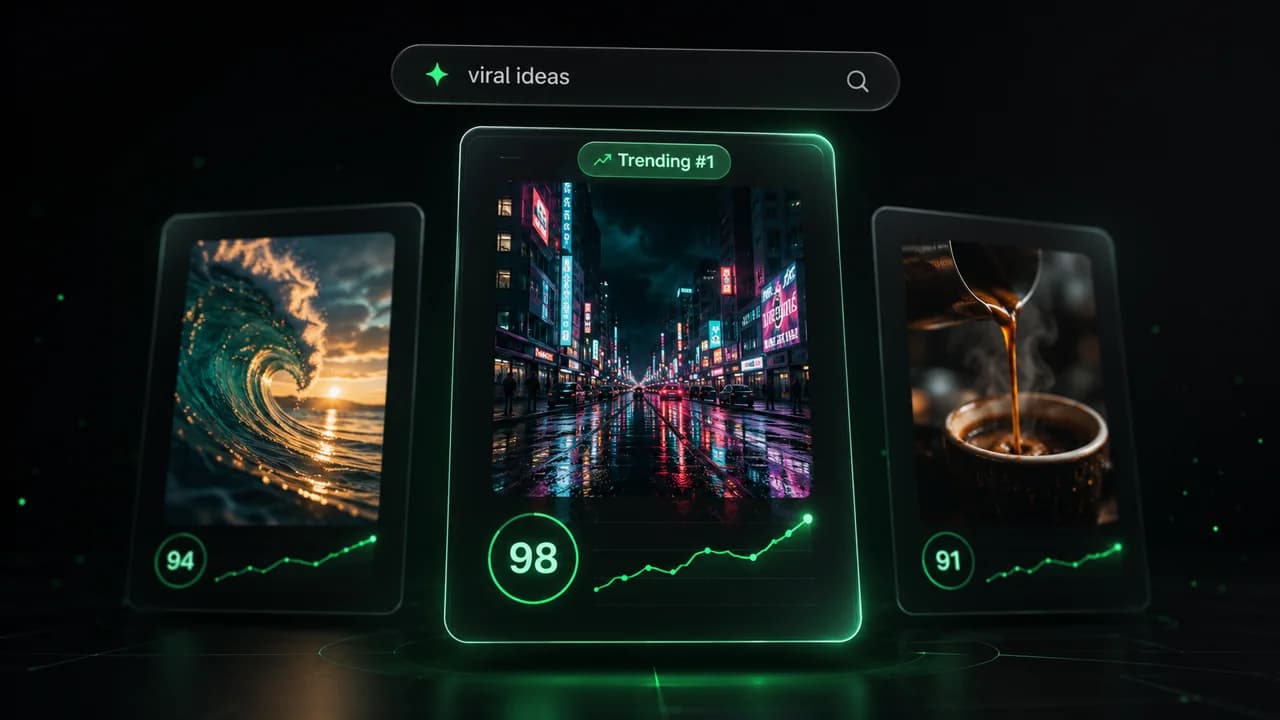
  • Identify the best performing formats
  • Get inspired by top creators
  • Turn your ideas into captivating videos
Find your next viral idea
2
Step 2

Storytelling designed to captivate

Revid.ai analyzes viral videos and uses those same codes to write your scripts.
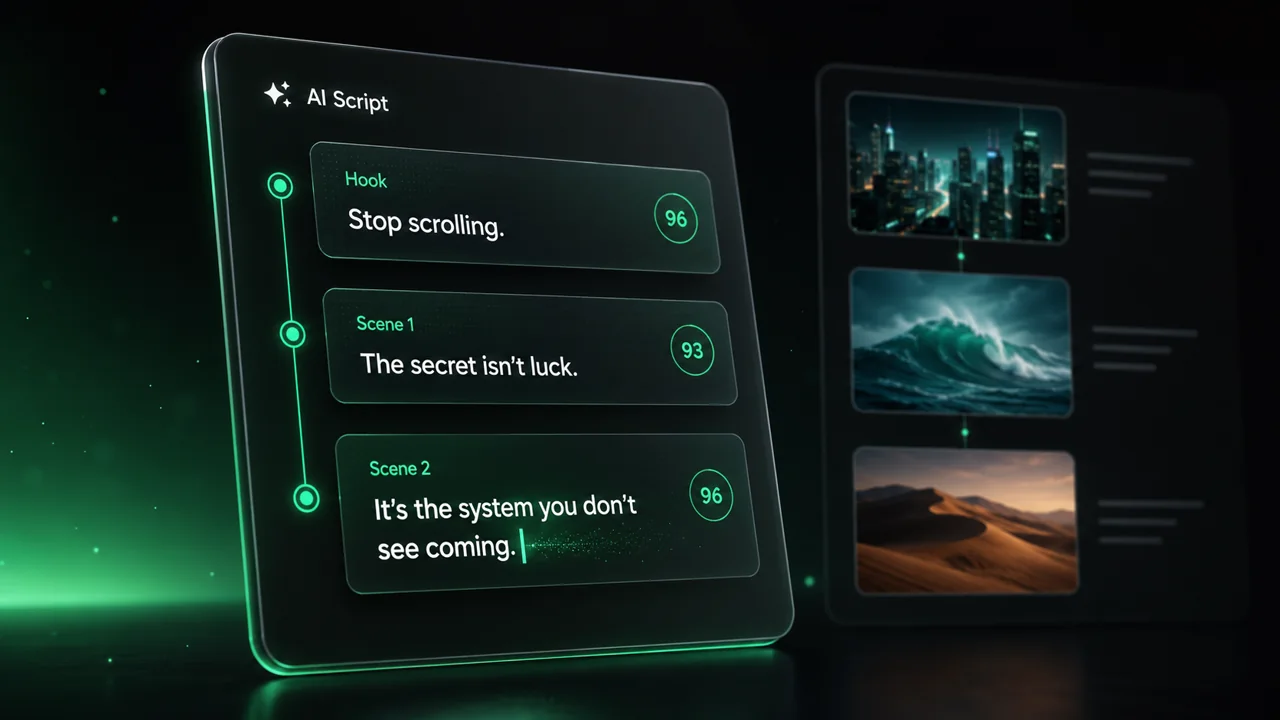
  • Write your script or just give the topic to our AI
  • The AI will suggest relevant content to inspire you
  • Paste a link, our AI analyzes it and turns it into a video
Storytelling designed to captivate
3
Step 3

Videos you will love

Create professional videos, share them with one click, and grow your audience.
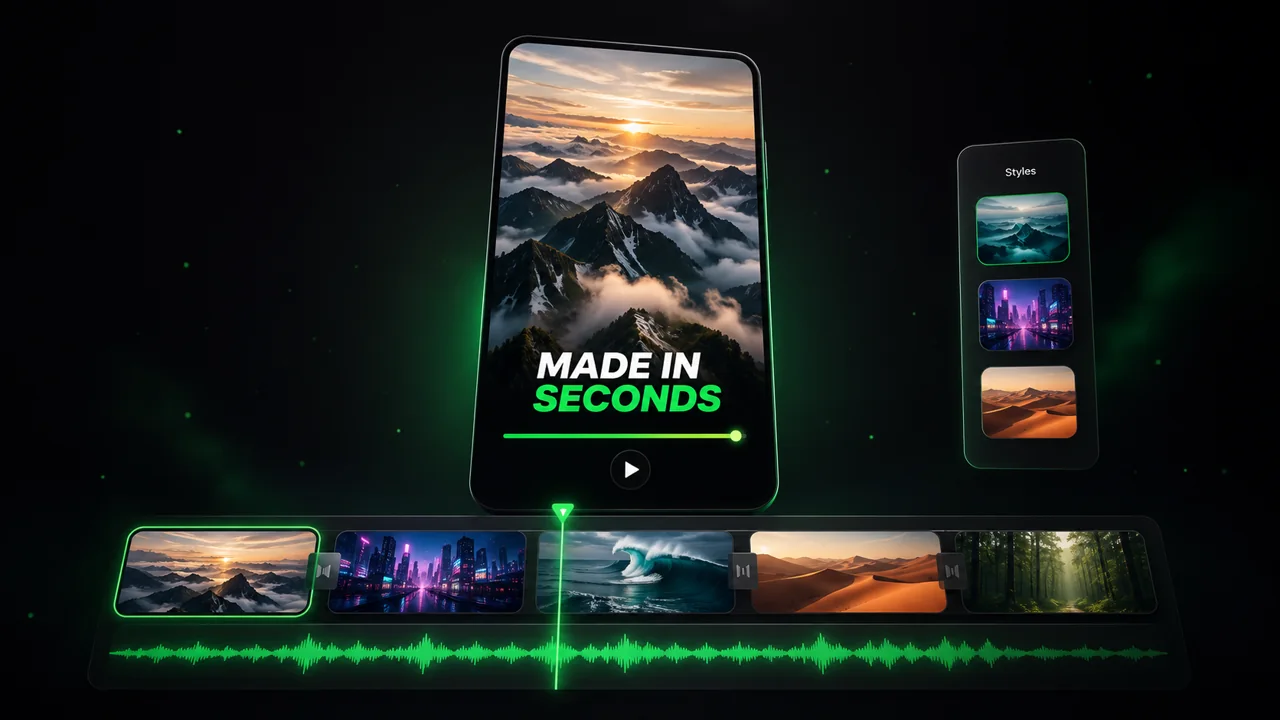
  • Watch your texts turn into professional videos
  • Automate video creation from your content
Videos you will love
4
Step 4

Publish on TikTok, YouTube, Instagram and more

Reach a wider audience by sharing your videos across all your networks.
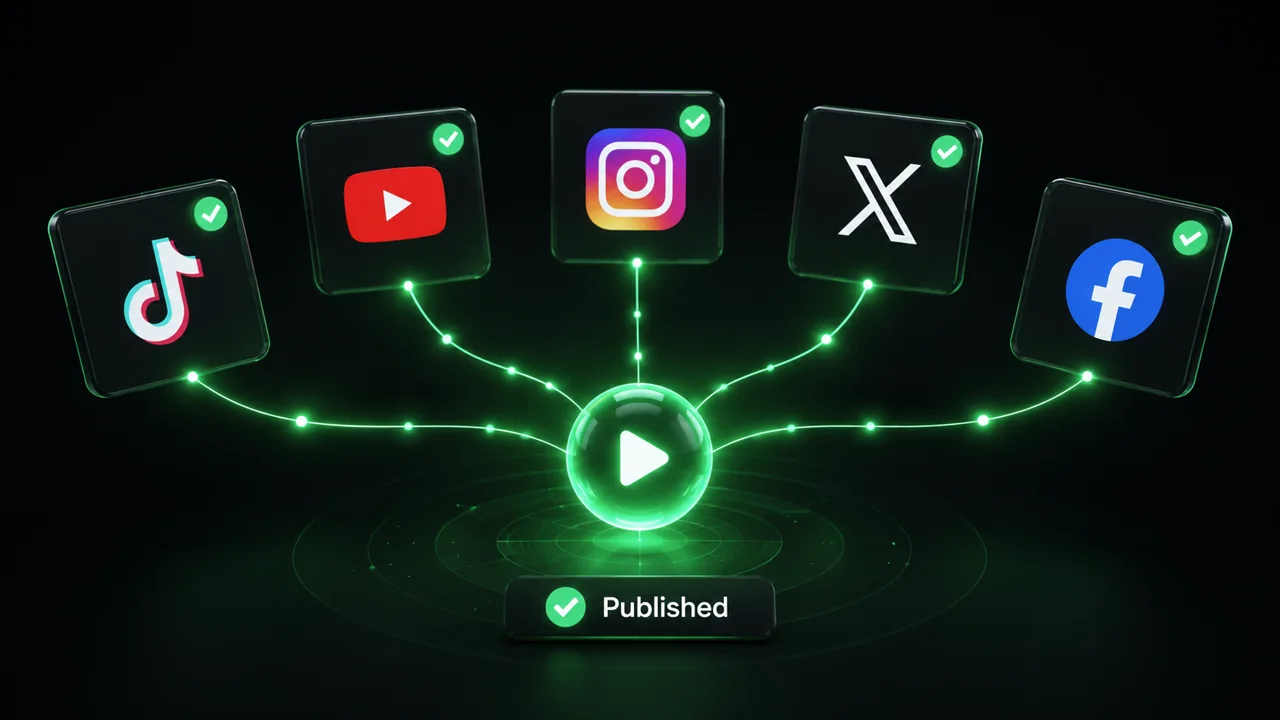
Publish on TikTok, YouTube, Instagram and more
revid.ai logo

The fastest way to create captivating videos.