Trusted by 14,000+ creators worldwide

Faceless AI Video Generator

Turn your ideas into faceless videos effortlessly. Choose natural voices, let AI craft stunning visuals. Create short videos on any topic — no camera required.

Paste a script or URL and turn it into a TikTok-ready video with AI voice, captions, and scroll-stopping visuals.

  • Paste text or URL
  • AI voiceover
  • TikTok-ready 9:16
  • Auto captions and visuals
1,410 people used this tool in the last 24h

Start for free.(no credit card required)

Related tools you might like:

or explore our 42+ other tools to create the exact video you want

Explore our tools

Create Faceless Videos with AI in 3 Simple Steps

1 Enter Your Script

Type or paste your script into the text box. Use [brackets] to guide the AI on what visuals to generate. Our AI will analyze your content and prepare to create engaging visuals that don't require face-to-face recording.

2 Choose Your Style

Select from various visual styles including stock footage, AI-generated scenes, or animated graphics. Pick a voice from our AI collection or upload your own audio. Add background music to enhance your video's impact.

3 Generate and Edit

Click 'Generate' and watch as your faceless video comes to life. Once ready, use our editor to fine-tune timing, adjust captions, or modify visuals until your video is perfect for sharing.

01

Create Short Videos Without Showing Your Face or Using a Camera

Write your topic or script and Revid generates a complete faceless short video with AI visuals, natural voiceover, captions, and formatted output ready for TikTok, YouTube Shorts, and Instagram Reels. You never appear on screen and no camera is required at any point. The AI handles every visual and audio element from your text input alone. Faceless content creation removes the personal exposure and production complexity that stops most people from building a video channel, making it accessible to anyone with ideas worth sharing.

02

What the AI Generates for Faceless Video Content

The faceless video generator produces a complete short-form video from your script or topic with no on-camera element required. AI visuals are generated and matched to each section of your content, natural voiceover narrates your script, and on-screen captions keep viewers engaged on mute. The output is formatted for the platform you are posting to and ready to publish without any additional production steps. You control the topic, tone, and niche. The AI handles everything that would otherwise require a camera, microphone, and editing setup.

03

Faceless Video Channels That Grow Fast on Every Platform

Some of the fastest-growing channels on TikTok and YouTube are faceless channels built around niche topics, narrated explainers, and AI-generated story content. Faceless creators do not need on-camera charisma, professional lighting, or a filming setup to build a loyal audience. What they need is a consistent niche, a regular posting schedule, and production quality that holds attention. Revid provides all three of those through a single workflow. Write the content, generate the video, and post without any of the personal exposure or equipment that traditional video channels require.

Target Audience

Who is this tool for?

Privacy-conscious creators building anonymous channels

Build a profitable niche content channel on TikTok or YouTube without ever appearing on camera, maintaining full anonymity while producing professional video content consistently.

Faceless narrators and storytellers

Share your ideas, stories, and expertise as voiced narration over AI visuals, reaching audiences on video platforms without the personal exposure of on-camera recording.

Creators building passive income content libraries

Produce large volumes of niche faceless content that accumulates views and generates passive revenue on YouTube and TikTok without the time commitment of traditional video production.

Brands producing content without on-camera talent

Create professional marketing and educational video content for your brand without organizing filming sessions, hiring talent, or maintaining a consistent on-camera presence.

Comparison

Revid vs. Traditional On-Camera Video Production

Traditional video channels require on-camera presence, filming equipment, and editing. Revid's faceless video generator produces complete short-form content from text alone, with no camera or face required.

Input
Revid Faceless AI Video GeneratorWrite a script and generate a faceless video immediately
Other ToolsFilm on camera, edit footage, and add captions manually
Camera required
Revid Faceless AI Video GeneratorNo camera needed at any point in the workflow
Other ToolsCamera, lighting, and filming setup required for every video
On-camera presence
Revid Faceless AI Video GeneratorFully faceless, anonymous content by default
Other ToolsRequires showing your face or hiring on-camera talent
Visuals
Revid Faceless AI Video GeneratorAI generates matched visuals for every scene automatically
Other ToolsRequires filming background footage or sourcing B-roll separately
Production time
Revid Faceless AI Video GeneratorFinished faceless video in minutes
Other ToolsHours of filming, editing, and captioning per video
Content volume
Revid Faceless AI Video GeneratorGenerate multiple faceless videos in one session
Other ToolsEach video requires a separate full filming and editing workflow
FAQs

Frequently Asked Questions

What is a Faceless AI Video Generator?
A Faceless AI Video Generator is a tool that creates engaging videos without requiring you to appear on camera. Perfect for content creators who prefer anonymity or don't want to show their face, this tool transforms your text into professional-looking videos using AI-generated visuals, stock footage, and animations. It's ideal for YouTube shorts, TikTok videos, and other social media content where you want to maintain privacy while still creating compelling content.
Why should I create faceless videos?
Faceless videos offer numerous advantages: maintain privacy while building an online presence, focus on content quality rather than personal appearance, save time on makeup and filming setup, and create content consistently without being camera-ready. Many successful content creators use faceless videos to build large followings while staying anonymous.
What types of faceless videos can I create?
The possibilities are endless! Create educational content, product reviews, storytelling videos, motivational content, business presentations, or entertainment videos. Our tool supports various visual styles including stock footage, AI-generated scenes, animated graphics, and more - all without needing to show your face.
How does the AI generate visuals for my video?
Our AI analyzes your script and generates relevant visuals based on your text and any specific directions you provide in [brackets]. It can create animations, use stock footage, or generate custom scenes that match your content. The AI ensures smooth transitions and engaging visuals that maintain viewer interest without requiring face-to-face recording.
Can I use my own voice in faceless videos?
Absolutely! While we offer high-quality AI voices, you can upload your own voice recording or record directly through our tool. This adds a personal touch to your faceless videos while still maintaining visual anonymity. Many successful creators use their real voice with faceless content.
What's the ideal length for faceless videos?
For optimal engagement, we recommend keeping faceless videos between 30 seconds to 3 minutes. Short-form content typically performs best on platforms like TikTok, YouTube Shorts, and Instagram Reels. However, our tool can handle longer scripts if needed for more detailed content.
How can I make my faceless videos more engaging?
Use compelling scripts with clear, concise messages. Include relevant visuals by using [bracket] directions in your script. Add background music to set the mood. Use dynamic transitions and maintain a good pace. Focus on providing value through information, entertainment, or education rather than relying on personal presence.
What platforms are best for sharing faceless videos?
Faceless videos work great on all major social platforms, including YouTube, TikTok, Instagram Reels, and Facebook. Many successful channels exclusively use faceless content. Our tool generates videos in optimal formats for each platform, ensuring your content looks professional wherever you share it.
Can I edit my faceless video after generation?
Yes! Our built-in editor allows you to fine-tune your video after AI generation. Adjust timing, modify captions, change visuals, add effects, and more. This ensures your faceless video matches your vision perfectly before sharing it with your audience.
View Complete Help Center

Find detailed answers to 100+ questions about features, tools, and workflows

or check our markdown version optimized for LLMs

Tools

Free AI Video Tools

Choose your tool, add your content, and create a video in seconds. Then customize it to your liking.

AI TikTok Video Generator

Turn text into trendy, viral TikTok videos in a snap

Try it out

Prompt to Video

Turn your prompts into engaging videos with AI assistance

Try it out

Add Caption to Video

Generate subtitles in 100+ languages with AI captions

Try it out

PDF to Brainrot

Convert PDFs into attention-grabbing, scrollable videos

Try it out

Text to Brainrot

Turn your text into trendy, scrollable content with dynamic visuals

Try it out

AI Talking Avatar

Create lifelike talking avatars from text in seconds

Try it out

Video Podcast Generator

Transform your podcasts into visually engaging video content

Try it out

AI Movie Maker

Create studio-quality videos from text, no filming required

Try it out

Audio to Video

Make engaging videos from your podcasts, interviews, or any audio content

Try it out

Animated Lyrics Video Generator

Turn any song into an animated lyric video with synced text and visuals.

Try it out

AI Music Video Generator

Transform your music into cinematic music videos.

Try it out

AI Lyrics Video Generator

Transform your lyrics into a complete music video with AI

Try it out
See all tools
How it works

Four simple steps to create and share your video

1
Step 1

Find your next viral idea

Lacking inspiration? Our AI spots trends and helps you adapt them for your own videos, hassle-free.
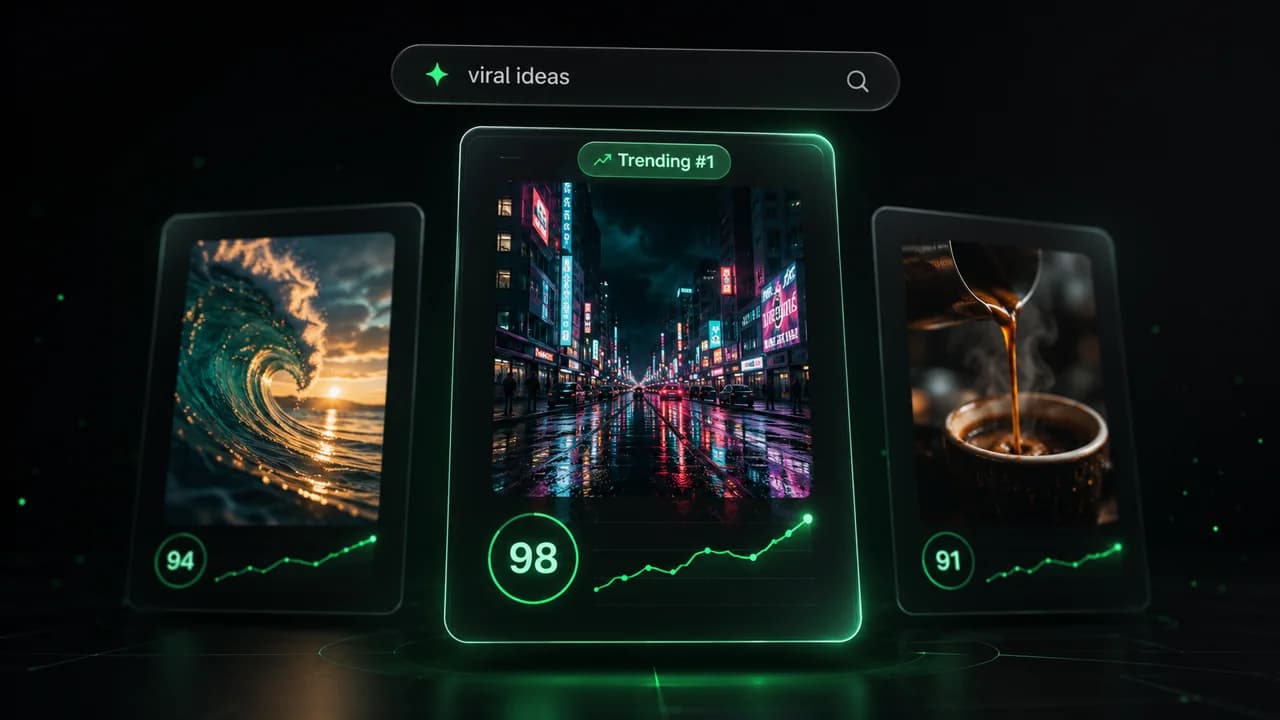
  • Identify the best performing formats
  • Get inspired by top creators
  • Turn your ideas into captivating videos
Find your next viral idea
2
Step 2

Storytelling designed to captivate

Revid.ai analyzes viral videos and uses those same codes to write your scripts.
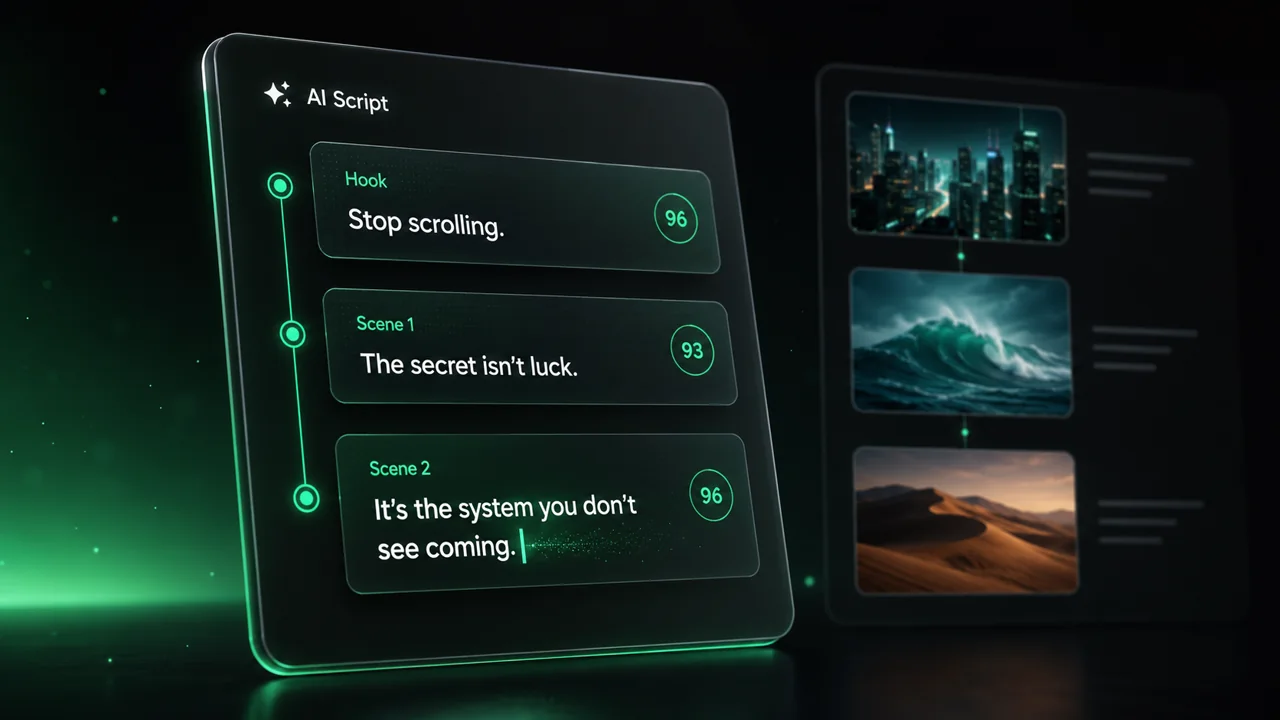
  • Write your script or just give the topic to our AI
  • The AI will suggest relevant content to inspire you
  • Paste a link, our AI analyzes it and turns it into a video
Storytelling designed to captivate
3
Step 3

Videos you will love

Create professional videos, share them with one click, and grow your audience.
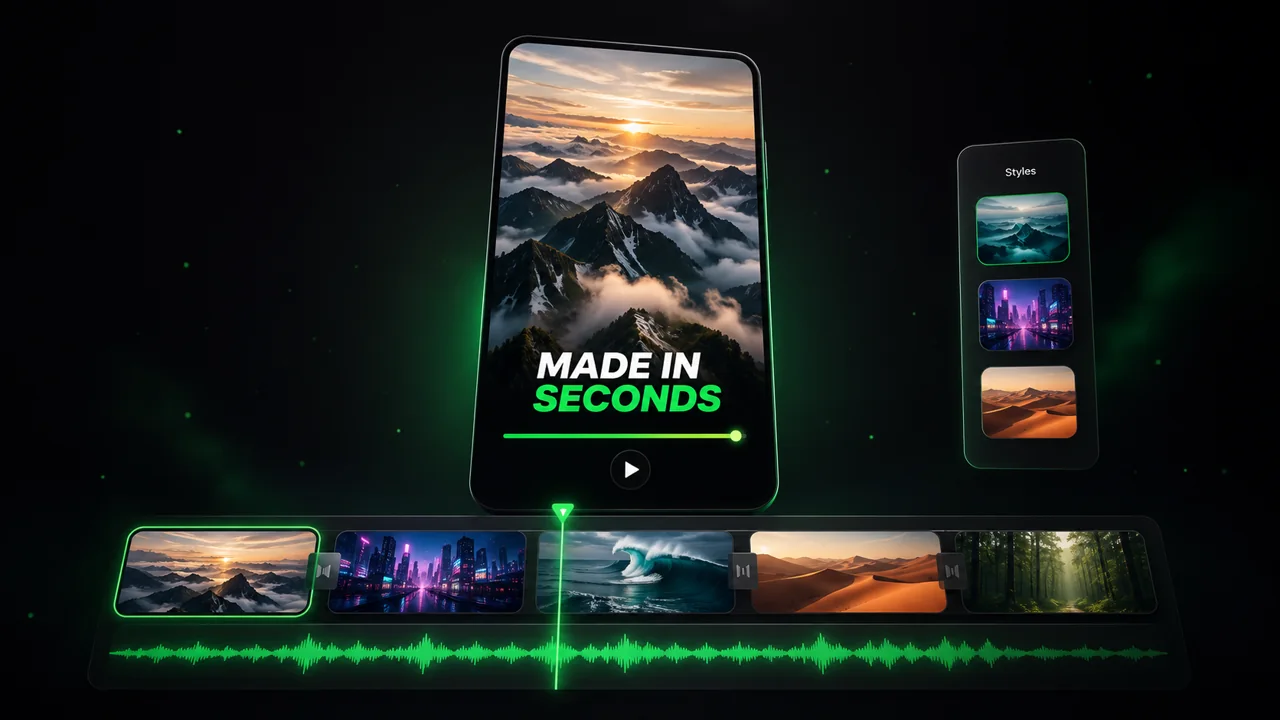
  • Watch your texts turn into professional videos
  • Automate video creation from your content
Videos you will love
4
Step 4

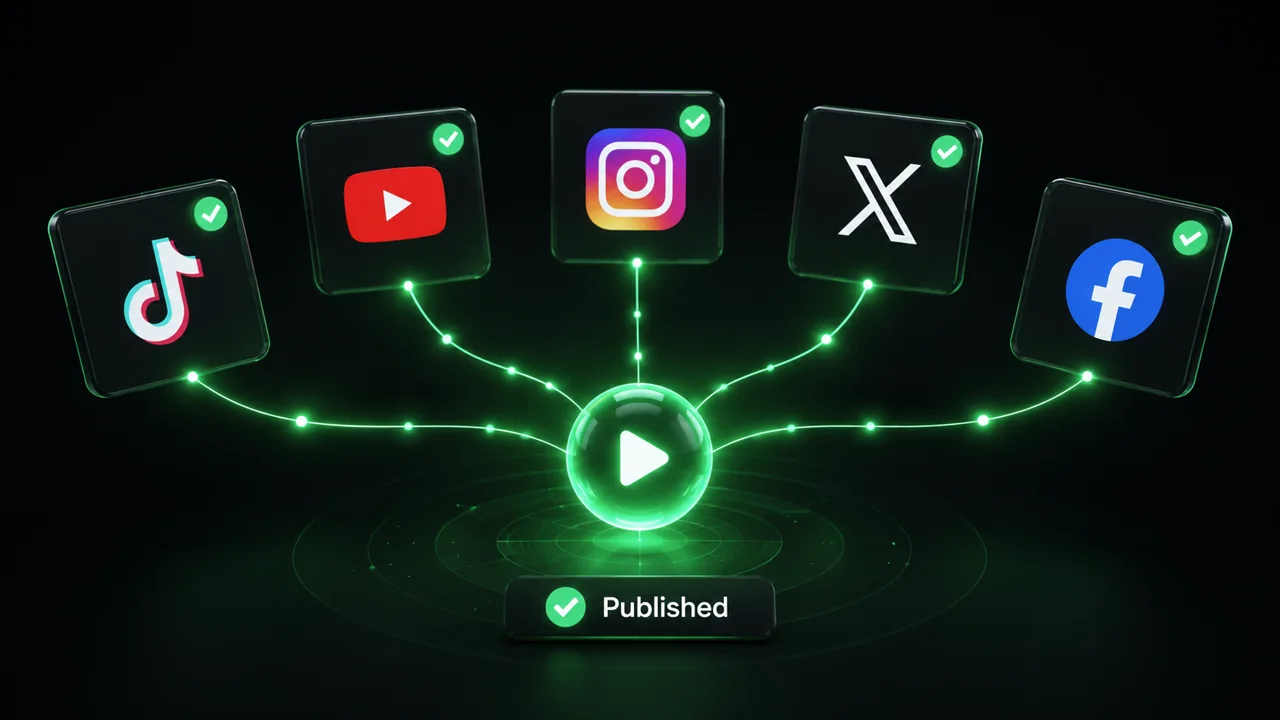
Publish on TikTok, YouTube, Instagram and more

Reach a wider audience by sharing your videos across all your networks.
Publish on TikTok, YouTube, Instagram and more
revid.ai logo

The fastest way to create captivating videos.
