Video Format
Best for TikTok, Reels, and Shorts.
708 people used this tool in the last 24h
or explore our 42+ other tools to create the exact video you want
Explore our tools
Transform PDFs into engaging videos instantly. Upload your document and our AI will create a professional video with voiceover and visuals. Perfect for educational content.
or explore our 42+ other tools to create the exact video you want
Explore our tools

Simply drag and drop or select your PDF file. Our AI instantly analyzes the text and structure of your document, preparing it for a seamless video conversion.
Choose a realistic AI voice from our extensive library or record your own narration for a personal touch. Select the perfect visual style—from unique AI-generated clips and moving images to high-quality stock footage. Finally, pick a background music track to set the right mood.
Click the "Generate Video" button. In just a few minutes, your static PDF will be transformed into a dynamic video, complete with a professional voiceover, synchronized visuals, and animated captions. Use our powerful built-in editor to make any final adjustments before you download and share.
A PDF contains structured information that most people will never read because the format creates friction. Converting that same information into a narrated video removes the barrier. The AI extracts the key points from your document, writes a voiceover script, sources matching visuals, and outputs a 9:16 video ready for social media or internal sharing. Reports, guides, research papers, training materials, and presentations all benefit from this format. The content already exists. The video just makes it accessible to a wider audience.
Upload any PDF and Revid's AI parses the text, identifies the most important sections, and builds a narrated video structure around them. You can choose how much detail to include and whether to use AI-generated imagery or stock footage. The voiceover is generated automatically and matched to the visual timeline, so every second of the video has a clear purpose. The output is formatted for vertical social media, meaning it works on TikTok, Instagram Reels, and YouTube Shorts without any additional editing.
Corporate teams use PDF to video conversion to share policy updates, product manuals, or quarterly reports in a format employees and stakeholders actually watch. Educators convert lecture slides and study guides into video summaries that students prefer over static documents. Marketers transform case studies and whitepapers into short video ads that generate more clicks than downloadable links. For any document that needs a wider audience, the PDF to brainrot video tool offers an alternative format with a viral-first approach.
Convert reports, strategy documents, and internal guides into short videos that colleagues and stakeholders will actually watch, increasing information retention across the organization.
Transform lecture slides, study guides, and textbook chapters into narrated videos that students prefer over reading PDFs, improving engagement and completion rates.
Repurpose whitepapers, case studies, and research documents into social video assets that extend the reach of content your team spent weeks producing.
Turn product documentation and sales decks into short video walkthroughs that prospects watch during the consideration phase instead of downloading and ignoring a PDF.
Manually turning a PDF into a video means extracting the content yourself, recording a voiceover, sourcing visuals, and editing the whole sequence. Revid handles all of it automatically after a single upload.
Explore different styles and possibilities with our PDF to Video
Create professional videos from PDF files using advanced AI technology. Our PDF to video converter handles complex layouts, extracts key information, and generates polished video content suitable for corporate and educational use.

Convert any PDF document into compelling video content effortlessly. Our PDF to video converter analyzes document content and creates engaging videos with synchronized voiceover and relevant visuals for maximum impact.
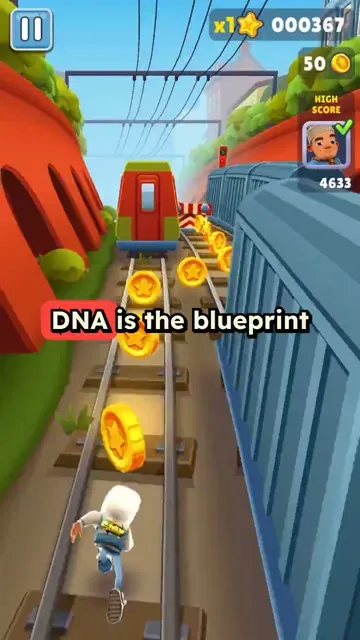
Transform educational PDFs into engaging video content with our PDF to video converter. Convert presentations, reports, and documents into professional videos with automatic narration and visual enhancements perfect for online learning.
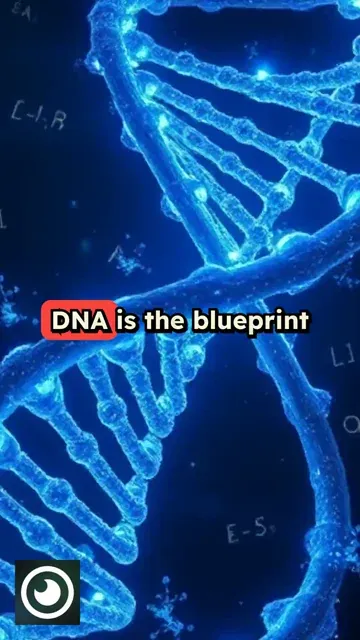
Discover more ways to create engaging videos with our AI-powered tools
Find detailed answers to 100+ questions about features, tools, and workflows
or check our markdown version optimized for LLMs
Choose your tool, add your content, and create a video in seconds. Then customize it to your liking.
Turn any song into an animated lyric video with synced text and visuals.
Lacking inspiration? Our AI spots trends and helps you adapt them for your own videos, hassle-free.
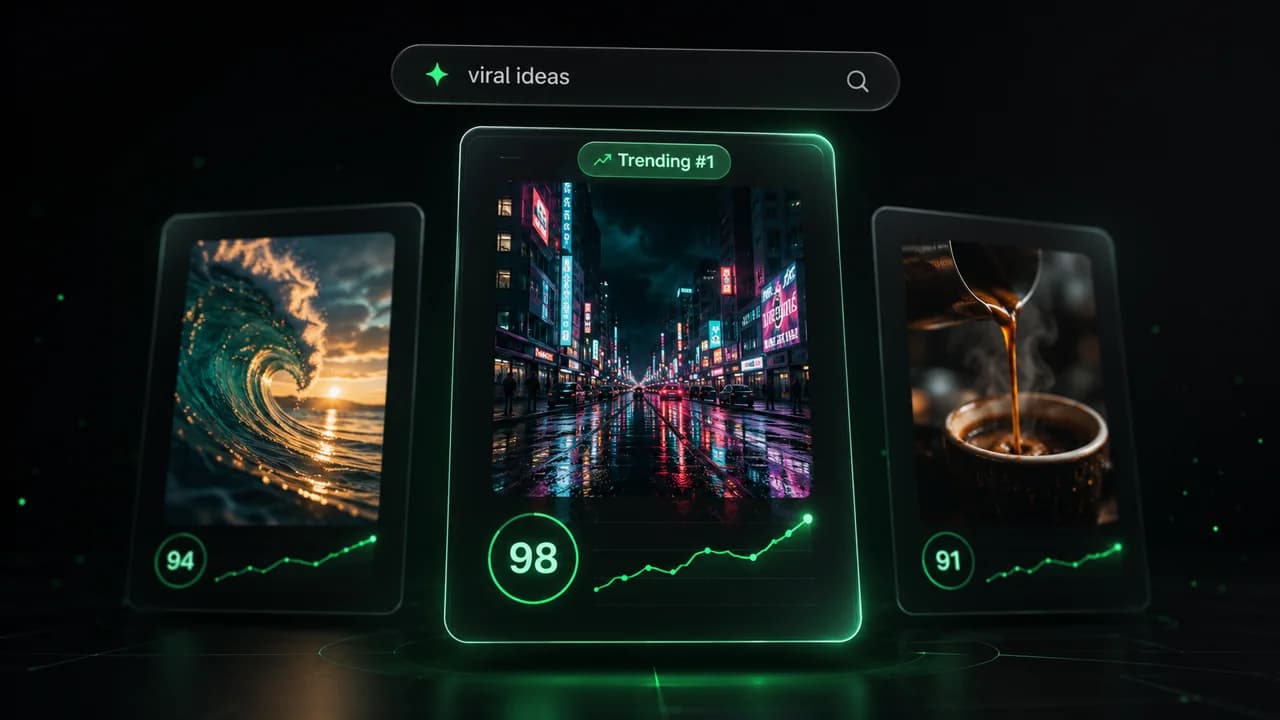
Revid.ai analyzes viral videos and uses those same codes to write your scripts.
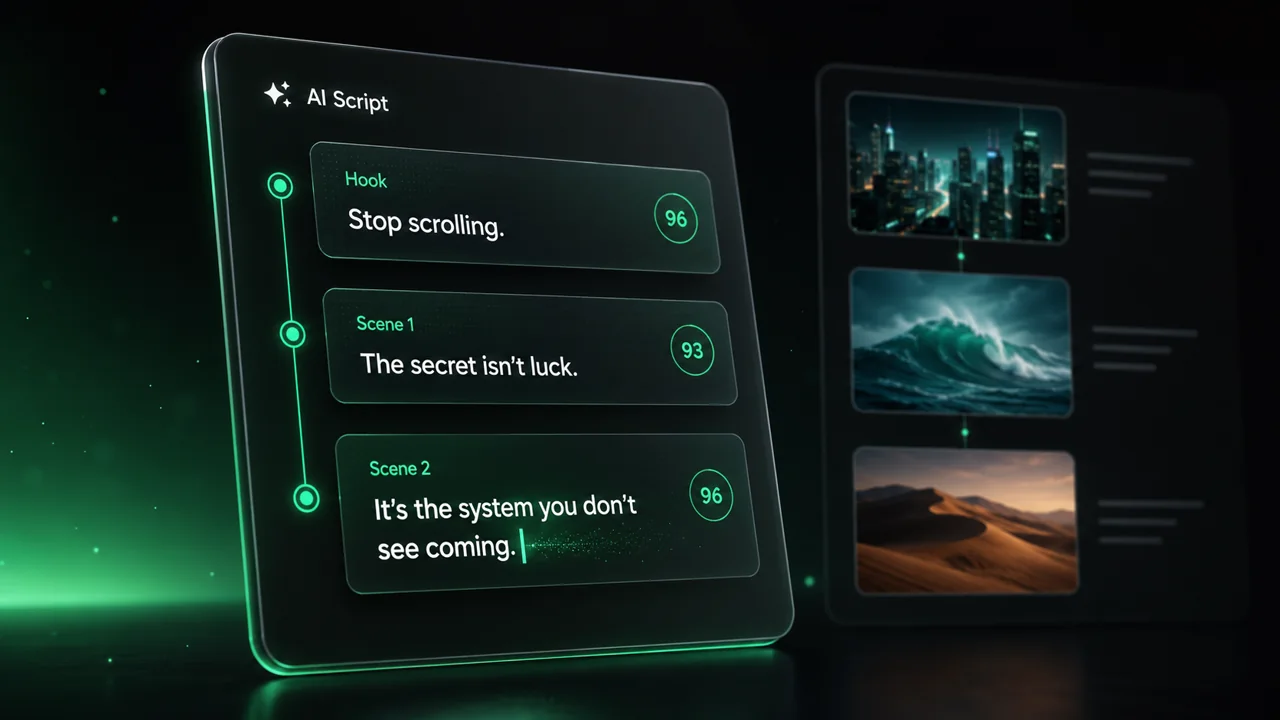
Create professional videos, share them with one click, and grow your audience.
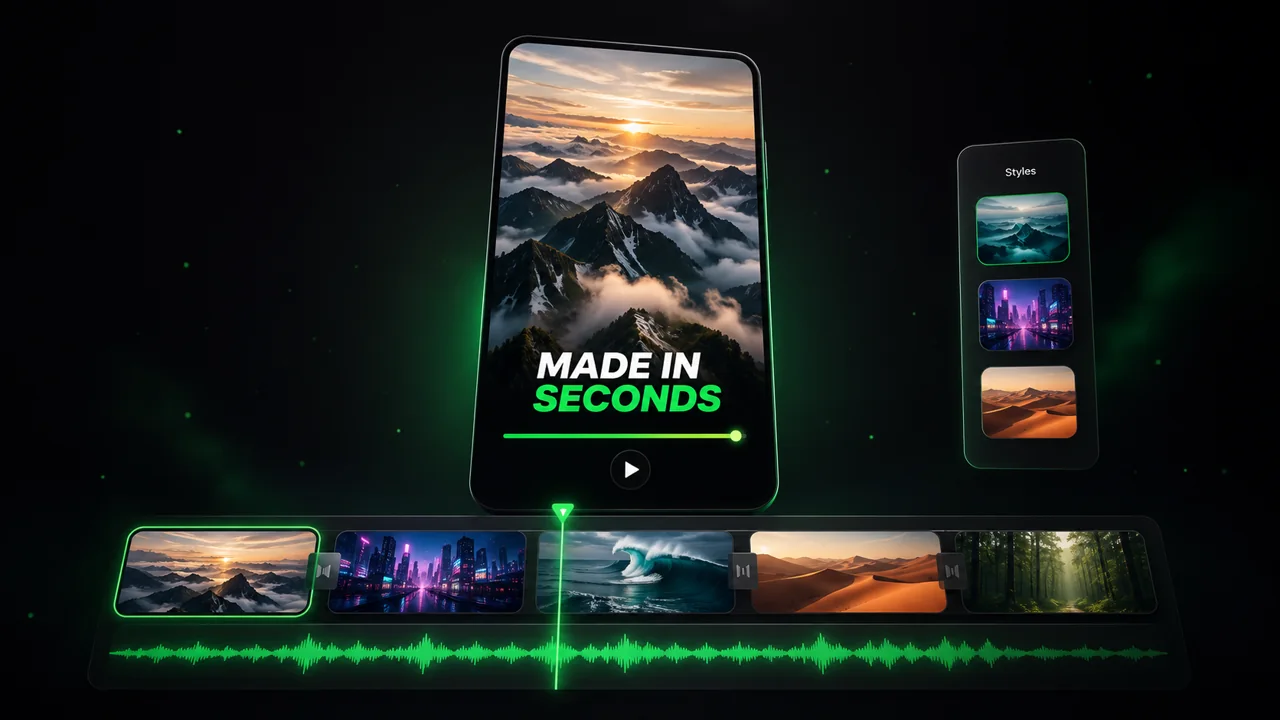
Reach a wider audience by sharing your videos across all your networks.