Trusted by 14,000+ creators worldwide

AI Screenshot to Video Ad Generator

Transform static screenshots into dynamic video ads instantly. Upload your screenshots and let our AI generate a compelling ad for your product or service.

  • Start from text in seconds
  • AI voiceover
  • Auto-selects visuals
  • Use your own media
2,538 people used this tool in the last 24h
Start for free.(no credit card required)

or explore our 42+ other tools to create the exact video you want

Explore our tools

AI Magic

Turn simple ideas into
incredible videos

YOUR IDEA
Your Prompt

Script automatically generated by Revid
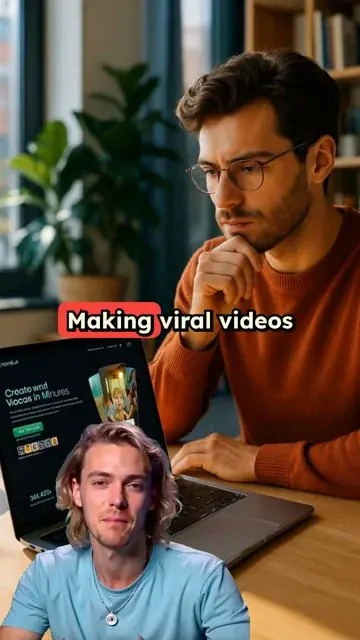
Showcase Revid, an app to create viral videos explain it's the easiest way to go viral Put app screenshots in MacBook Pro with someone holding it showing how it's great
Source Media
Source Media 1
Source Media 2
Source Media 3
Visual FormatAI Video
Visual StyleDefault
Avatar
Selected Avatar
FINAL VIDEO

How to Turn Screenshots into Engaging Video Ads in 3 Simple Steps

1 Upload Your Screenshots

Start by uploading your product screenshots, app images, or any visual content you want to transform into a video ad. Our AI tool accepts multiple image formats including PNG, JPG, and WEBP, making it easy to work with your existing marketing assets.

2 Customize Your Video Ad

Choose from various animation styles, transitions, and effects to bring your screenshots to life. Add compelling text overlays, select background music from our library, and adjust the video's aspect ratio to fit your target platform (Instagram, TikTok, YouTube, etc.).

3 Generate and Export

Click 'Generate Video' and watch as our AI transforms your static screenshots into a dynamic, professional-quality video ad in minutes. Once complete, preview your creation, make any final adjustments in our editor, and export your video in high resolution, ready to capture attention and drive conversions.

01

Turn Product Screenshots into Video Ads Without a Filming or Design Team

Upload your product or app screenshots and Revid generates a complete video ad with voiceover, visual motion, captions, and formatted output ready for TikTok, Instagram, and Facebook ads. There is no filming, screen recording, or ad design involved. The AI reads your screenshots, generates a script that highlights the key product benefits, adds a natural voiceover, and assembles a finished ad video. From upload to finished ad takes minutes, making it practical to produce new creative variations quickly whenever you need to test a different message or angle.

02

What the AI Generates from Your Screenshot

The screenshot to video ad generator analyzes the visuals in your uploaded screenshots, identifies the product, interface, or content being shown, and generates a marketing narrative that communicates the value to a cold audience. The script highlights benefits rather than features, the voiceover is generated and synced automatically, and an optional AI avatar can present the product on screen for a direct-to-camera style. The output is a complete short-form video ad formatted for the platform and placement you are running.

03

Screenshot Video Ads That Reach New Customers on TikTok, Instagram, and Beyond

Most product screenshots sit in a folder and never reach a paying customer. Converting screenshots into video ads distributes your product visuals to audiences on every major social ad platform in a format that outperforms static image ads across nearly every performance metric. App developers, SaaS companies, and e-commerce brands that use product screenshot video ads consistently see higher click-through rates and lower cost per acquisition compared to standard image-based creative. Revid makes it fast enough to test multiple screenshot-to-ad variations per week.

Target Audience

Who is this tool for?

App developers promoting their software visually

Convert app interface screenshots into short video ads that demonstrate your product's key features and benefits to audiences who have never heard of it before.

E-commerce brands turning product screenshots into social ads

Create video ads from product listing screenshots and landing page images for TikTok and Instagram without a production team or ad agency handling the creative.

SaaS companies creating demo ads from interface screenshots

Show potential customers exactly what your platform looks like in action by converting UI screenshots into short demo ad videos that run on paid social channels.

Digital product creators and course sellers

Turn screenshots of your digital product, course platform, or results dashboard into compelling short video ads that demonstrate value to cold audiences before they visit your landing page.

Comparison

Revid vs. Manually Producing Screenshot-Based Video Ads

Creating video ads from product screenshots normally requires screen recording, editing, voiceover recording, and platform-specific formatting. Revid generates the complete ad video from your screenshots automatically.

Input
Revid Screenshot to Video AdUpload screenshots and generate a video ad immediately
Other ToolsRecord screen, edit footage, write ad script, and record voiceover separately
Script
Revid Screenshot to Video AdAI generates a benefit-led ad script from your screenshots
Other ToolsRequires writing and refining ad copy before production begins
Voiceover
Revid Screenshot to Video AdAI narration generated and synced automatically
Other ToolsRequires recording or commissioning voiceover talent per ad
Avatar
Revid Screenshot to Video AdOptional AI presenter added automatically with background removal
Other ToolsRequires filming a presenter separately and compositing manually
Production time
Revid Screenshot to Video AdFinished video ad in minutes per screenshot set
Other ToolsHours of production work per ad creative
Creative testing
Revid Screenshot to Video AdGenerate multiple ad variations from the same screenshots quickly
Other ToolsEach creative variation requires a separate full production run
FAQs

Frequently Asked Questions

What is the Screenshot to Video Ad Generator?
Our Screenshot to Video Ad Generator is an AI-powered tool that transforms static screenshots into engaging, professional-looking video ads. Whether you have product images, app screenshots, or website visuals, our tool animates them with smooth transitions, text overlays, and music to create compelling video content that captures attention and drives engagement across social media and marketing channels.
Why should I convert my screenshots to video ads?
Video ads typically generate higher engagement rates than static images, with studies showing up to 48% more views and 34% higher conversion rates. By transforming your screenshots into dynamic videos, you can showcase your product features in action, demonstrate user flows, highlight key benefits with animated text, and ultimately create more compelling content that stands out in crowded social feeds and advertising spaces.
What types of screenshots work best with this tool?
Our tool works excellently with product screenshots, app interfaces, website mockups, before/after comparisons, testimonial screenshots, feature highlights, and promotional graphics. For best results, use high-resolution images with clear focal points. You can upload multiple related screenshots to create a cohesive narrative flow in your video ad, showcasing different aspects of your product or service.
How many screenshots can I include in one video?
You can upload multiple screenshots to create a comprehensive video ad. We recommend using 3-7 images for a 15-30 second video to maintain viewer engagement without overwhelming them. Each screenshot will be thoughtfully animated and transitioned to the next, creating a smooth visual story. For longer videos or more complex narratives, you can include additional screenshots as needed.
What video formats and aspect ratios are available?
Our tool supports all major video formats and aspect ratios to ensure your content looks perfect on any platform. Choose from vertical (9:16) for Instagram Stories and TikTok, horizontal (16:9) for YouTube and websites, or square (1:1) for Instagram feed and Facebook. You can select your preferred format before generating the video to optimize it for your target platform and audience.
Can I add music to my screenshot video ad?
Absolutely! You can select from our extensive library of royalty-free background tracks to enhance your video ad's emotional impact. Our music collection spans various genres and moods to complement different marketing messages. Alternatively, you can upload your own audio track if you have specific music you'd like to use. The right soundtrack can significantly boost viewer engagement and reinforce your brand message.
How can I customize the text overlays in my video?
Our tool offers comprehensive text customization options. You can add headlines, feature descriptions, calls-to-action, and other text elements to highlight key points in your video. Customize the font style, size, color, and animation effects to match your brand identity. Strategic text placement helps guide viewers' attention and reinforces your marketing message throughout the video.
What animation styles are available for my screenshots?
We offer a variety of animation styles to bring your screenshots to life, including zoom effects, panning, fade transitions, slide animations, and 3D rotations. You can also add dynamic elements like highlight bubbles to draw attention to specific features, cursor movements to simulate user interaction, and subtle motion effects to create visual interest without overwhelming the viewer.
How long does it take to generate a video from my screenshots?
Most screenshot videos are generated within 2-5 minutes, depending on the number of images, complexity of animations, and customization options selected. Our AI works efficiently to transform your static images into dynamic video content. You'll receive a notification when your video is ready for preview and download, allowing you to continue working on other tasks while the AI handles the video creation process.
Can I edit the video after it's been generated?
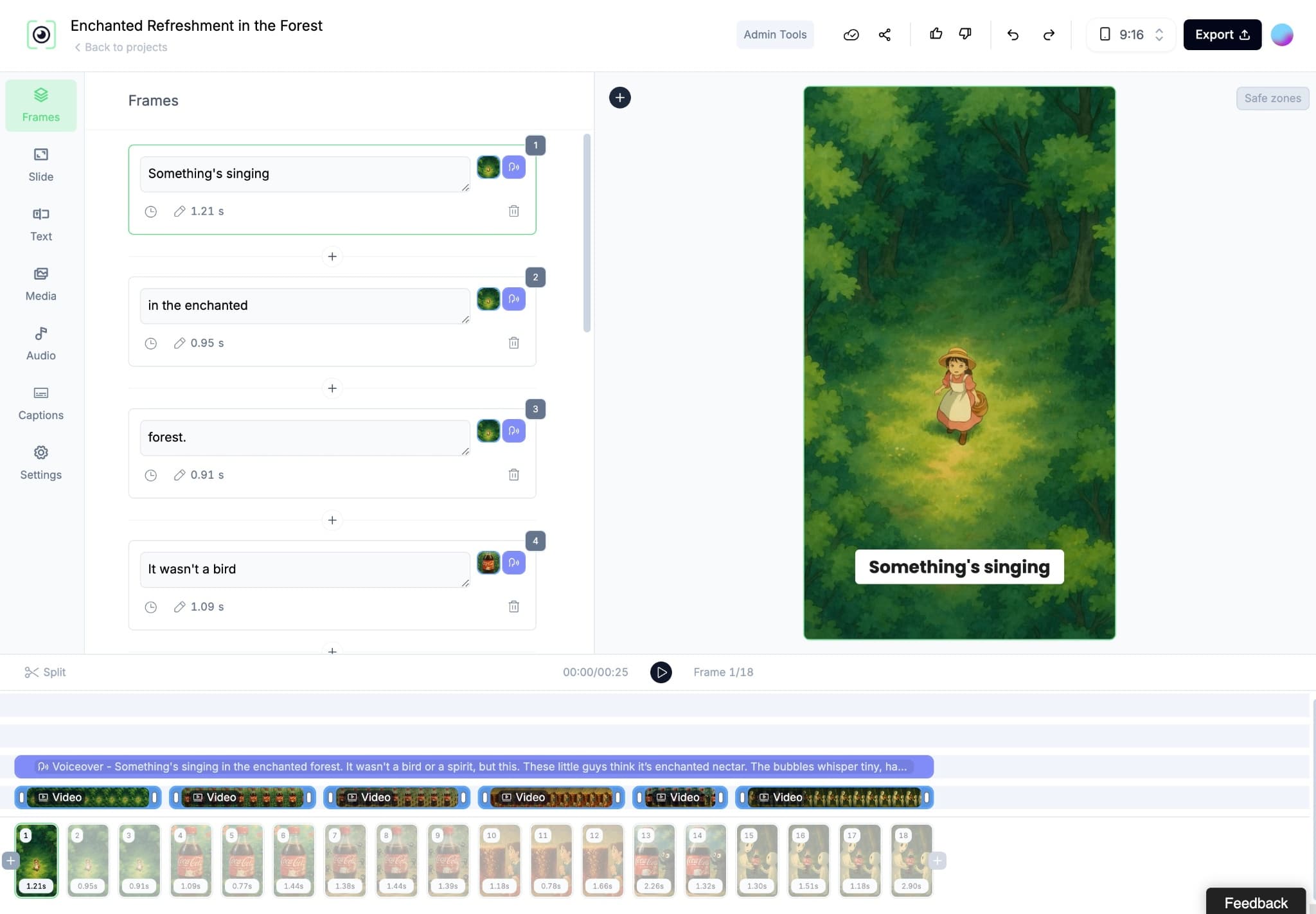
Yes! After your video is generated, you'll have access to our built-in editor where you can fine-tune various elements. Adjust timing between scenes, modify text overlays, change transitions, swap out music, or add additional effects. This post-generation editing capability ensures you have complete control over the final product, allowing you to perfect your video ad before sharing it with your audience.
How many credits does it cost to create a screenshot video ad?
Creating a screenshot video ad typically costs 1-3 credits, depending on the number of screenshots, video length, and advanced features used. The exact credit cost will be displayed before you confirm generation. Our subscription plans include monthly credits that refresh each billing cycle, giving you the flexibility to create multiple videos as needed for your marketing campaigns.
What platforms can I share my screenshot video ads on?
Videos created with our Screenshot to Video Ad Generator are optimized for all major social media and advertising platforms, including Instagram, TikTok, Facebook, YouTube, LinkedIn, Twitter, Google Ads, and more. The videos are exported in high quality and compatible formats, ensuring they look professional wherever you choose to share them. This versatility makes our tool perfect for cross-platform marketing campaigns.
Do I need video editing skills to use this tool?
Not at all! Our Screenshot to Video Ad Generator is designed to be user-friendly and accessible to marketers of all skill levels. The intuitive interface guides you through the process step by step, while our AI handles the complex video creation work behind the scenes. You don't need any video editing experience or technical knowledge to create professional-quality video ads from your screenshots.
View Complete Help Center

Find detailed answers to 100+ questions about features, tools, and workflows

or check our markdown version optimized for LLMs

Tools

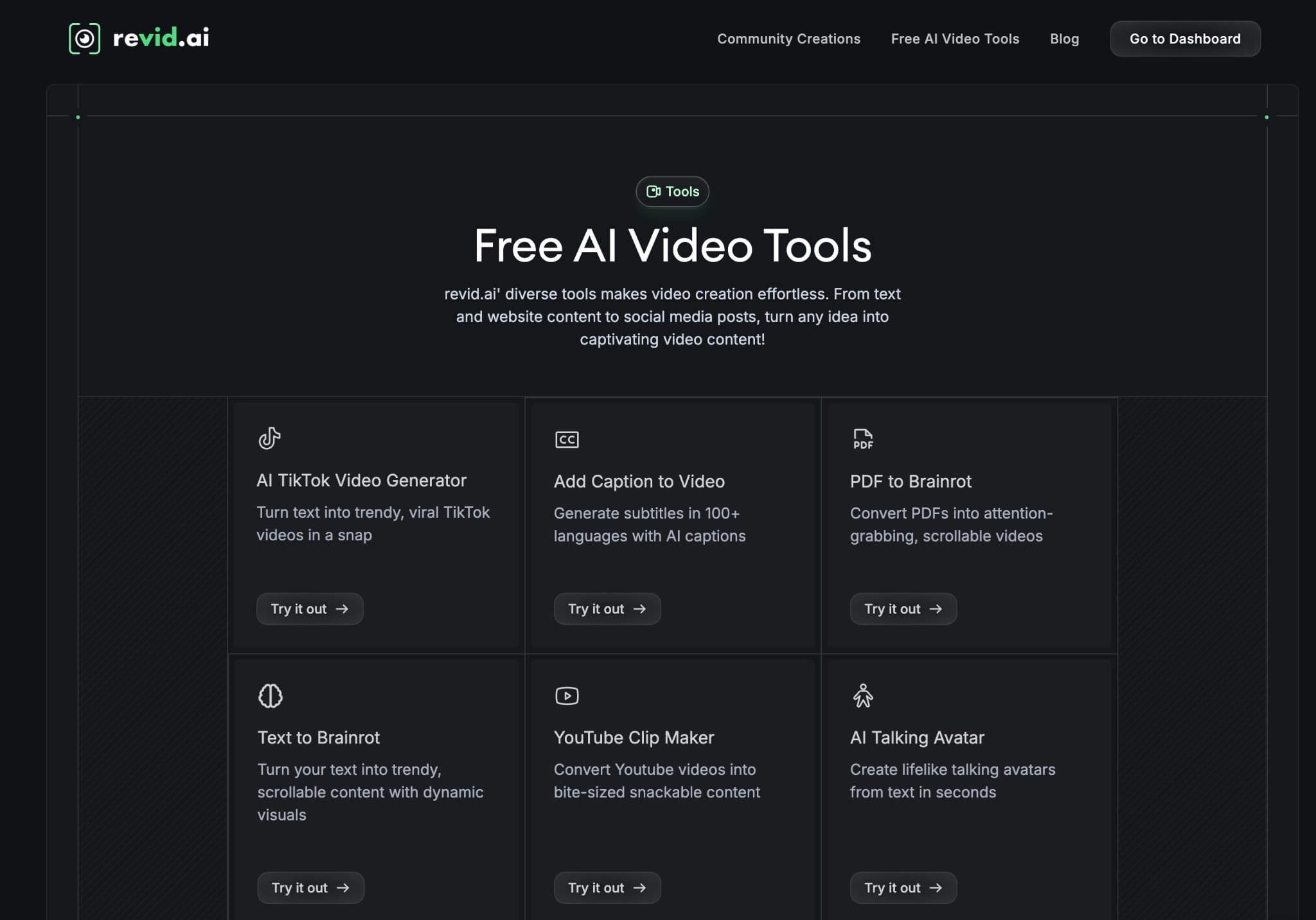
Free AI Video Tools

Choose your tool, add your content, and create a video in seconds. Then customize it to your liking.

AI TikTok Video Generator

Turn text into trendy, viral TikTok videos in a snap

Try it out

Prompt to Video

Turn your prompts into engaging videos with AI assistance

Try it out

Add Caption to Video

Generate subtitles in 100+ languages with AI captions

Try it out

PDF to Brainrot

Convert PDFs into attention-grabbing, scrollable videos

Try it out

Text to Brainrot

Turn your text into trendy, scrollable content with dynamic visuals

Try it out

AI Talking Avatar

Create lifelike talking avatars from text in seconds

Try it out

Video Podcast Generator

Transform your podcasts into visually engaging video content

Try it out

AI Movie Maker

Create studio-quality videos from text, no filming required

Try it out

Audio to Video

Make engaging videos from your podcasts, interviews, or any audio content

Try it out

Animated Lyrics Video Generator

Turn any song into an animated lyric video with synced text and visuals.

Try it out

AI Music Video Generator

Transform your music into cinematic music videos.

Try it out

AI Lyrics Video Generator

Transform your lyrics into a complete music video with AI

Try it out
See all tools
How it works

Four simple steps to create and share your video

1
Step 1

Find your next viral idea

Lacking inspiration? Our AI spots trends and helps you adapt them for your own videos, hassle-free.
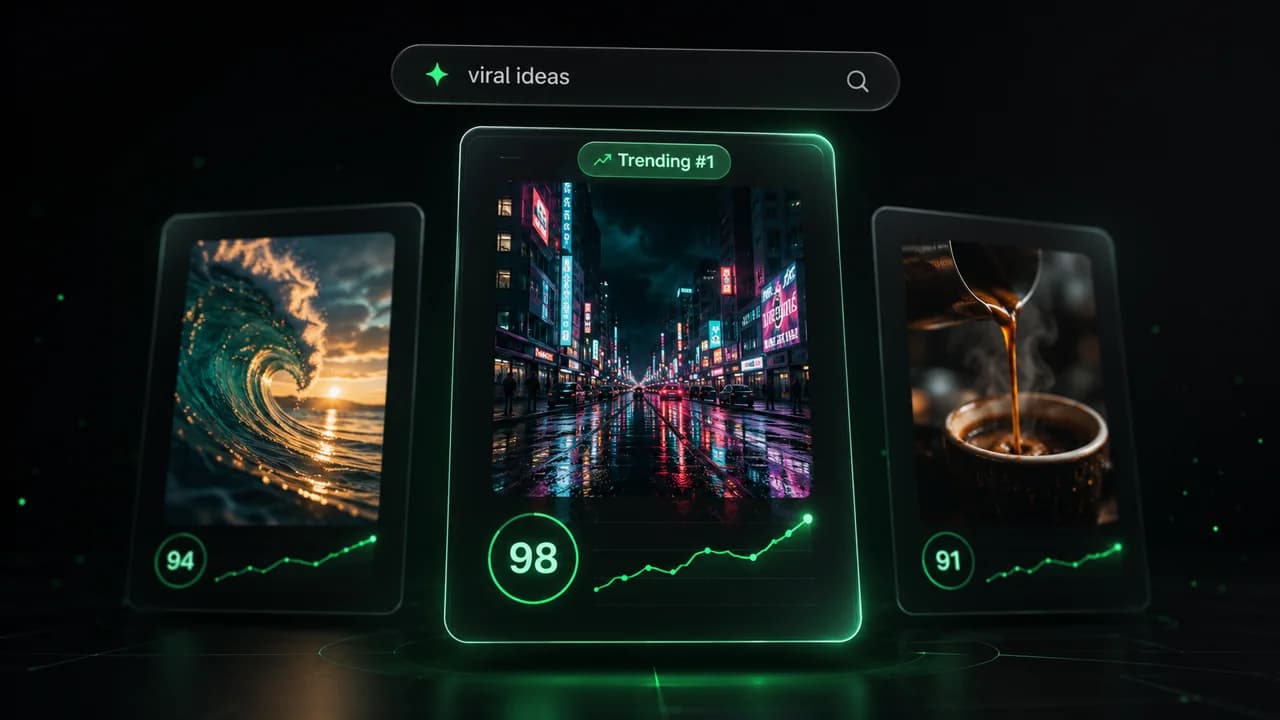
  • Identify the best performing formats
  • Get inspired by top creators
  • Turn your ideas into captivating videos
Find your next viral idea
2
Step 2

Storytelling designed to captivate

Revid.ai analyzes viral videos and uses those same codes to write your scripts.
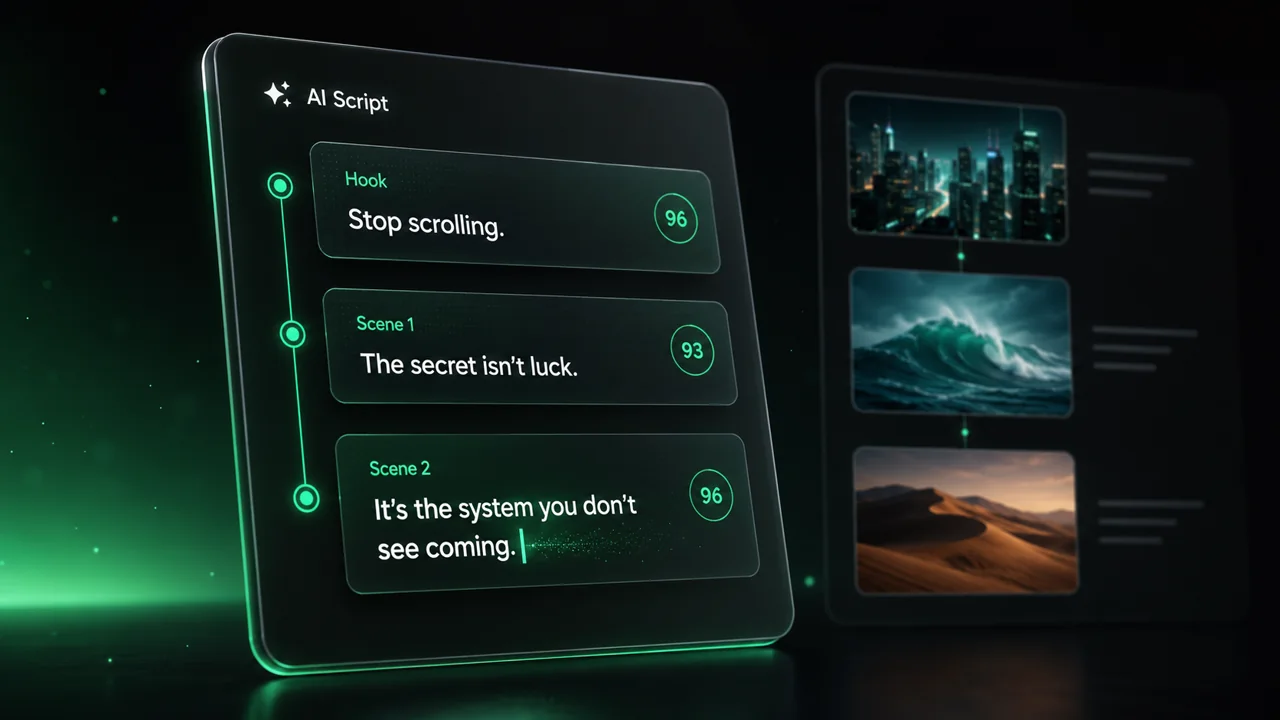
  • Write your script or just give the topic to our AI
  • The AI will suggest relevant content to inspire you
  • Paste a link, our AI analyzes it and turns it into a video
Storytelling designed to captivate
3
Step 3

Videos you will love

Create professional videos, share them with one click, and grow your audience.
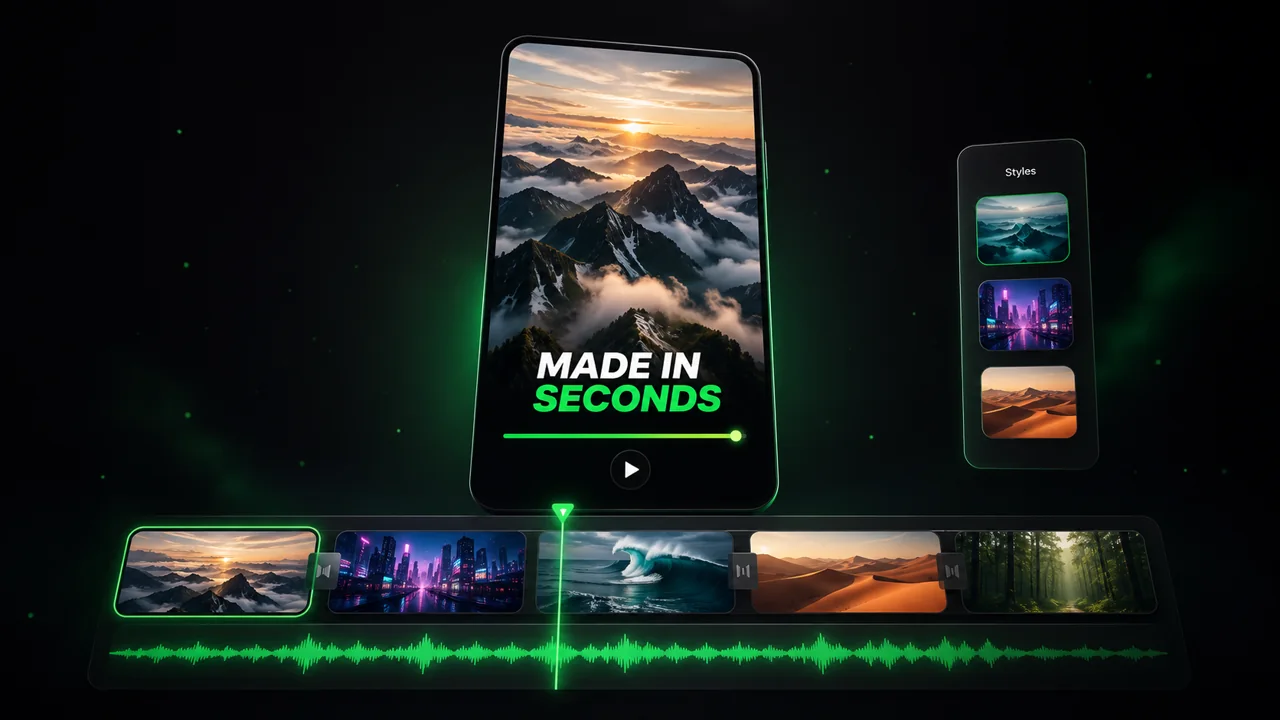
  • Watch your texts turn into professional videos
  • Automate video creation from your content
Videos you will love
4
Step 4

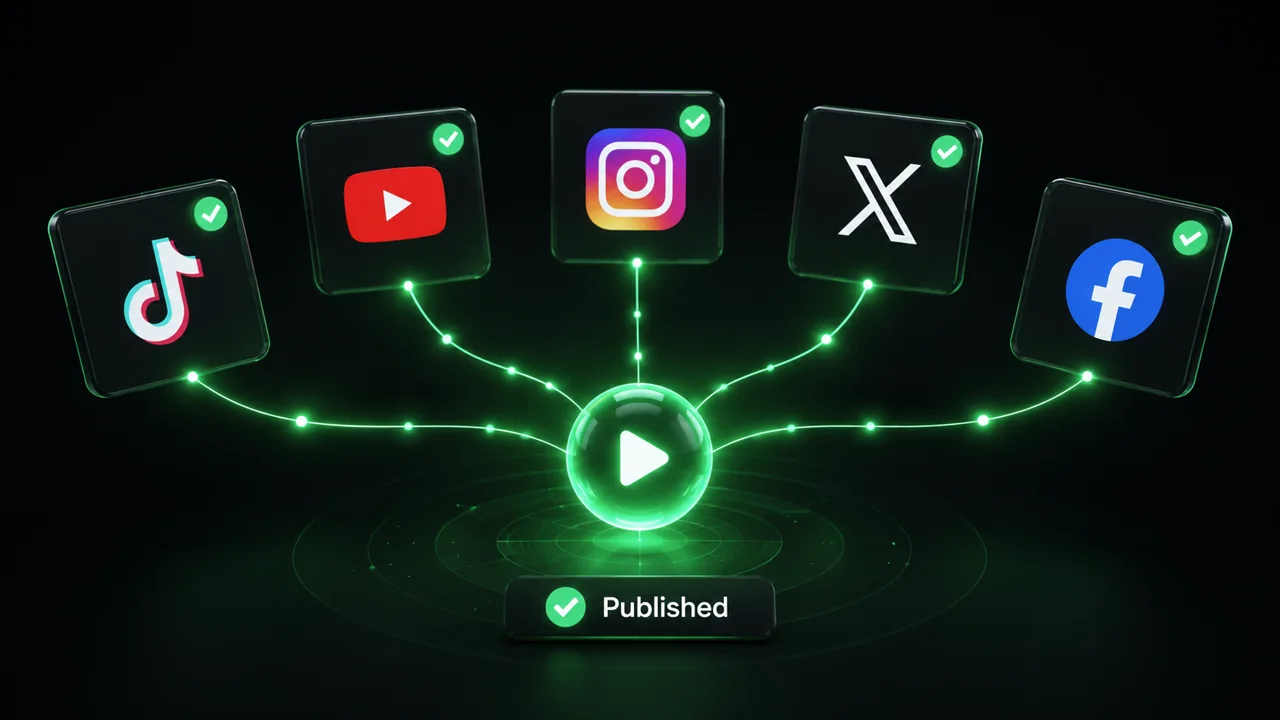
Publish on TikTok, YouTube, Instagram and more

Reach a wider audience by sharing your videos across all your networks.
Publish on TikTok, YouTube, Instagram and more
revid.ai logo

The fastest way to create captivating videos.